
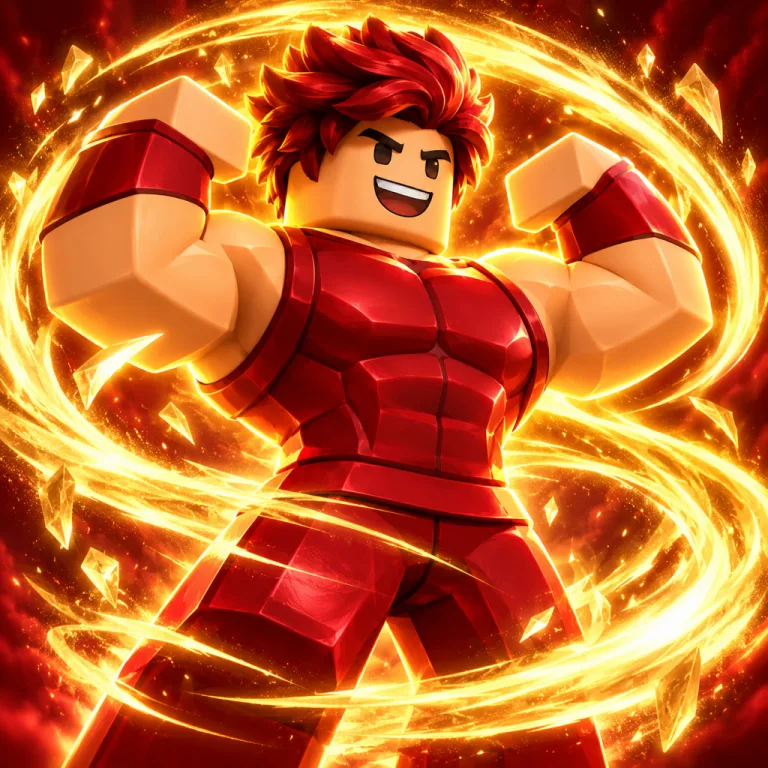
 Simulator
Simulator devs shipping a rebirth update
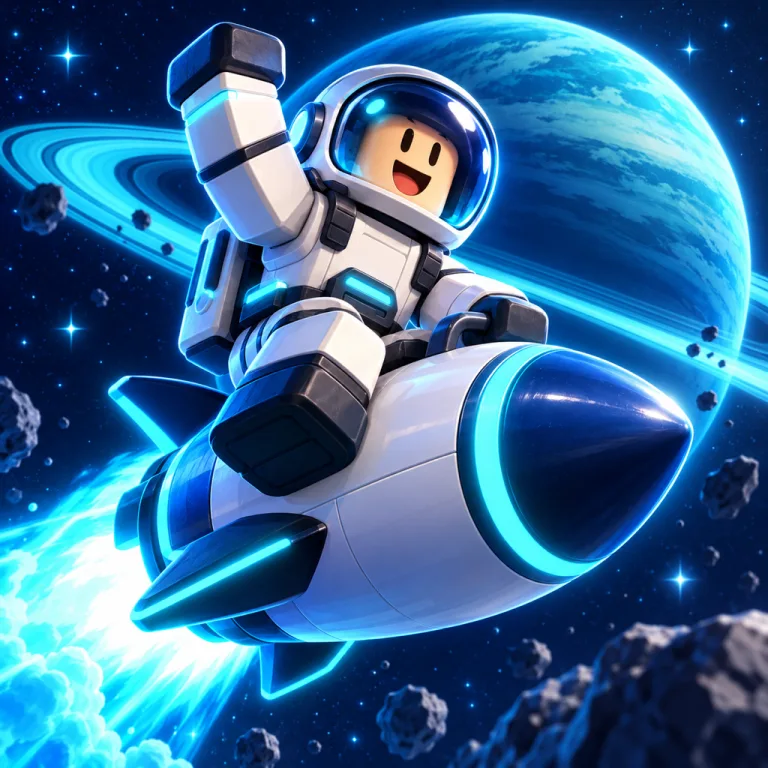
Brief: “Flexing avatar inside a glowing rebirth ring”
Upload a screenshot or describe your game. Get a square Roblox game icon that stays clear at 150 × 150.
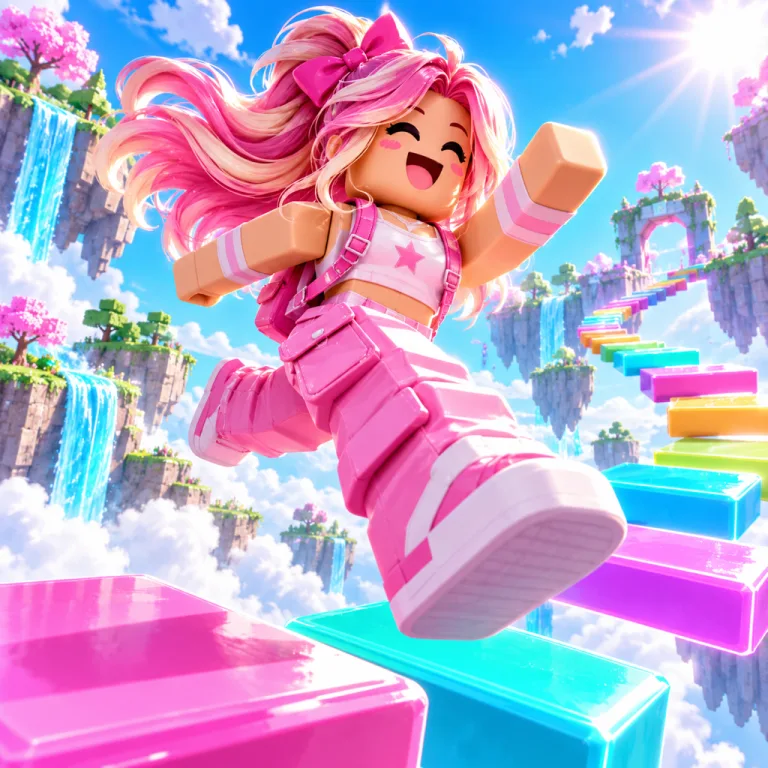
Prompt
Each came from one short prompt in the Roblox game icon maker. Pick one and swap in your game.
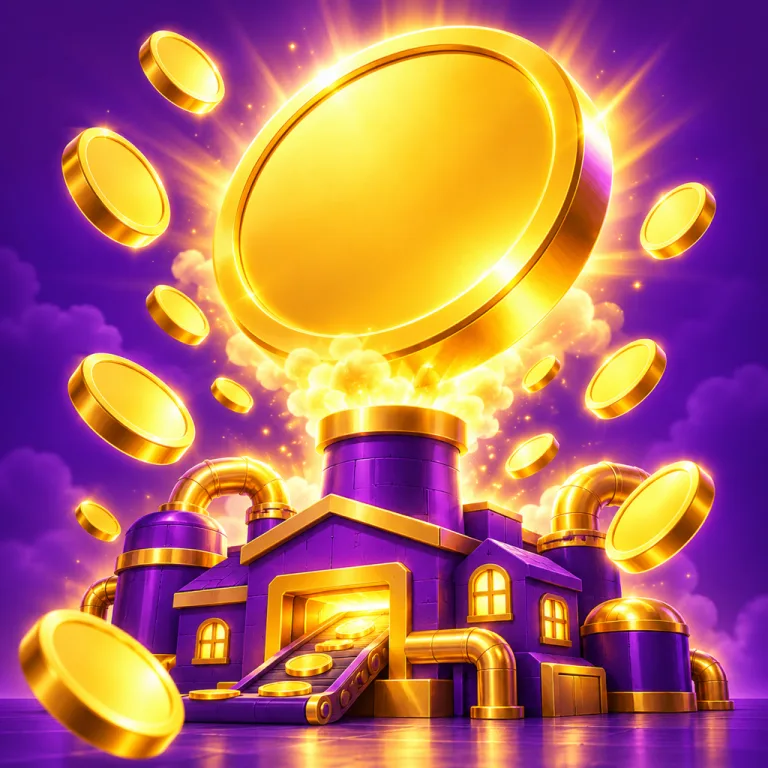
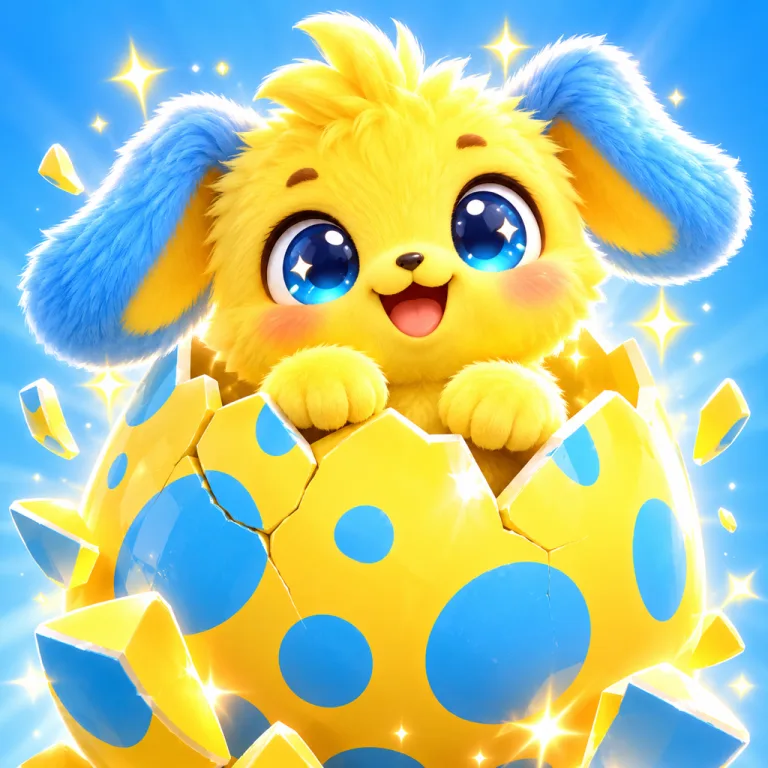
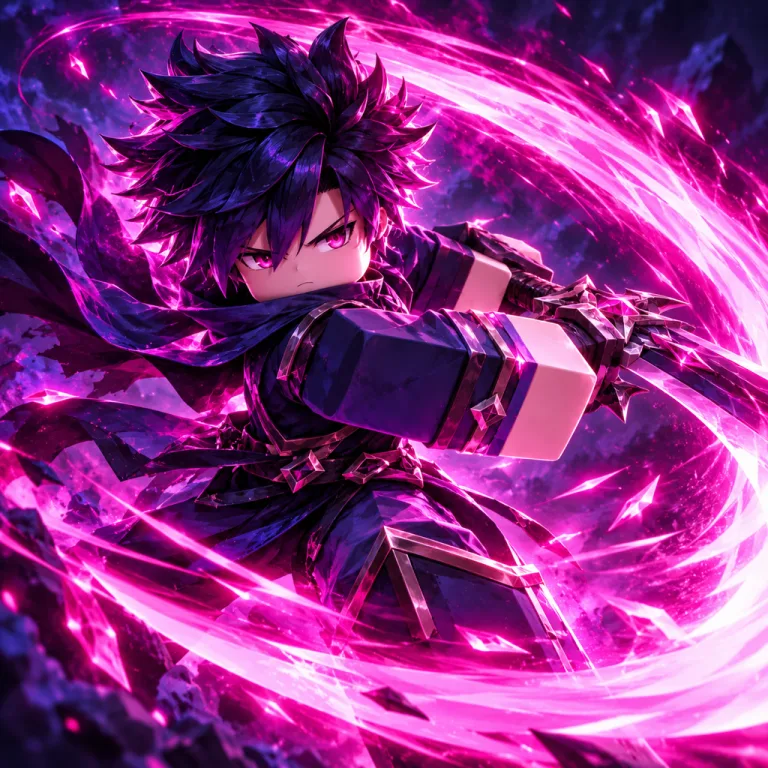
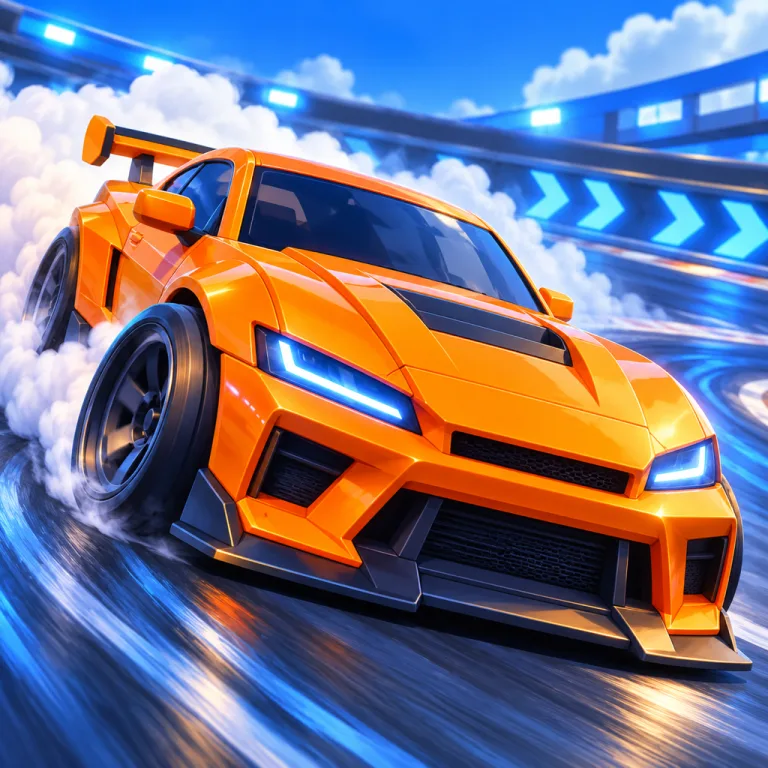
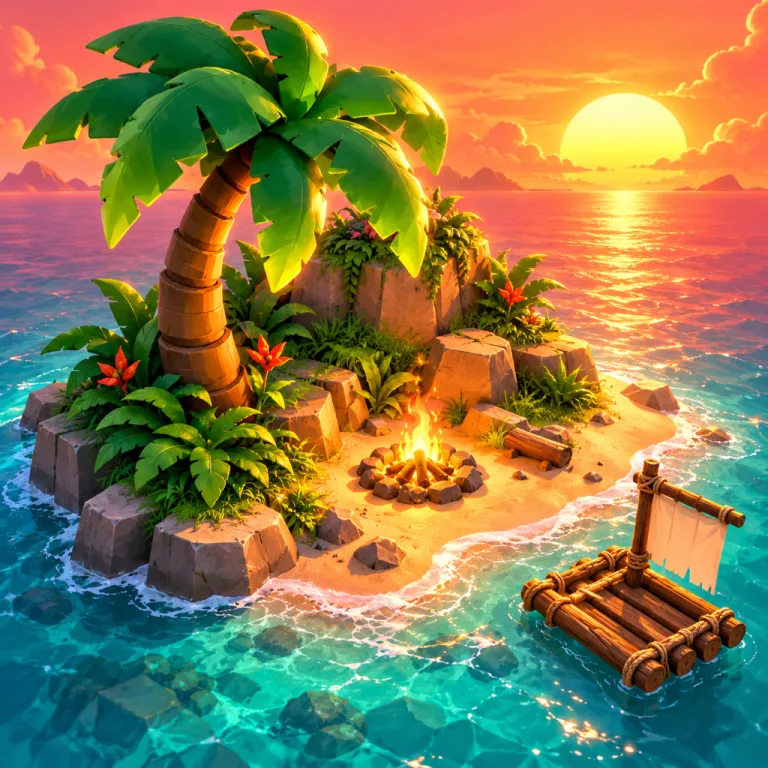
A Roblox game icon maker turns one line or a screenshot into square art for the icon slot on your game page. This one renders 1:1 at 1K or larger, above the 512 × 512 template Roblox recommends.
The Roblox game icon maker does not spell words reliably, so add a game name or logo in an editor. The final pick is yours too: shrink the versions and keep the one that reads.
Solo developers shipping a first game, small teams that refresh the icon for every update, and creators who need badge or pass art by the end of the day all reach for a Roblox game icon maker.
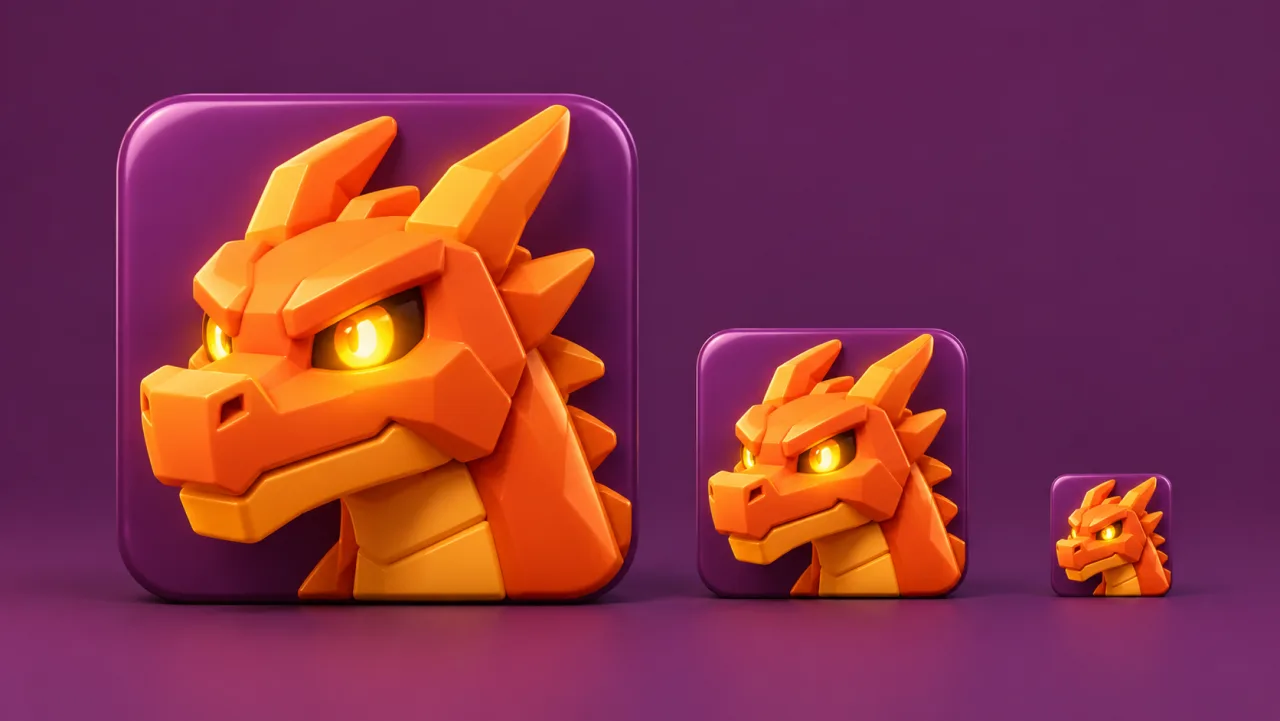
Roblox shrinks your icon to 150 × 150 in some lists, where fine detail turns to mud. The Roblox game icon maker renders square art with one big subject, a clean background and rim light, so it survives the shrink.
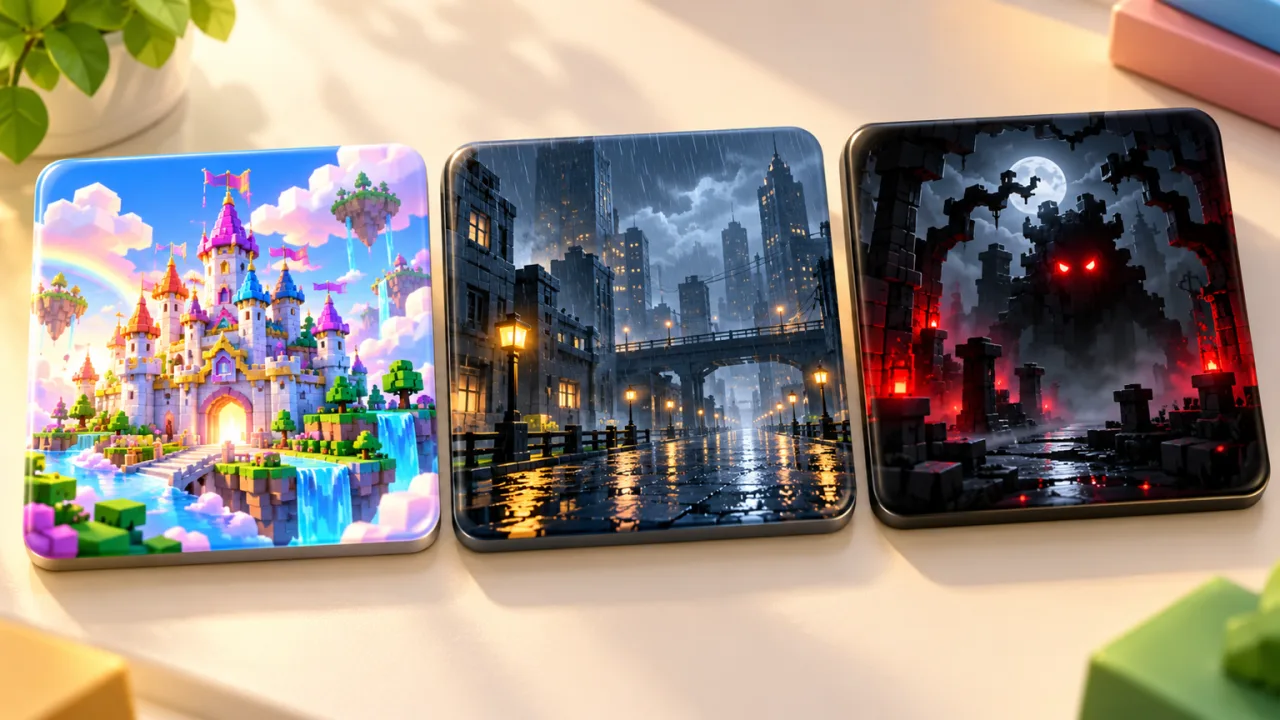
Players judge the mood before the name: saturated color says simulator or fantasy, muted tones say story, heavy contrast says horror. Name the mood and the Roblox game icon maker returns a palette that fits.
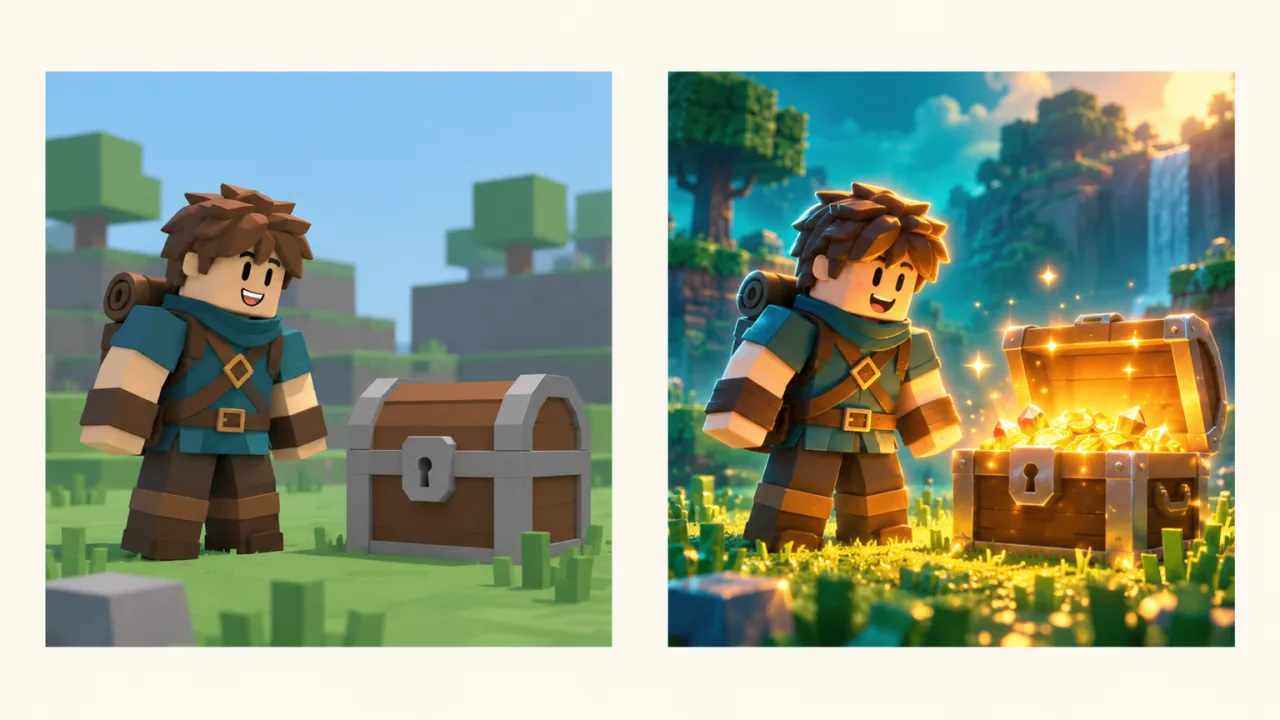
Generic art makes players think a game was thrown together. Upload a screenshot, avatar render or current icon as a reference, and the Roblox game icon maker builds on your real characters, colors and setting.
Pick the job closest to yours, then edit the brief before the Roblox game icon maker runs it.
SimulatorBrief: “Flexing avatar inside a glowing rebirth ring”
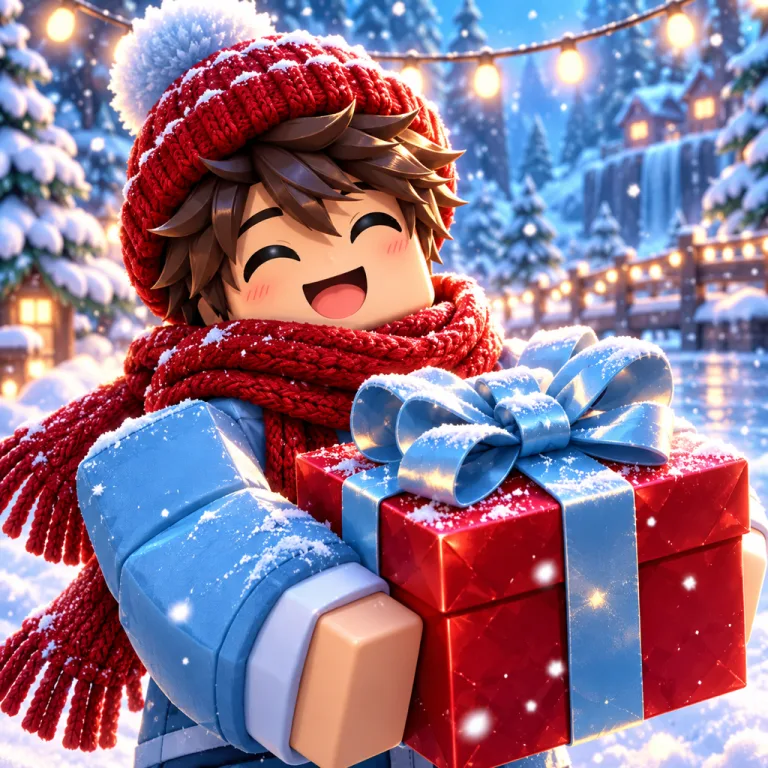 Seasonal
Brief: “Same hero, a scarf, a gift box and falling snow”
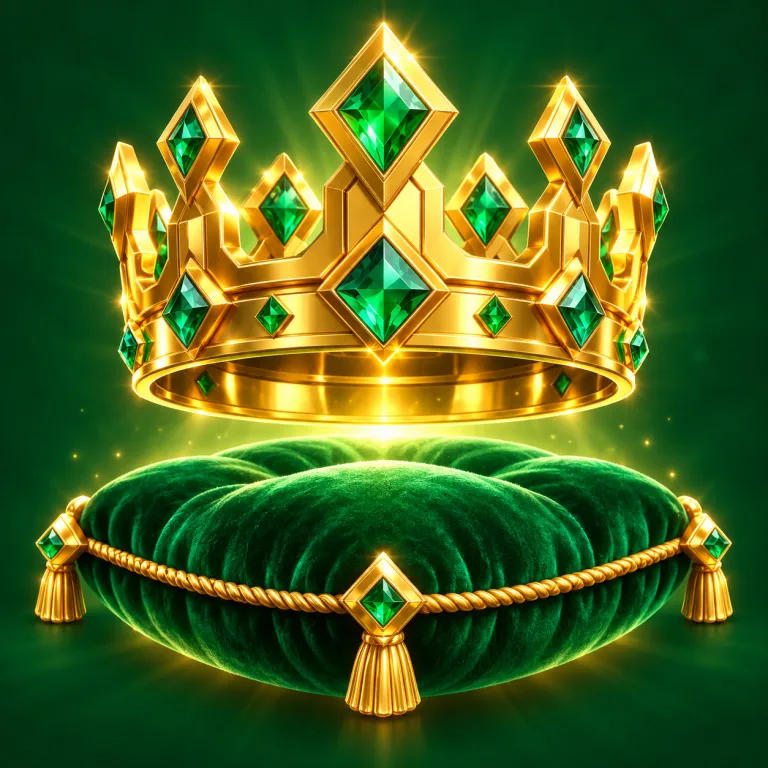 Game pass
Brief: “Jeweled crown on velvet, all inside a circle”
 Badge
BadgeBrief: “Shiny trophy with a star, centered for the crop”
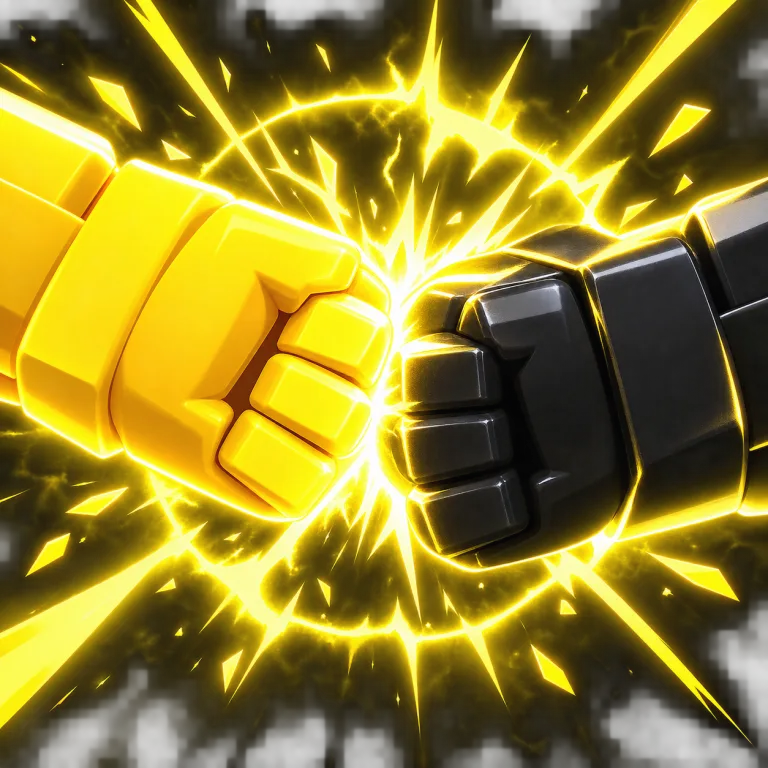 Fighting
Brief: “Two fists clashing in a yellow shockwave”
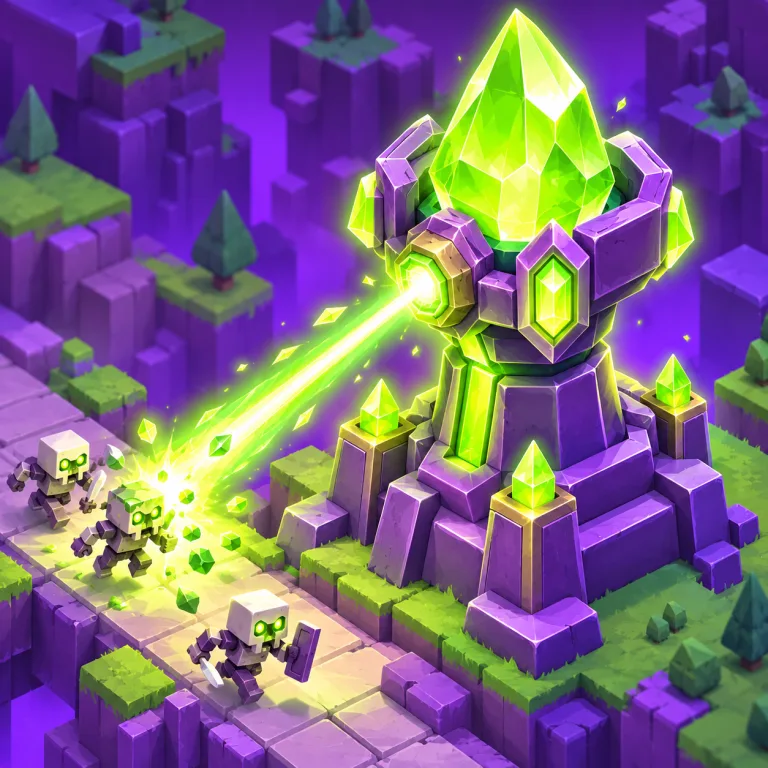 Tower defense
Brief: “Crystal tower blasting a wave of invaders”
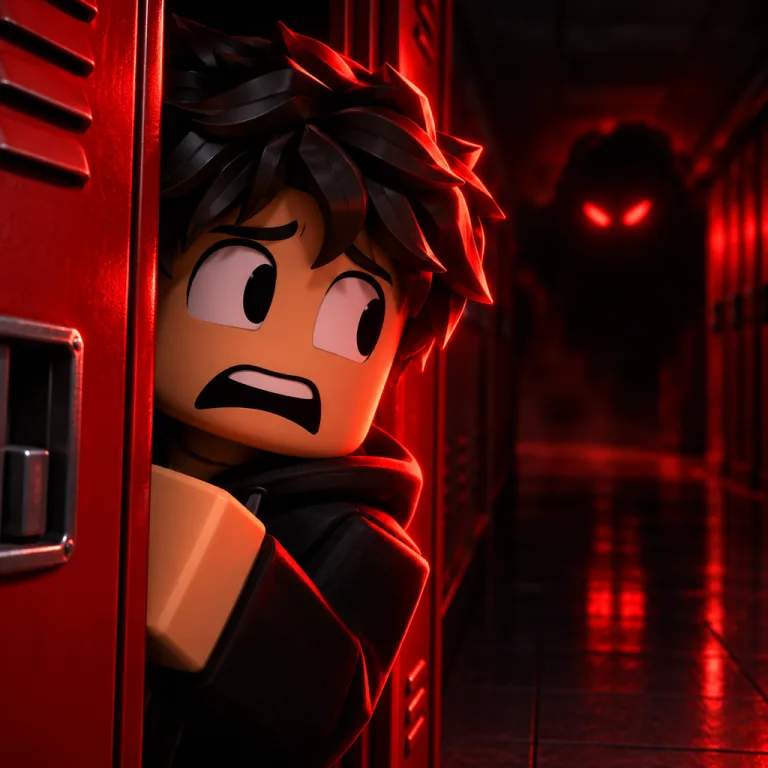
“Horror school escape, glowing eyes in a dark hallway.” Give the Roblox game icon maker a genre, one subject and a mood, or upload a screenshot.
The Roblox game icon maker renders 1:1 at 1K, 2K or 4K, depending on your plan, all larger than the 512 × 512 template Roblox recommends.
Shrink each version from the Roblox game icon maker to thumb size, keep the clearest, then set it under Configurations, Places and Icon in Creator Dashboard.
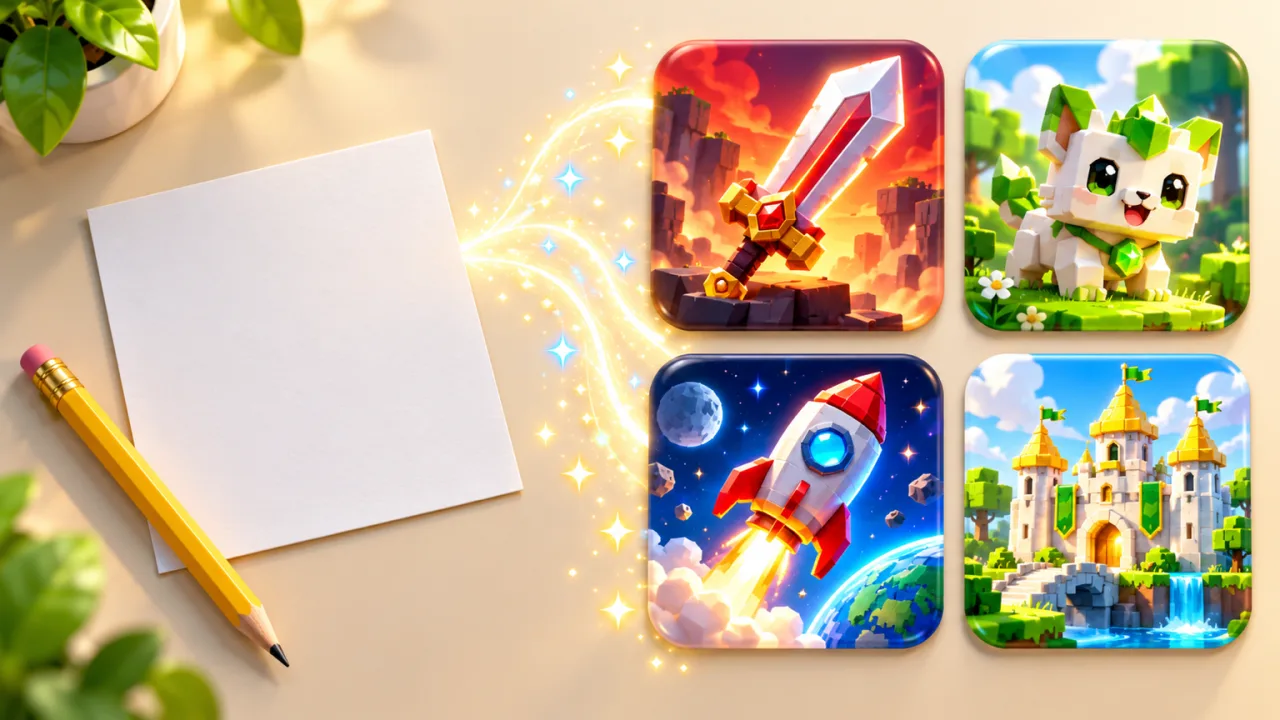
What Roblox publishes for icons, badges and passes, so art from the Roblox game icon maker passes the first upload.
Sources: Roblox Creator Hub: icons · badges · passes · thumbnails
One run each in the Roblox game icon maker, 5 credits a run, no retouching. The reference is a mock demo scene.
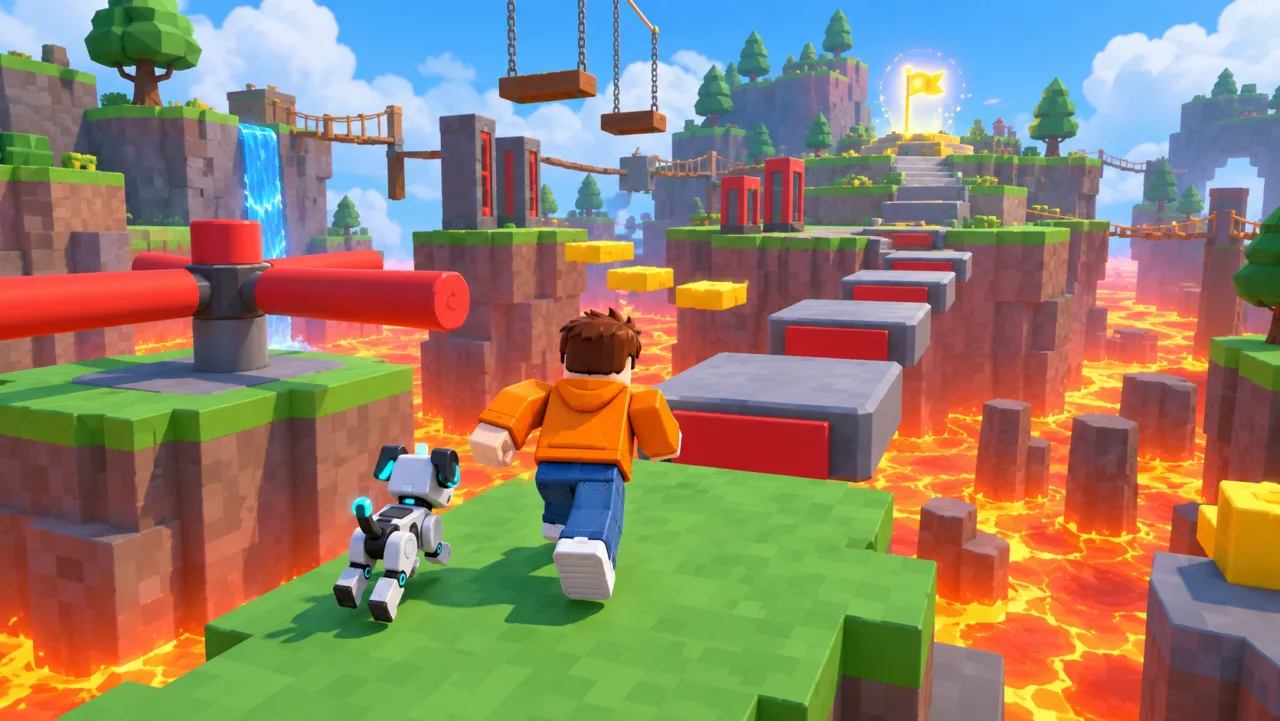
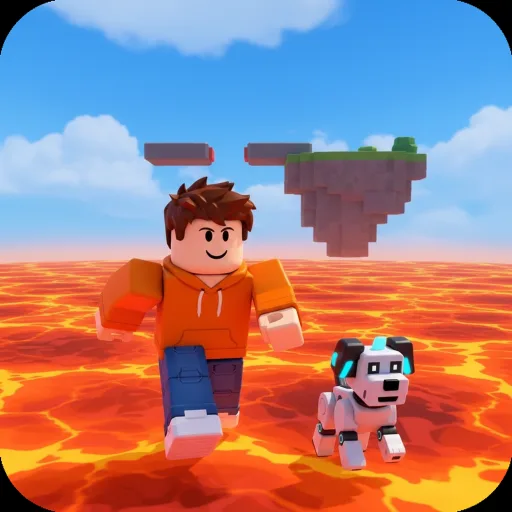
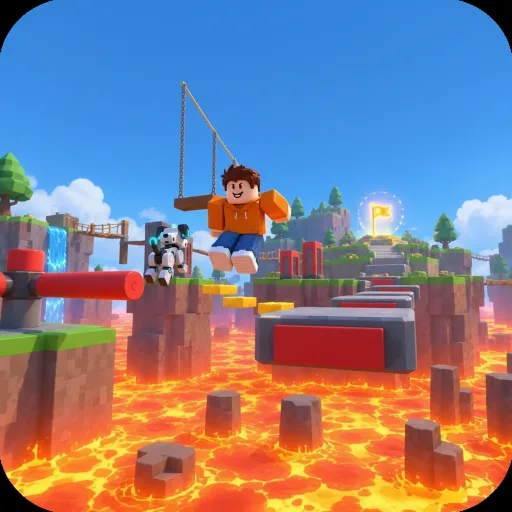
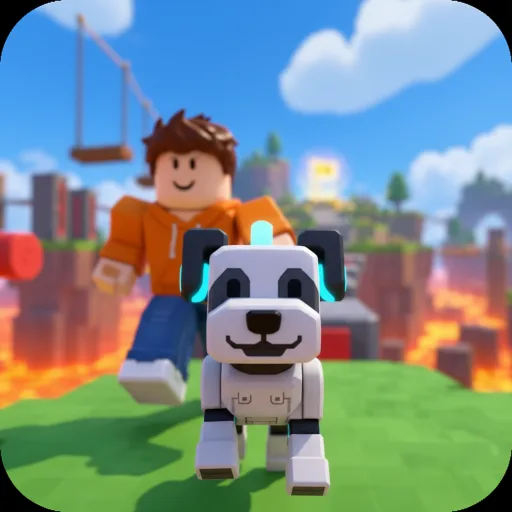
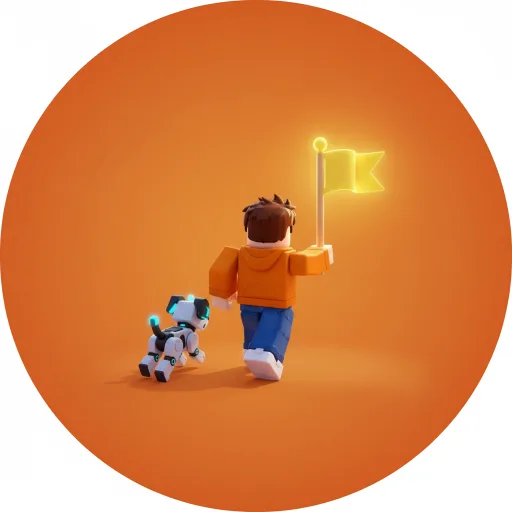
Every render is 1:1, so nothing gets cropped when Roblox shrinks your icon to 150 × 150.
Upload a screenshot or avatar render and the Roblox game icon maker keeps your characters and colors.
From a text brief, Starter returns 2 images per prompt and Creator 4, so you can shrink them together and keep the clearest.
The same account also runs the thumbnail maker, the GFX studio and the editor’s Background Remover.
Paid plans include commercial use, so the icon can front a game that sells passes.
The cost shows before the Roblox game icon maker starts, and a run that fails returns its credits.
A Roblox game icon maker turns one line about your game, or a screenshot, into a square icon that stays clear at 150 × 150. Game Thumb’s version renders 1:1 art you can upload straight to Creator Dashboard.
Roblox recommends a square 512 × 512 pixel template and scales icons down to sizes like 150 × 150. The Roblox game icon maker renders square icons at 1K, 2K or 4K, so you upload more detail than that, never less.
In Creator Dashboard, open your game, go to Configurations, then Places, choose the start place and select Icon. Upload the image from the Roblox game icon maker and save. It appears to players after it passes moderation.
It runs on credits. Plans start at $9.90 a month for 200 credits; credit packs start at $19.99. The cost shows before you generate.
Usually not. At 150 × 150 most names turn unreadable, and the title already sits next to the icon. For one word, add it big with a dark outline in an editor after the Roblox game icon maker finishes.
One focal subject, a contrasting background and genre colors. Roblox also asks for imagery that shows what players will find. The Roblox game icon maker follows the subject and mood you name.
Usually the upload was under 512 × 512 or a stretched screenshot. Start from square art at 1K or larger, like the Roblox game icon maker renders, and let Roblox scale it down.
A JPEG, PNG or WebP gameplay shot or avatar render with your main character large in frame; if a big PNG is rejected, save it as JPEG. The Roblox game icon maker follows your character’s look, so compare before you publish.
It goes to fal.ai, the image provider, only to make your icon; Game Thumb keeps no copy and trains no models on it. fal may use anonymized, aggregated usage data to improve its own services. Results stay on fal for at least 7 days, and the ones saved to your account stay until you delete them in Settings → Files.
5 to 40 credits per image: the cheapest models cost 5 at any size, the top model 20 at 1K and 40 at 4K. The exact cost shows before the Roblox game icon maker starts.
No visible one. An icon downloaded from a free account came out as a clean 1024 × 1024 PNG. Images from Google models such as Nano Banana also carry Google’s invisible SynthID mark and Content Credentials that label them as AI-made, and Game Thumb leaves those in.
Players spot generic art fast. Describe your real game, give the Roblox game icon maker a screenshot as a reference, and keep the version that looks most like what they will play.
Yes. Ask the Roblox game icon maker for a subject centered in a circle, since Roblox crops badges and shows passes as circles. For a transparent PNG, use a solid background, then the Background Remover in the editor (1 credit).
Upload a screenshot or describe your game, and get a square icon that reads at 150 × 150.
Make a Roblox game icon