
Gaming
Challenges and let’s plays
“Survived 100 days on one island”
No design skills? Describe your video or upload a frame, and this YouTube thumbnail maker gives you a 16:9 thumbnail with room for your title.
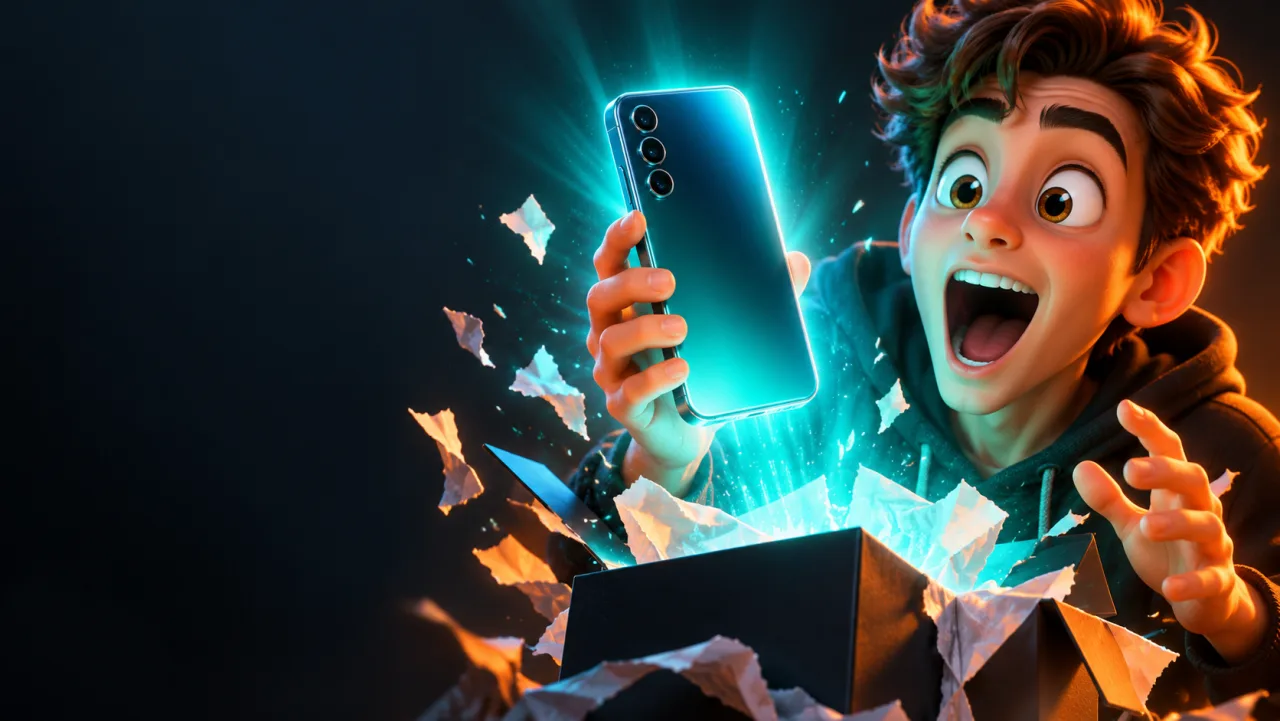
Prompt
Gaming, tech, food, travel or fitness: each one came from a single prompt in the YouTube thumbnail maker. Pick one and swap in your own video.
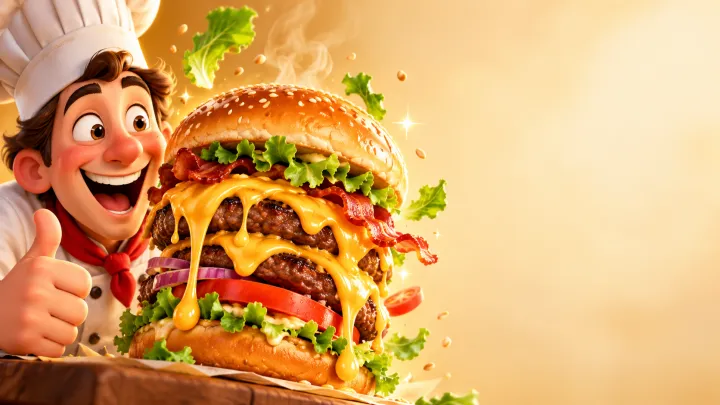
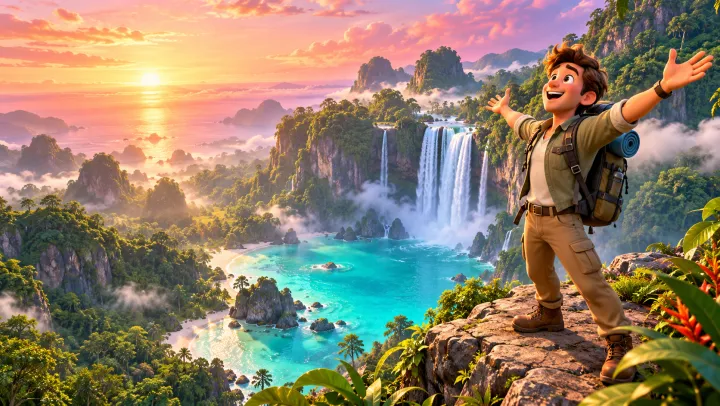
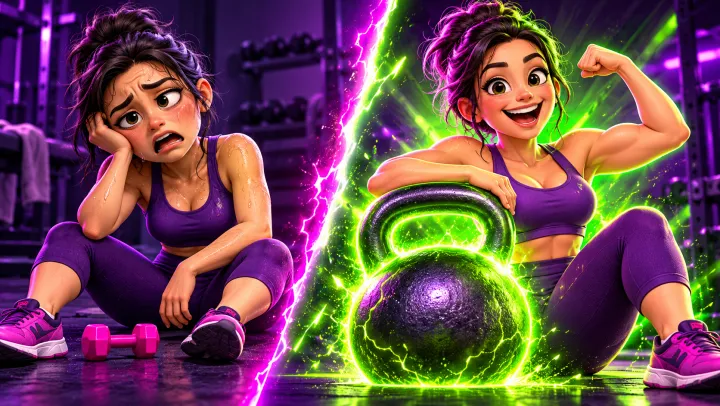
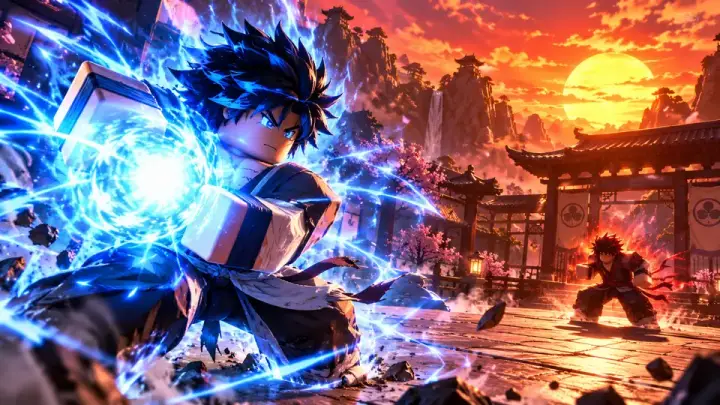

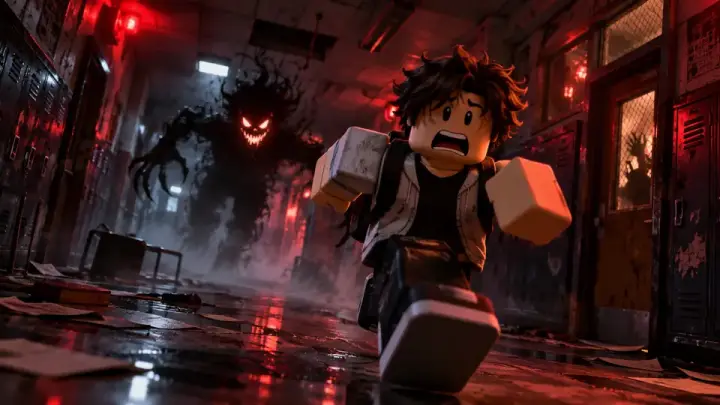
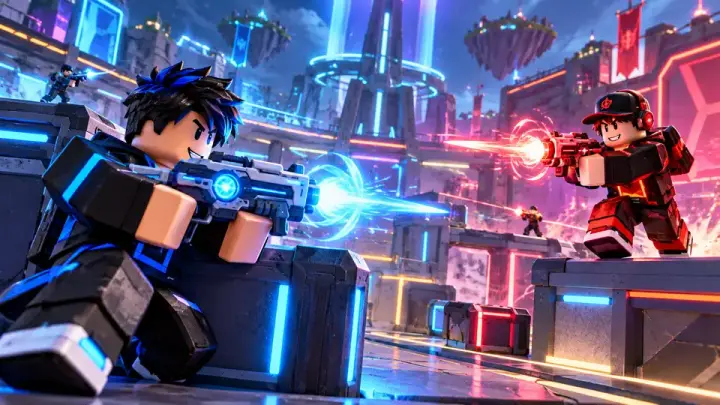
A thumbnail is the still image people see before they click. On a phone it shows only a few centimeters wide, so one subject, a clear face and strong contrast do more than detail.
A YouTube thumbnail maker comes in two kinds. A template thumbnail editor or thumbnail creator gives you layouts to fill with your own photos and text. An AI YouTube thumbnail generator paints a new picture from a sentence, so you are not limited to stock layouts.
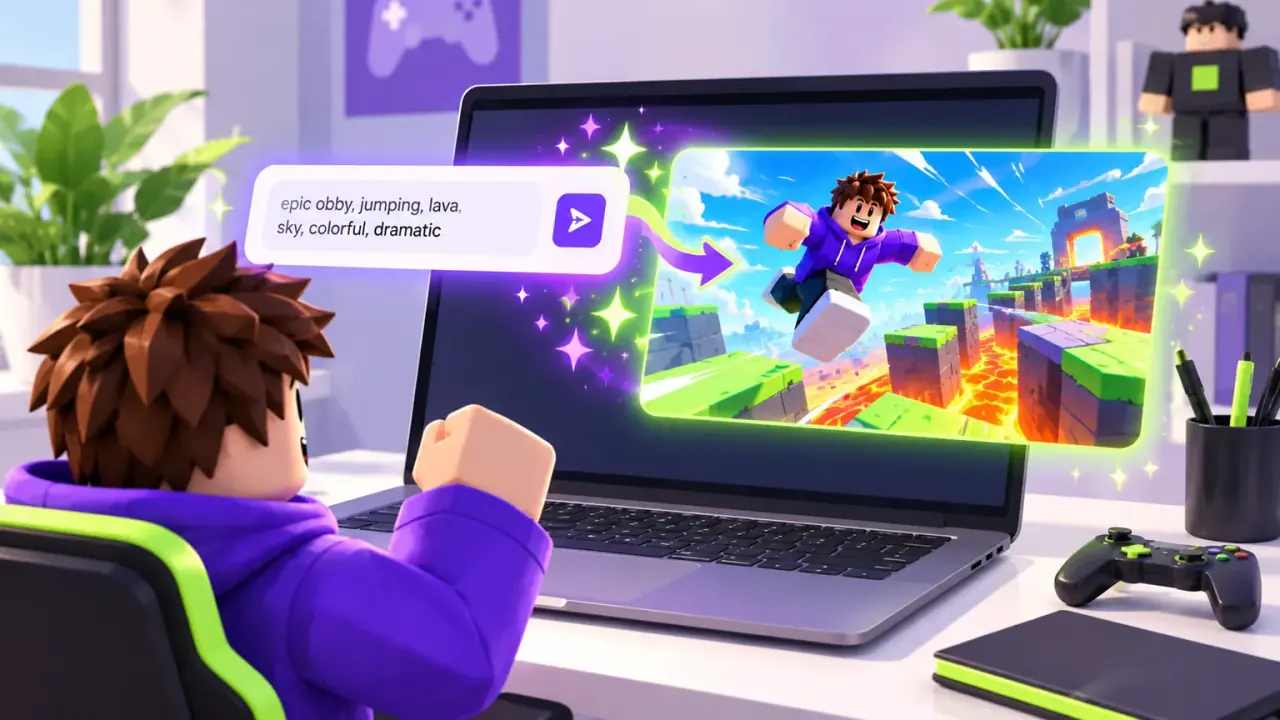
This YouTube thumbnail maker is an AI image tool. It reads your one-line idea and, if you add one, a frame from your video, then makes a 16:9 image. You add the title text.
Viewers spot stock AI faces fast. Upload a frame from your video, a photo of you or a past thumbnail, a JPEG, PNG or WebP under 30 MB, and the YouTube thumbnail maker keeps that person, outfit and look.
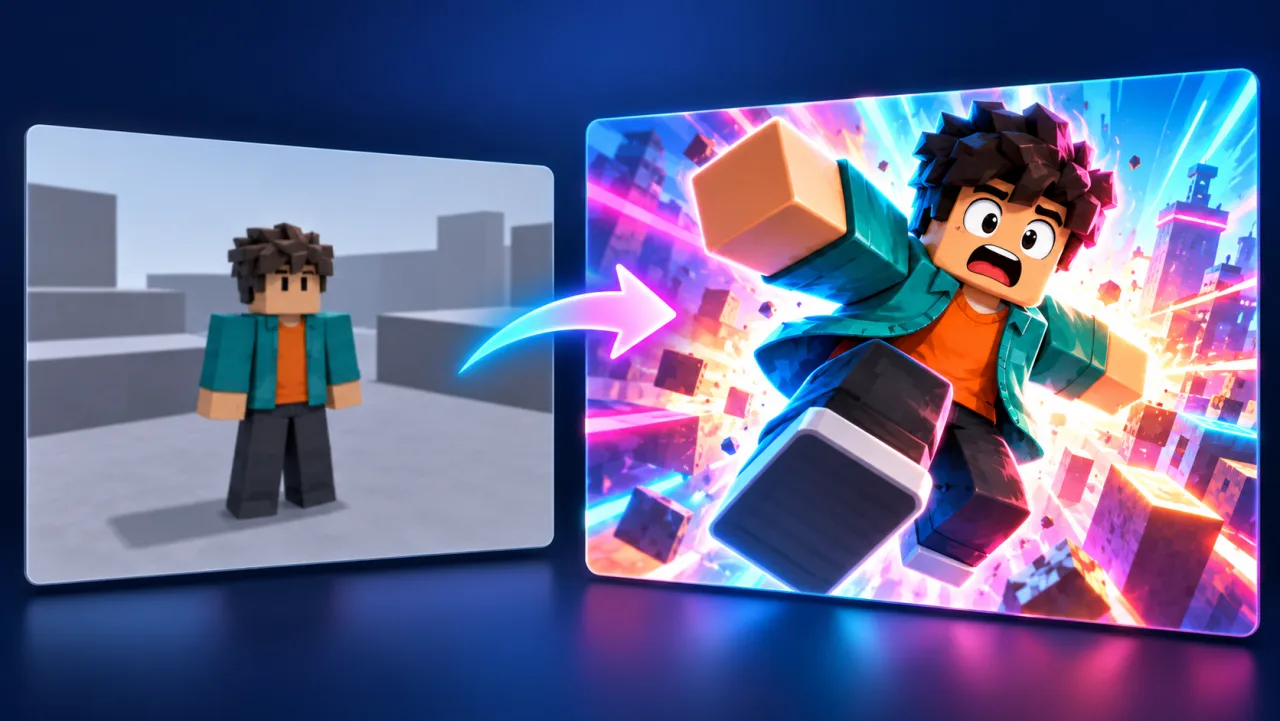
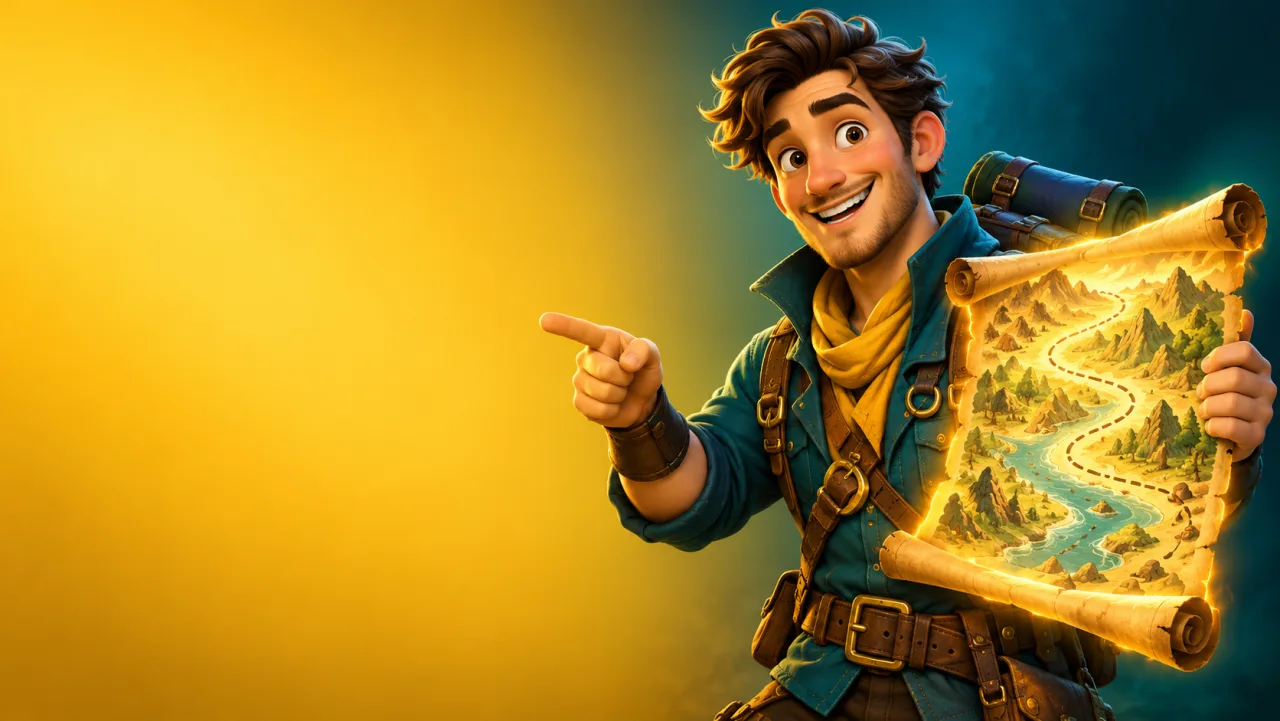
AI-written words often come out misspelled. Ask the YouTube thumbnail maker for the subject on one side and empty space on the other, then add two to four bold words in any editor so the text is sharp and yours.
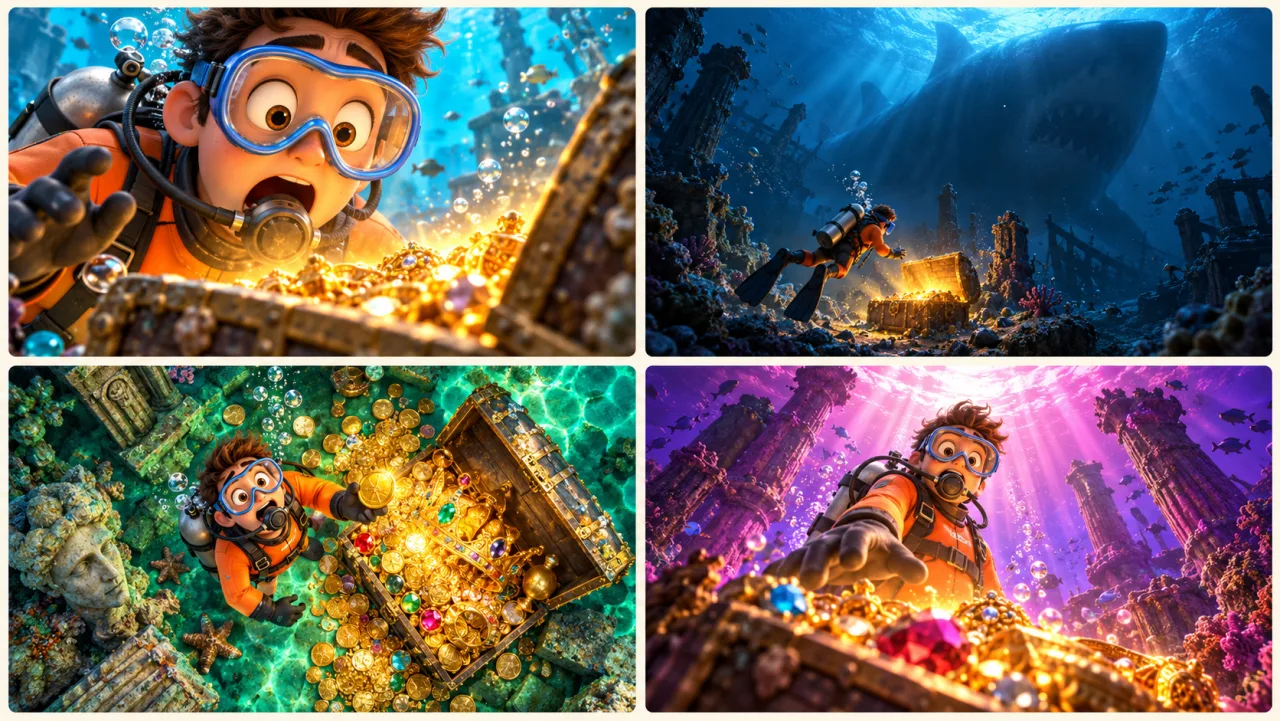
One prompt returns up to four images on the Creator and Master plans. Pick the strongest two or three and let YouTube’s Test & Compare show which one people watch longer.
Pick the format closest to yours: each card puts a ready prompt into the YouTube thumbnail maker, then you swap in your own topic and hook.
“Survived 100 days on one island”
“I used this phone for 30 days”
“The $5 dinner that beats takeout”
“We found a beach nobody visits”
“Fix slow Wi-Fi in 5 minutes”
“30 days of push-ups changed this”
Open the YouTube thumbnail maker above and write one line, like “I tried every fast food burger” or “$1 vs $1,000 gaming setup”. That is enough; add a frame or a photo of you as a reference if you want your face in it.
Pick 1K, 2K or 4K: 2K needs Starter, and 4K needs Creator or Master. YouTube asks for 16:9 and at least 640 px wide.
Download the image, add a few big words, then upload it in YouTube Studio under the video’s details.
Make the art at 16:9; the YouTube thumbnail maker covers the video and podcast shapes.
Sources: YouTube Help: add custom thumbnails
The Thumbnail tab starts at 16:9, so nothing gets cropped when YouTube shows it.
Upload a reference image and the YouTube thumbnail maker keeps your own face, avatar or product in the picture.
Creator and Master render at 4K, close to the 3840 × 2160 YouTube recommends.
In the workspace you can switch between image models, from 5 credits an image.
The cost shows before a run starts, and a run that fails returns its credits.
Paid plans include commercial use, so a thumbnail can front a sponsored video.
A template editor starts from a stock layout that thousands of channels also use. An AI YouTube thumbnail maker starts from your idea or your own frame and paints a new 16:9 picture, with room left for your title.
It runs on credits. The default model uses 5 credits an image at 1K. Plans start at $9.90 a month for 200 credits, and credit packs start at $19.99.
YouTube recommends 3840 × 2160 at 16:9, at least 640 px wide, as JPG or PNG. Uploads are limited to 2 MB on mobile and 50 MB on desktop. Custom thumbnails also need a verified account. The YouTube thumbnail maker renders 16:9 at 1K, 2K or 4K, depending on your plan.
Yes. Upload a photo of you, a frame from the video or a past thumbnail as the reference image. The YouTube thumbnail maker builds the expression and scene you describe around it.
Some will, and some viewers dislike AI thumbnails. What gives them away is garbled text, warped hands and the same shocked face on every video. In the YouTube thumbnail maker, start from your own frame, then add the title text yourself and check the result at phone size.
You can ask for words in the prompt, but AI lettering is often misspelled. For a sharp title, generate the picture with empty space and add two to four words in any image editor.
YouTube’s Test & Compare runs up to three thumbnails on one video, on desktop, and picks the one people watch longest. One YouTube thumbnail maker prompt returns up to four versions on the Creator and Master plans, so you can upload your best three.
Yes. The YouTube thumbnail maker runs in the browser, so it works on a phone as well as a computer. YouTube limits thumbnails uploaded from a phone to 2 MB.
The Thumbnail tab makes 16:9 and 1:1 images. For a 9:16 Shorts cover, open the workspace and pick 9:16. YouTube only lets you add a custom Shorts thumbnail on desktop.
Describe your video or upload a frame, and get a 16:9 thumbnail with room for your title.
Make a YouTube thumbnail