
Discord
A Discord pfp people spot in the member list
“Bold face, one strong color, plain backdrop”
Upload a screenshot of your avatar. The Roblox pfp maker turns it into a square pfp that still looks like you in a tiny circle.
Prompt
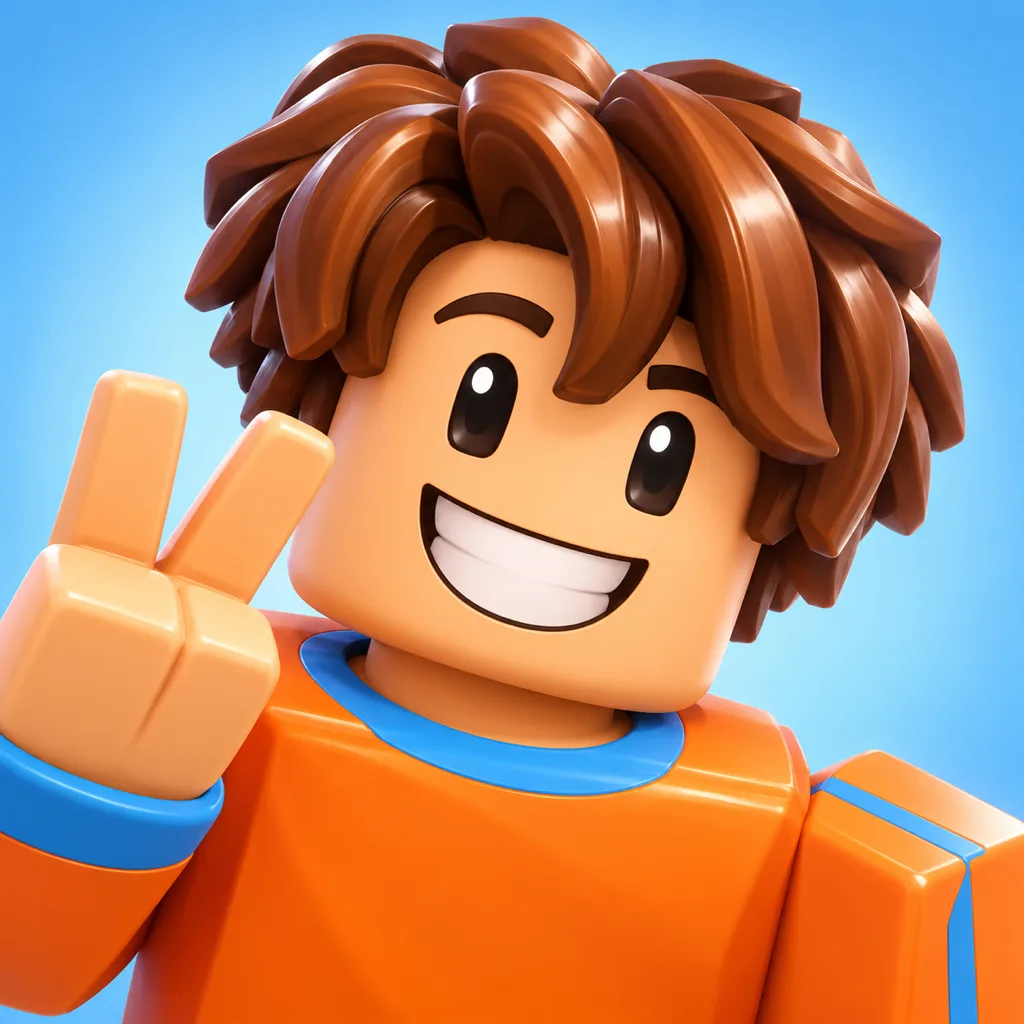
A cool Roblox pfp, a funny meme face, an aesthetic flower crown, bacon hair or a classic noob. These are AI examples made from the prompts shown; upload your own screenshot and the result follows your avatar instead.
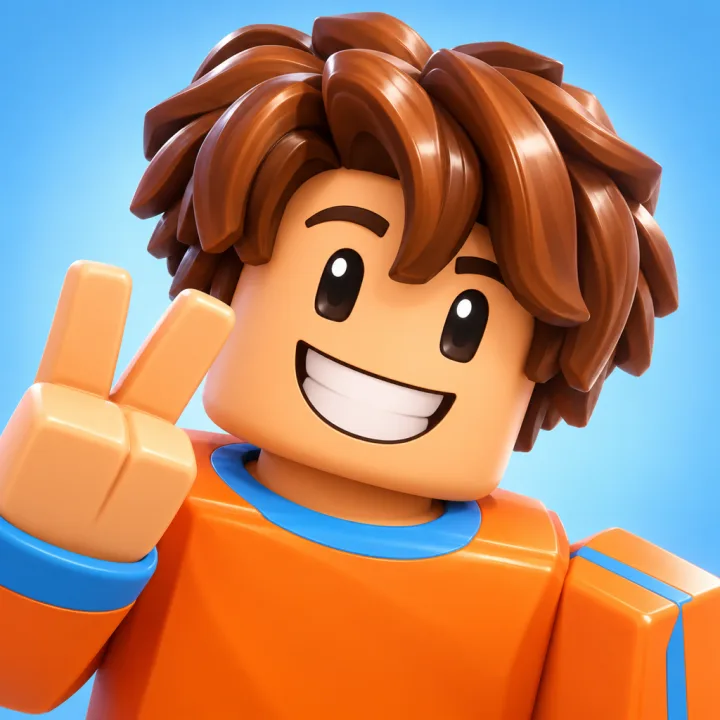
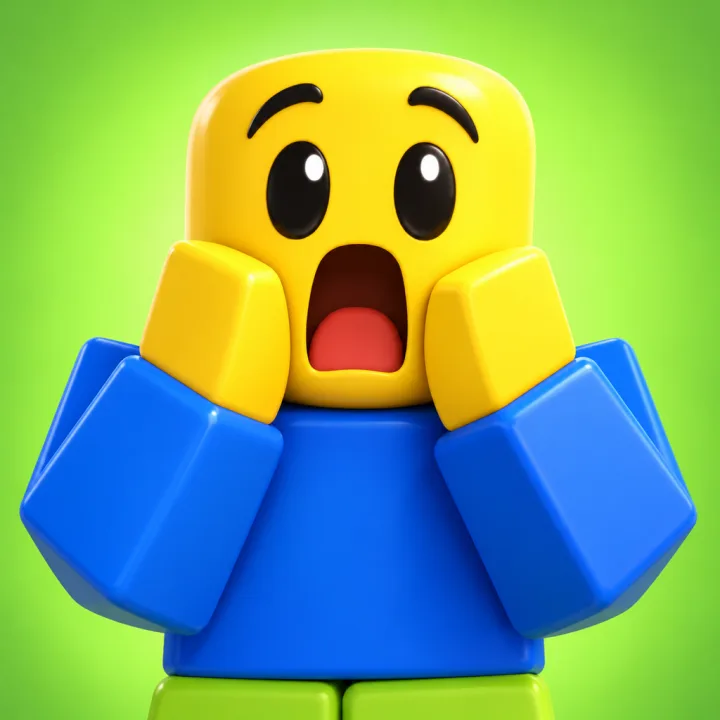
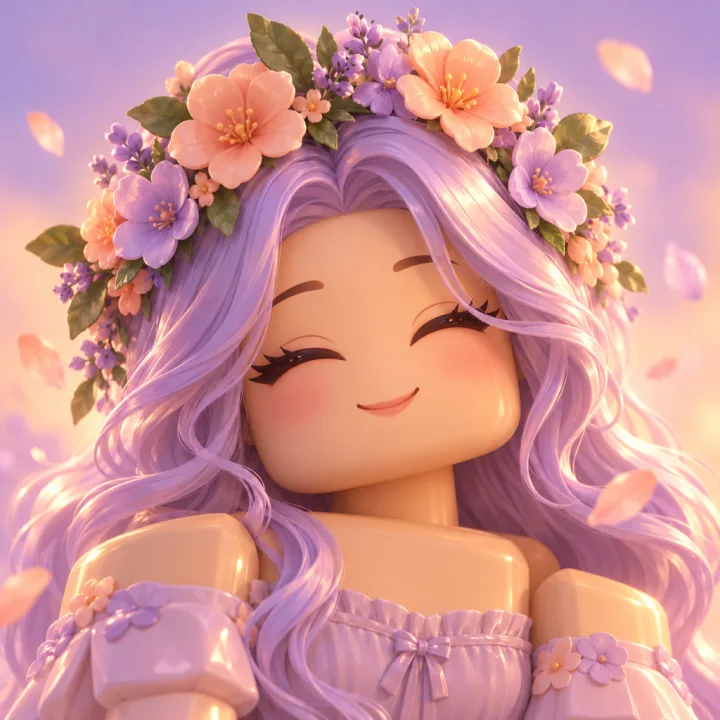
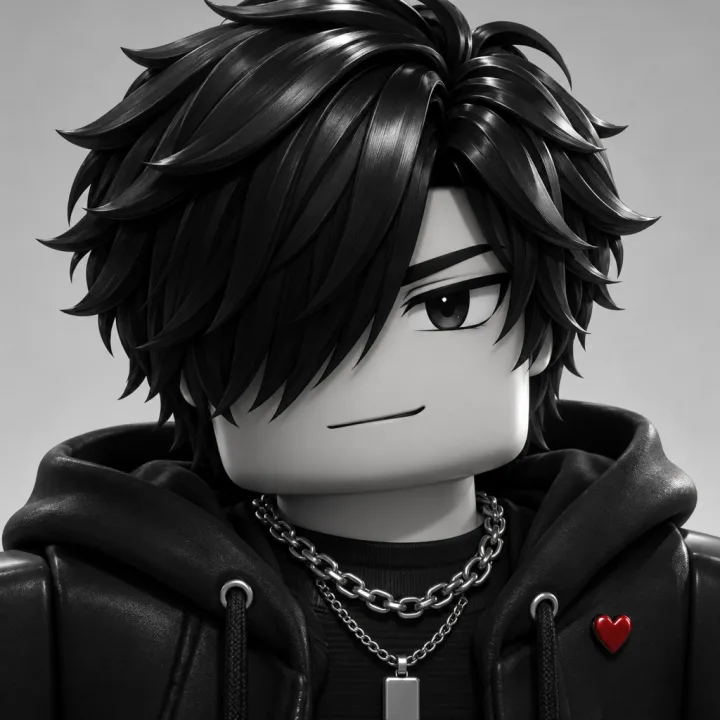
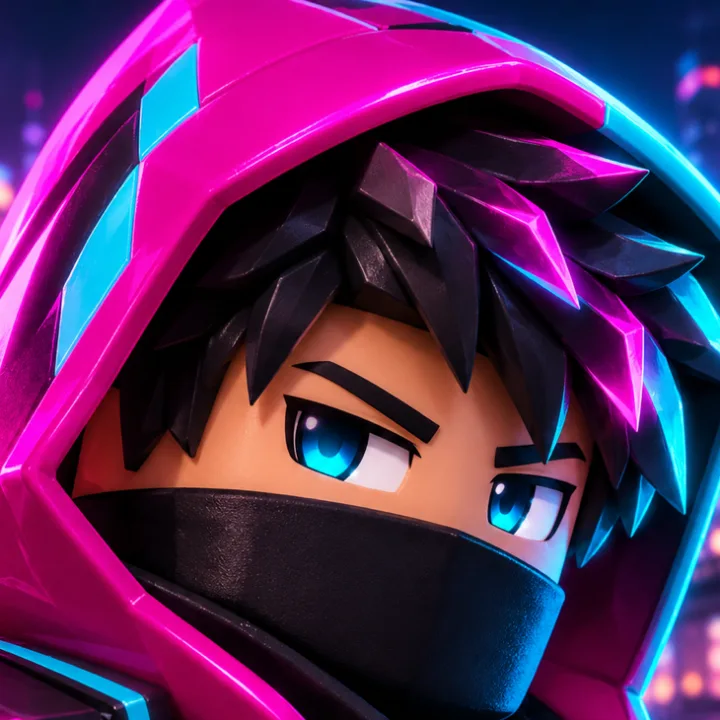
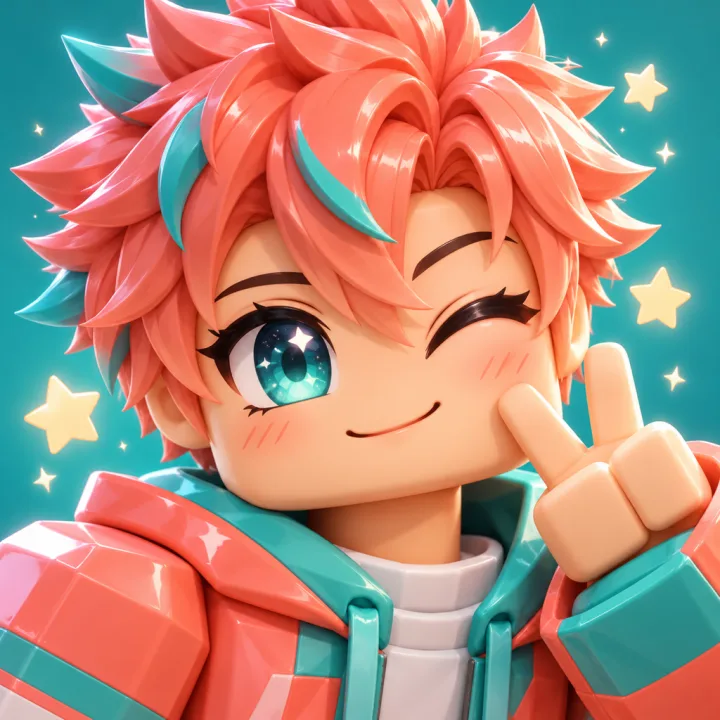
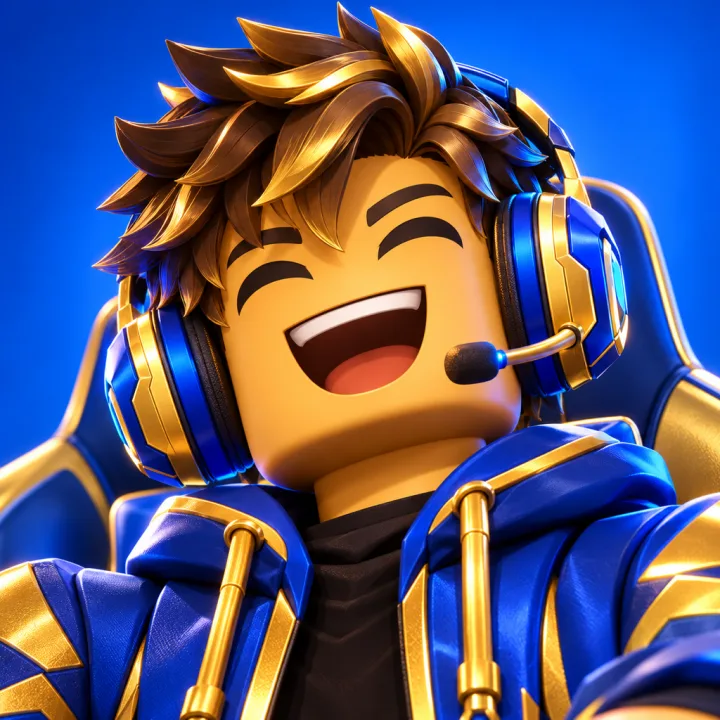
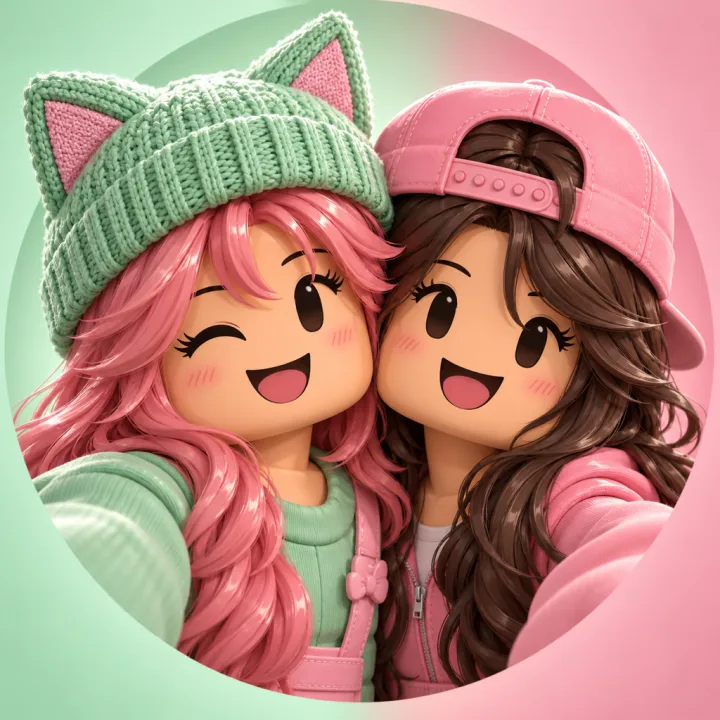
Pfp is short for profile picture. A Roblox pfp is a square picture of your avatar, usually a close-up of the face and shoulders, used on Discord, YouTube, TikTok, X or a Roblox group.
A plain in-game screenshot is small, flat and full of background. Cropped to a circle, the face turns into a few pixels. The Roblox pfp maker frames and lights the face so it reads at icon size.
The Roblox pfp maker is an AI image tool, a Roblox pfp generator that starts from your own avatar. It reads your screenshot and a one-line style, then paints a new square picture with a 3D look. It does not open a 3D file or log in to Roblox.
Upload a screenshot from the game, the avatar editor or Studio, a JPEG, PNG or WebP under 30 MB. The Roblox pfp maker keeps your hair, face and outfit and frames them as a close-up, so the pfp is your avatar, not a stock character.
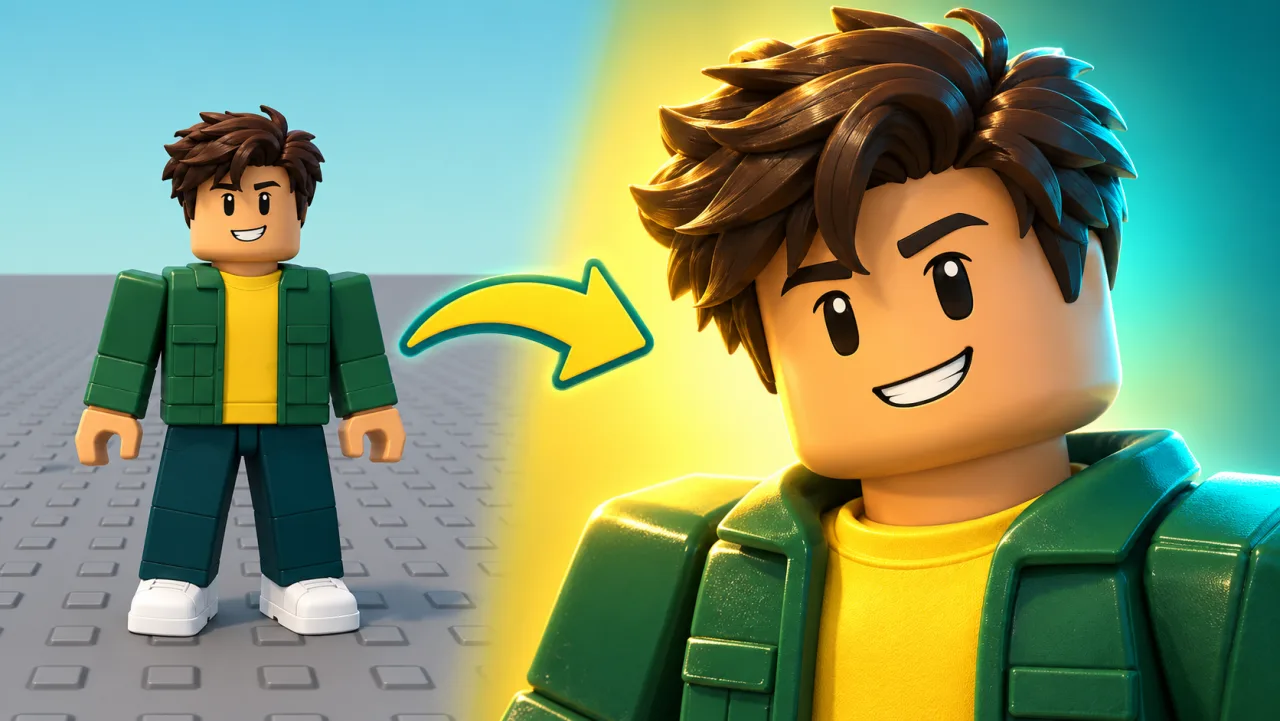
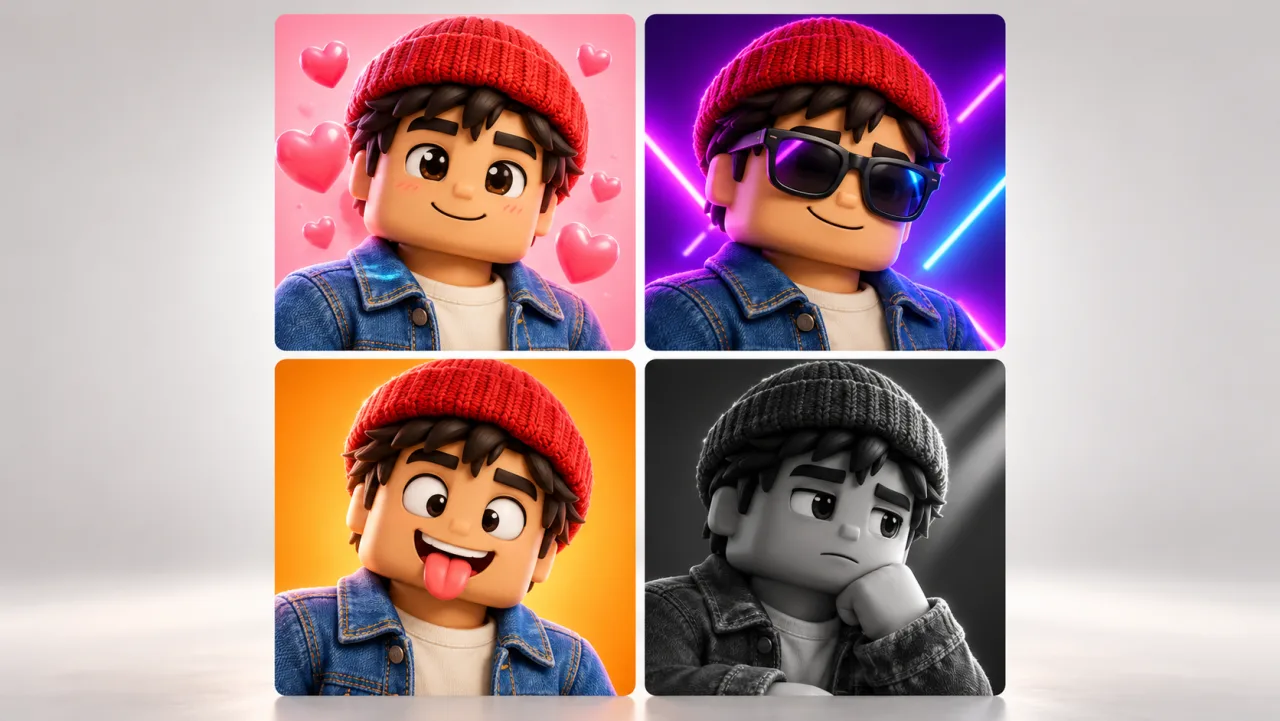
Cool, cute, funny, aesthetic, anime, chibi or a more human cartoon look: tell the Roblox pfp maker the mood in a few words and pick Cinematic, Neon, Sunset or Night light. Describe a Roblox pfp background too, like a pastel sky or a neon street, then try a second style without setting anything up again.
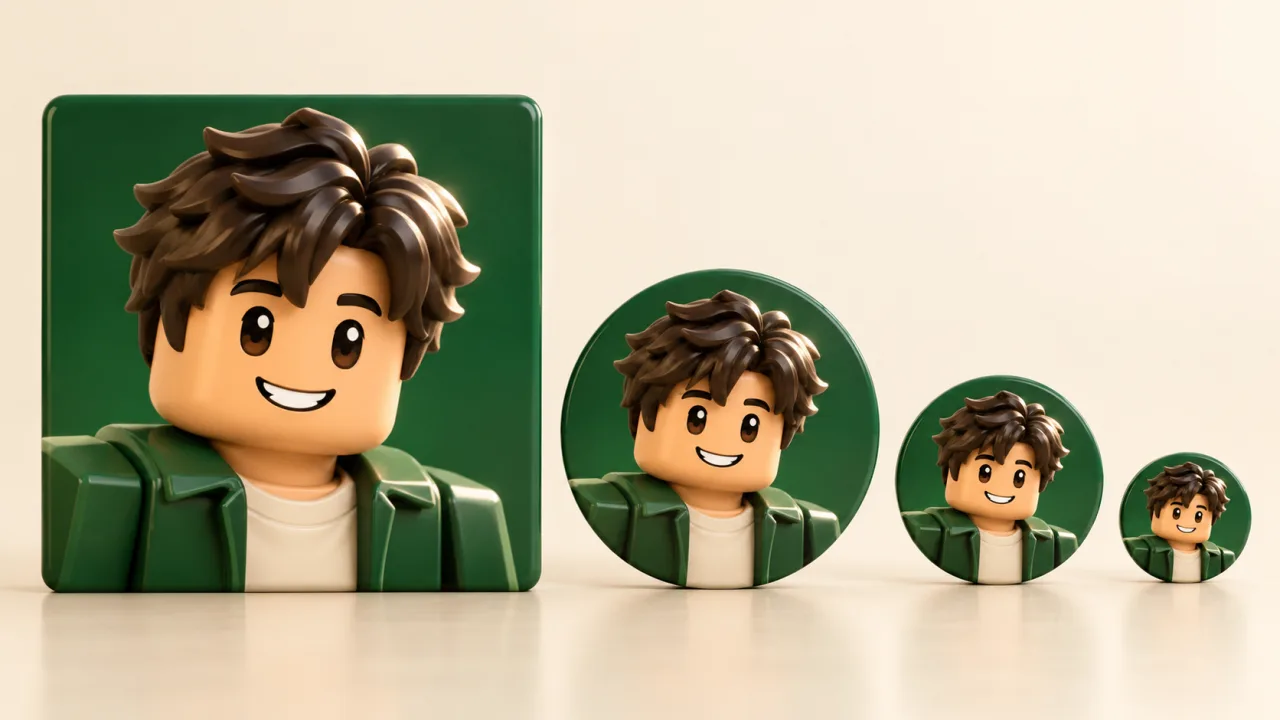
Every app crops a pfp to a circle and shows it next to your name at a fraction of its size. The Roblox pfp maker opens on 1:1 and the prompts keep the face in the middle, so it still reads in a chat list.
Pick the closest idea, swap in your avatar, then edit the brief before you run it in the Roblox pfp maker.
“Bold face, one strong color, plain backdrop”
“Headset, big reaction face, pointing at you”
“New outfit, same pose as your old pfp”
“Two halves of one heart, same background”
“Three members, arms crossed, team colors”
“Cap backwards, blaster on the shoulder, confident”
Open your avatar in the game or the avatar editor and take a screenshot with the face clearly in view. Skip it and the Roblox pfp maker invents one from your words.
“My avatar winking, flower crown, pastel sky.” Choose a lighting preset; the Roblox PFP Maker already sets the ratio to 1:1.
Run it again for another version or another style. Keep the one from the Roblox pfp maker that looks most like you, then upload it to your profile.
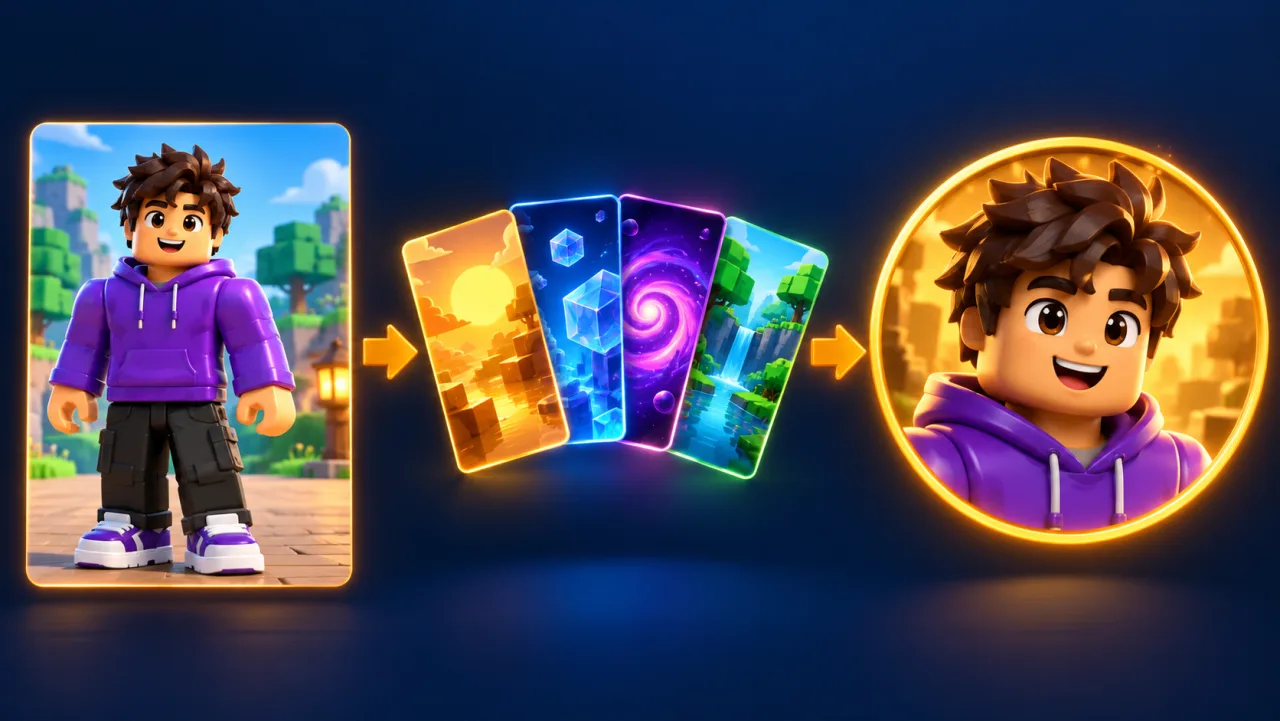
Picrew-style makers give you a doll that only looks a bit like your character. This Roblox avatar pfp maker works from your real avatar screenshot.
Discord, YouTube and TikTok shrink a pfp next to your name. The Roblox PFP Maker keeps the face big and centered, so it still reads at chat-list size.
New avatar, old pfp? Run the same brief in the Roblox PFP Maker on a fresh screenshot and your profile matches again, without booking an artist a second time.
Keep the background, light and pose the same in both briefs, and you and a friend get matching pfps in one style.
No Roblox login, no cookie, no file to run. Free-pfp scams ask for exactly those things; the Roblox PFP Maker never does.
Commissioned headshots cost Robux or cash and often take days or weeks. Here another version is one more run.
Take a screenshot of your avatar with the face in view, upload it to the Roblox pfp maker and describe the style in one line, like “cool, neon, hood up”. Pick a lighting preset and download the version that looks most like you.
It runs on credits. Plans start at $9.90 a month for 200 credits, and credit packs start at $19.99. One image costs 5 to 40 credits, shown before you run it; a failed run returns its credits, and paid plans include commercial use.
Yes. Open your avatar in the Roblox app, take a screenshot, and upload it to the Roblox PFP Maker in your phone’s browser. There is no app to install, and the pfp downloads straight to your camera roll.
No. There is no username lookup, so take a screenshot of your avatar instead. It also means you never type your account details anywhere.
Yes. Write the look in your prompt, like “anime, big sparkly eyes” or “chibi, tiny body, big head”, and the Roblox pfp maker redraws your avatar in that style.
Not directly, because AI image models cannot output transparency. Ask for a solid color background, then run the Background Remover in the editor (1 credit), which saves a transparent PNG.
Use a square 1:1 image with the face in the middle, because apps crop pfps to a circle. Output is 1K on the free plan and up to 4K on Creator, depending on the model.
No. You get a flat image with the glossy, blocky look of your avatar, painted from a screenshot. Nothing gets exported, rigged or lit.
Make it at 1:1 with the face in the middle, because YouTube shows channel pictures as a small circle. A bold color behind the face helps it stand out next to your channel name.
In the Roblox PFP Maker, run one brief with your avatar and one with your friend’s, using the same background, light and pose in both. Mirror the pose so the two pfps face each other.
Commission posts in Roblox art communities on Reddit often ask about 300 to 800 Robux, or $10 to $40, for a headshot, more with a background, and a slot can take weeks. In the Roblox PFP Maker one image costs 5 to 40 credits.
They are AI examples made from the prompts shown, not uploads from other players. With your own screenshot the result follows your hair, face and outfit, but AI can change small details, so compare it with your avatar before you post.
No. Roblox shows a headshot of your current avatar, so you change it by changing the avatar. A pfp made here is for other apps like Discord, YouTube or TikTok.
Treat it as a warning sign if the offer comes with a login form, a file to download or a line of code to paste into your browser; that is how accounts get stolen. A real pfp only needs a picture of your avatar.
A GFX is any posed, lit scene of an avatar, often wide like a banner. A pfp is the square close-up the Roblox pfp maker is built for. For wide scenes use the Roblox GFX maker.
Upload a screenshot of your avatar and the Roblox pfp maker returns a square pfp in your style.
Make a Roblox pfp