
Rivals-style
Roblox Rivals thumbnail maker
two avatars dueling in a bright arena
Roblox game assetsfromaprompt.
Turn a prompt or reference image into a Roblox thumbnail, then make icons, UI, textures and more in one workspace.
Prints land here
Write on the label, then press the shutter for an example print. Drag the prints around, or toss one off the table.
Prints are ready-made examples and use no credits. Your real one is made only after you press “Make my thumbnail”.
Free to sign up, no card needed. 2 free credits a month, one account per person.
Start with the Roblox thumbnail creator, then make the UI, textures, clothing, icons, GFX and sounds inside your game in the same workspace.
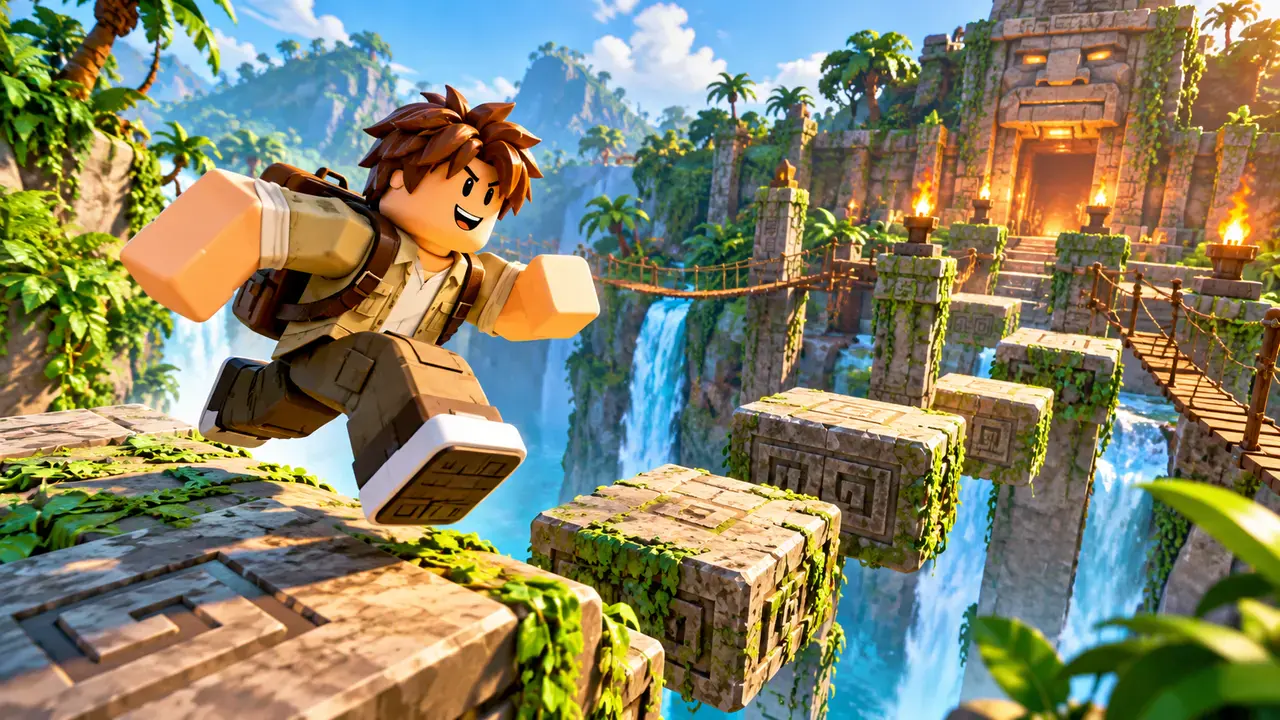
Make 16:9 art from a prompt or reference image. Resize the result to 1920 × 1080 for your Roblox thumbnail.
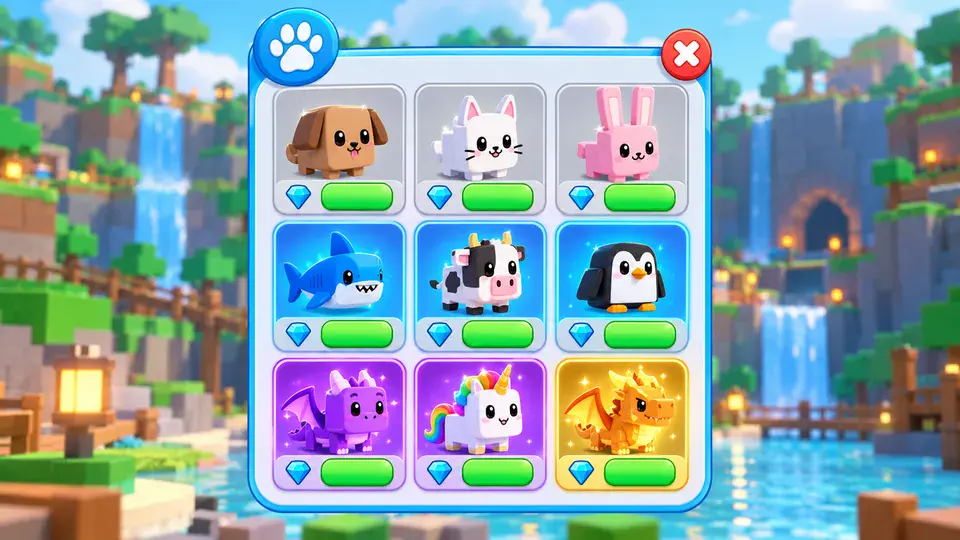
Shop, HUD, inventory and reward screens you can edit, then export to Roblox Studio as real GUI objects.
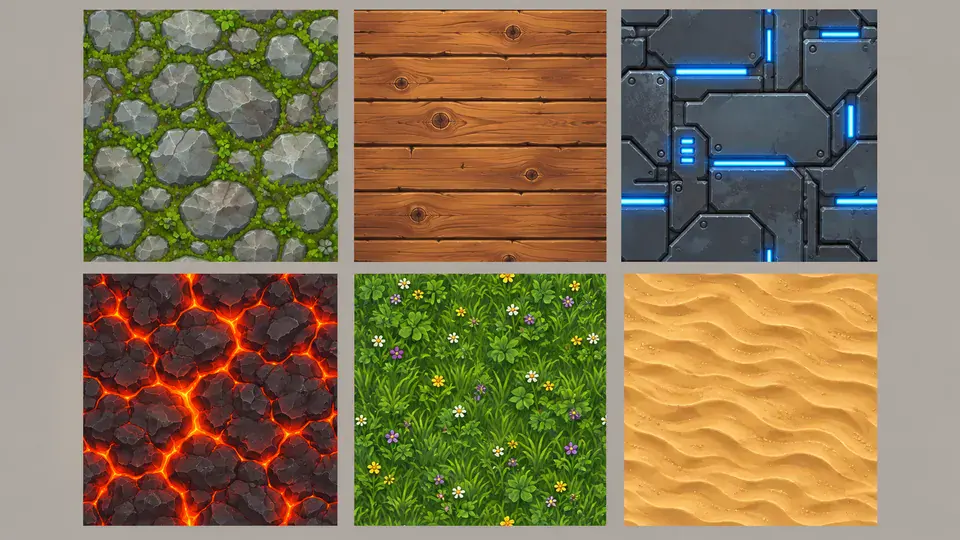
Seamless 512 × 512 surfaces for parts, floors and walls.
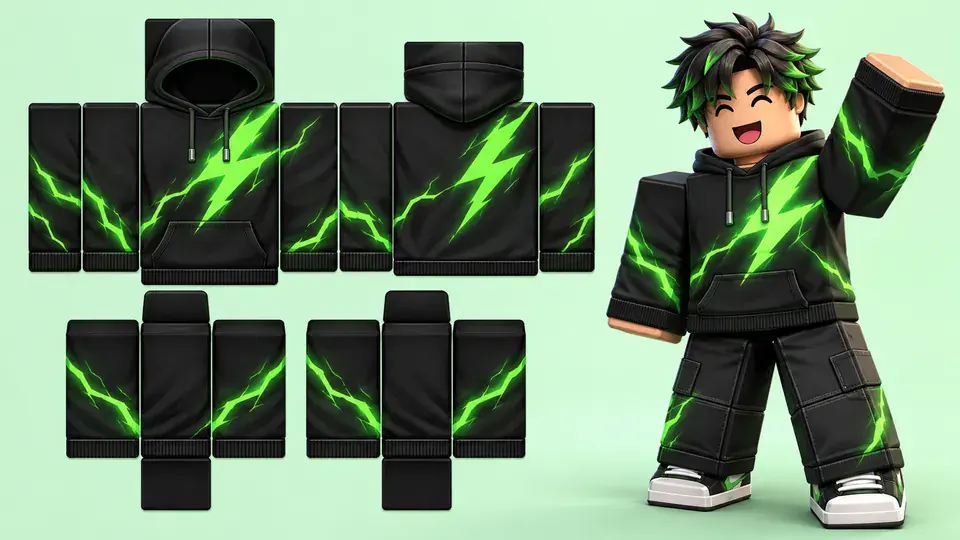
Shirt and pants designs on the classic clothing template.
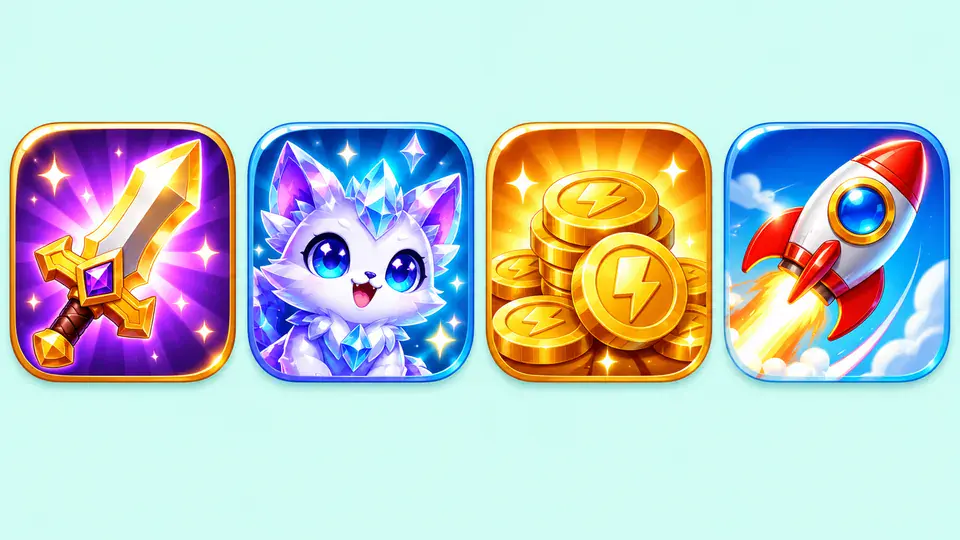
Square game icons and badges that read at 150 × 150.
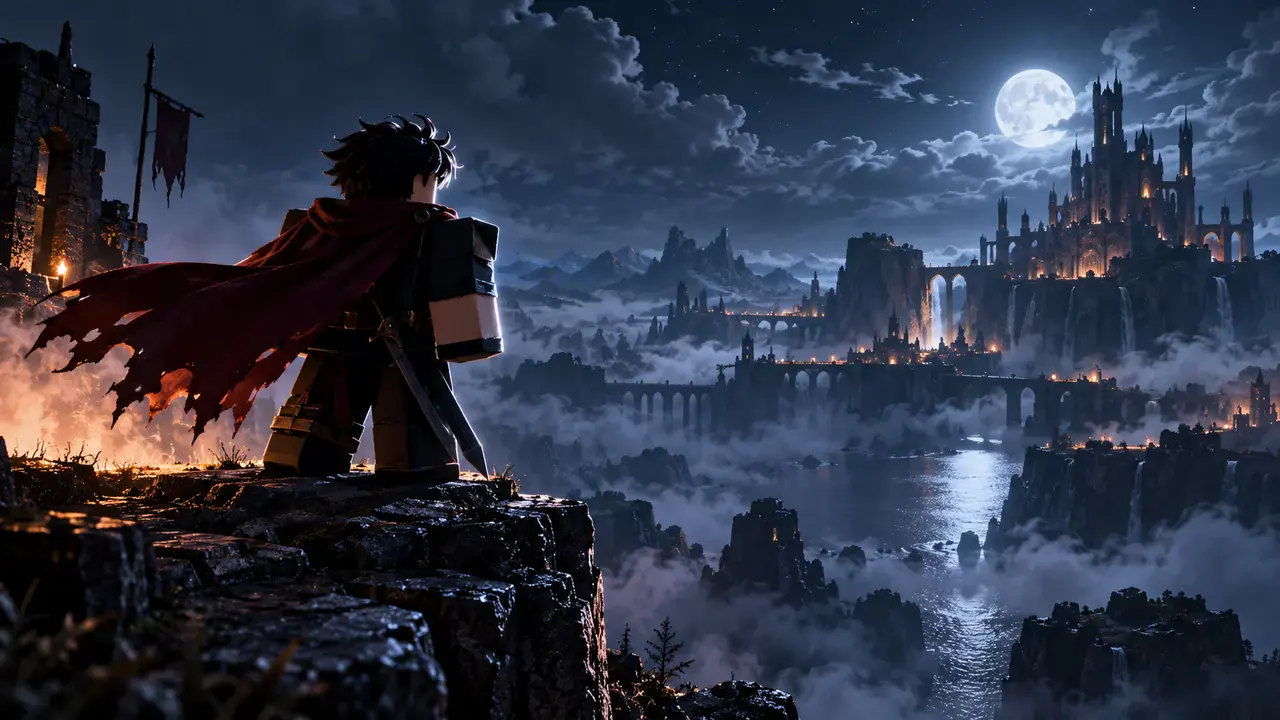
Cinematic renders of your character, no Blender scene needed.
Coin chimes, jumps and clicks from a short description.
Pick a prompt, then add your own map and characters.
Start with the Roblox thumbnail maker, or pick the tool for your next task.
No designer?
Turn a screenshot into update art.
New update?
Compare several thumbnail directions.
Testing campaigns?
Create matching thumbnails and icons.
Need character art?
Reference your avatar in a scene.
Refreshing your store?
Draft shirts and pants.
Planning a shop?
Mock up screens before building.
Pick a Roblox thumbnail maker layout with a clear pose, setting and light.
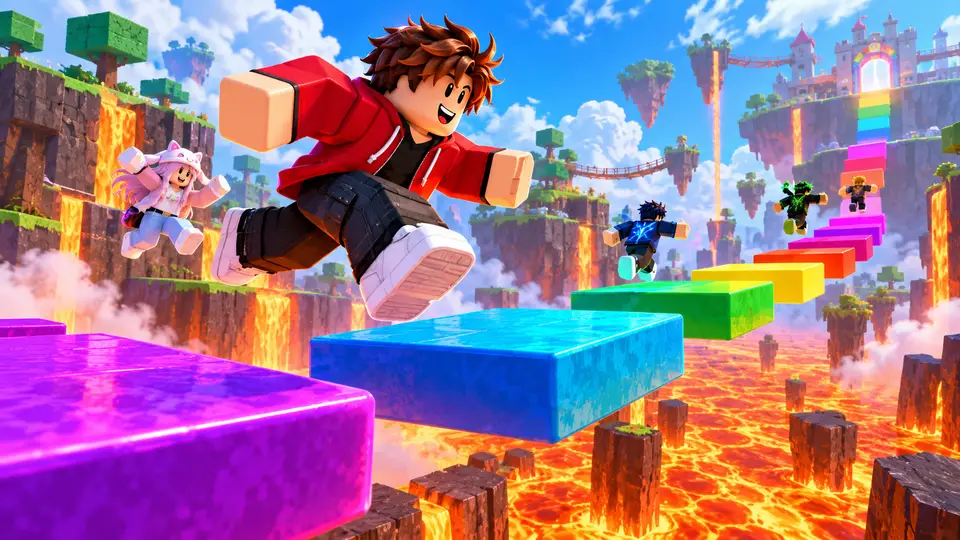 01
Sell the jump.
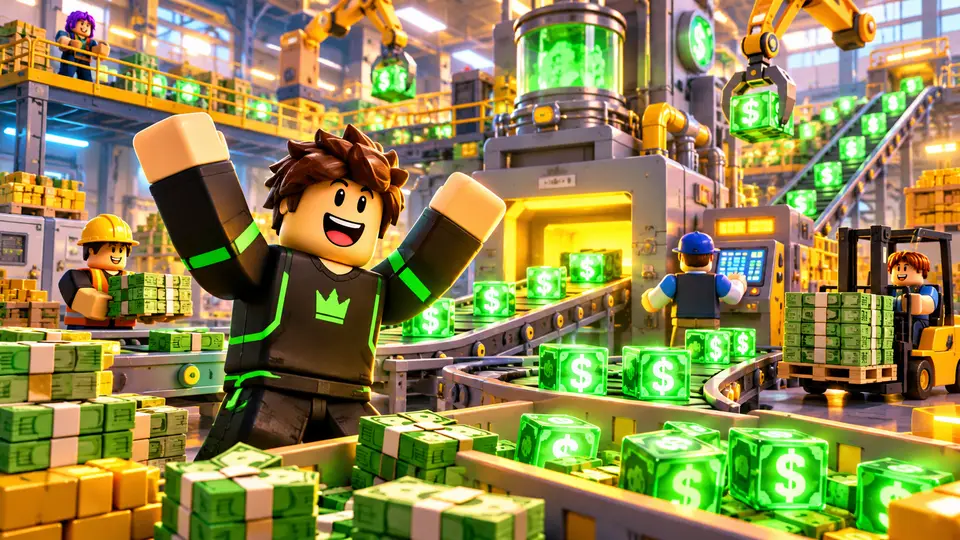 02
Show the empire you built.
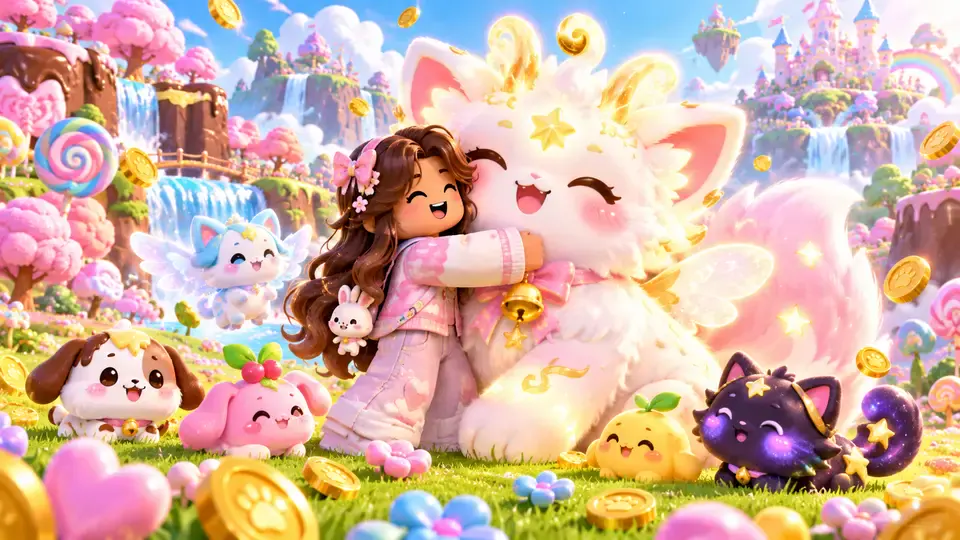 03
Sell the progress.
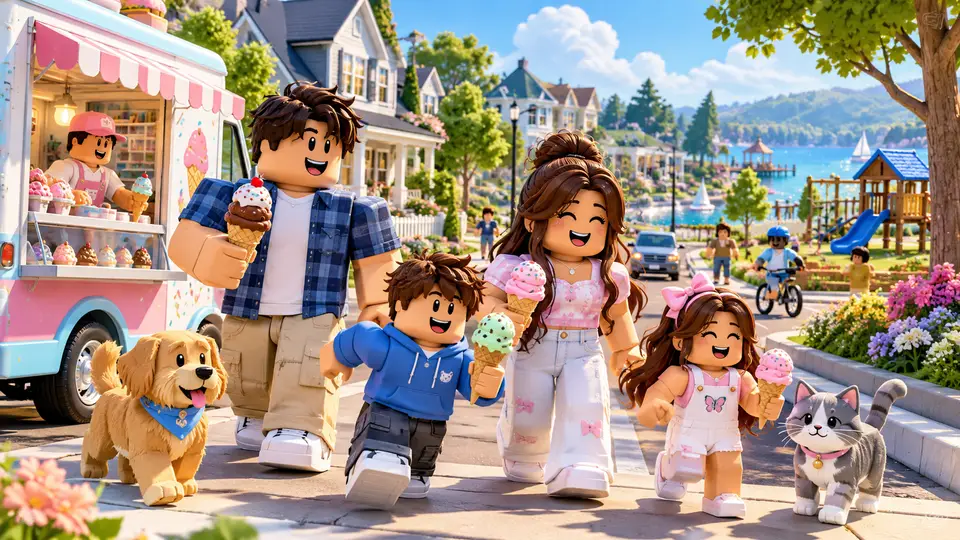 04
Tell one story moment.
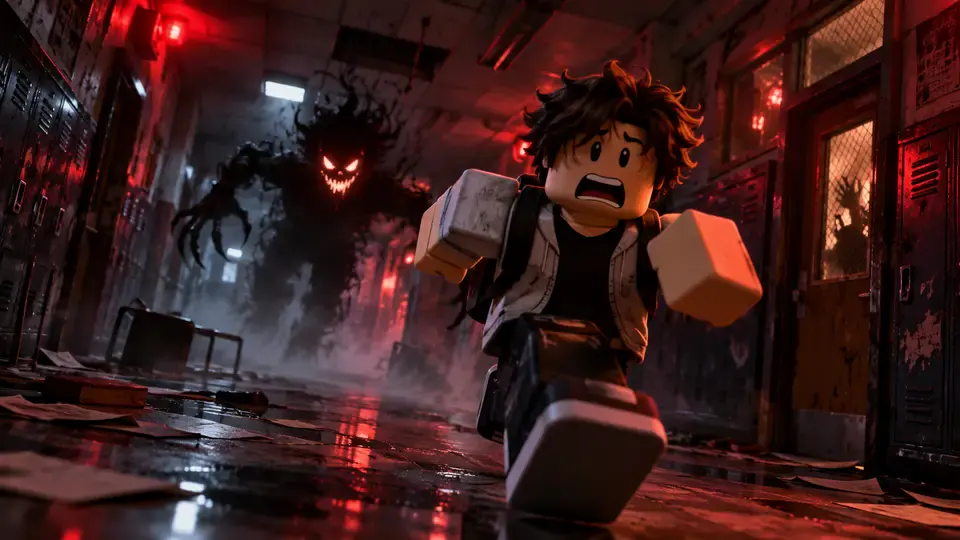 05
Stop the scroll with dread.
 06
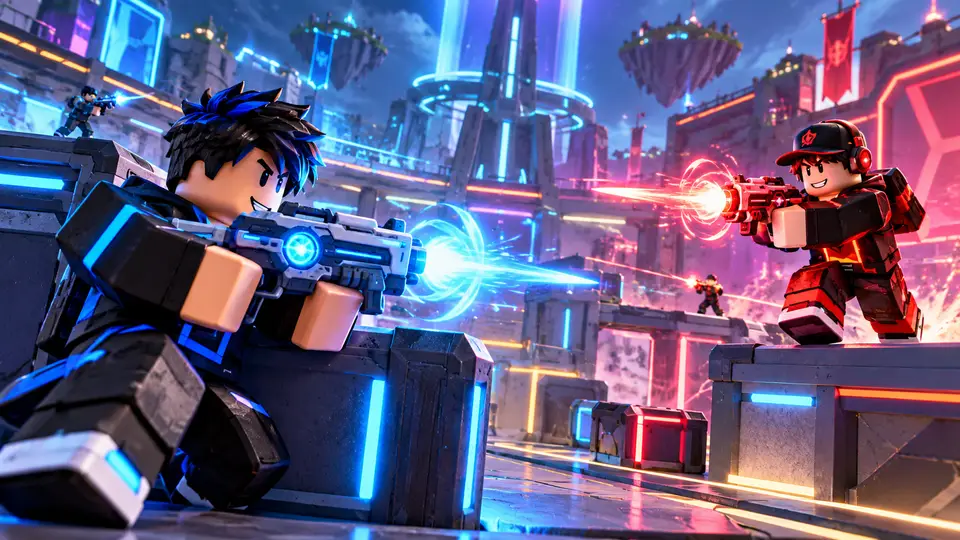
Show the face-off.
Six checks to run on every Roblox thumbnail maker result before it goes live.
Phone sizeOne big, centered avatar beats a crowd.
Bright subject on a darker background.
Promise only what the game delivers.
Still readable on a small card.
The player count can cover it.
Roblox rotates them: +8.5% play-through.
Use 16:9 for your game page.
Game thumbnail
1920 × 1080 px
Game icon
At least 512 × 512 px
Upload targets, not guaranteed model output dimensions. Checked October 19, 2026. Sources: Roblox thumbnail rules · Roblox icon rules · YouTube thumbnail rules.
Badge icon
512 × 512 px
Circular crop.
Pass icon
Up to 512 × 512 px
.jpg, .png or .bmp.
Shirt & pants template
585 × 559 px
Classic template; PNG or JPG.
Group icon
Square 1:1
No fixed published size.
YouTube video thumbnail
3840 × 2160 px
16:9, JPG or PNG.
Go from your idea to an experience-page image with the Roblox thumbnail maker.
Describe your avatar, action and setting, or upload a Studio screenshot.
Keep 16:9 and generate versions to compare.
Resize to 1920 × 1080, under 3 MB. Upload in Creator Dashboard.
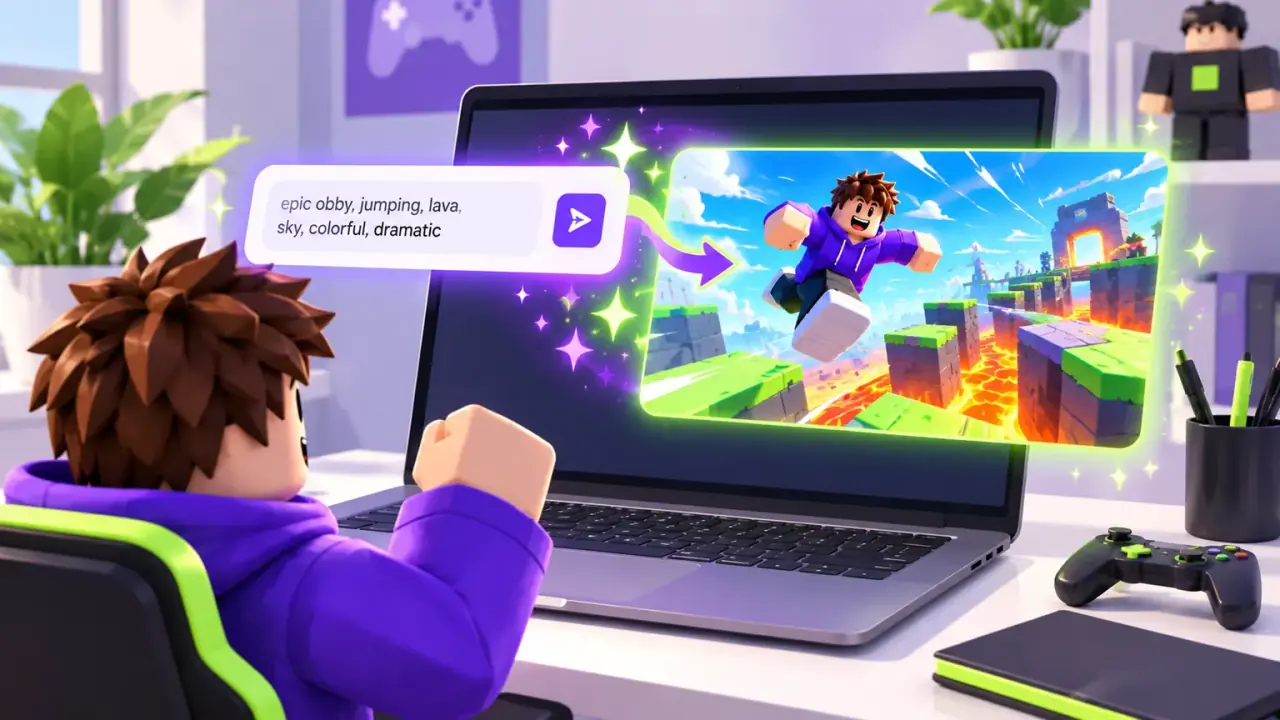
Game Thumb is an AI Roblox thumbnail maker and game asset creator. Start from a prompt or a reference image to make 16:9 thumbnails, then make icons, UI, textures, clothing, GFX and sound effects in the same workspace.
A free account gets 2 free credits every month, no card required. They work on the example prompts in the workspace and show an example made with Game Thumb, not on your own prompts. Your own prompts need a plan or a credit pack.
Yes, in your browser. Nothing to install.
Describe the scene, optionally add a reference, choose a model and generate. Failed runs return their credits.
Use 16:9, ideally 1920 × 1080 pixels, under 3 MB. Game icons are square, at least 512 × 512.
Describe the pose and lighting in one line, or upload a Studio render on the GFX tab. No rig to import, no set to build, no render to wait for.
It can. Reference your own Studio screenshot and check the result against your actual characters, map and gameplay.
Compare at phone size. Keep the clearest subject, then test two to five versions through Roblox’s thumbnail personalization.
Yes, subject to our Terms and Roblox’s Community Standards.
A free Roblox thumbnail creator: turn a prompt or reference image into a thumbnail, then make icons, UI and textures in the same workspace.