
Community
Creator merch and group uniforms
“Branded clothing that unites your faction or developer community”
Use this AI Roblox shirt maker to make a Roblox shirt for your avatar in seconds. With our dedicated Roblox shirt maker, you need no complex Photoshop layers—generate ready-to-upload classic clothing templates with instant 3D preview.
Prompt
Varsity jackets, cyberpunk streetwear, anime graphic tees, racing jerseys, grunge flannels, and preppy knits: each design was generated with a single prompt in the Roblox shirt maker. Pick any look to wear or use this Roblox shirt maker and Roblox clothing maker to customize your own outfit.
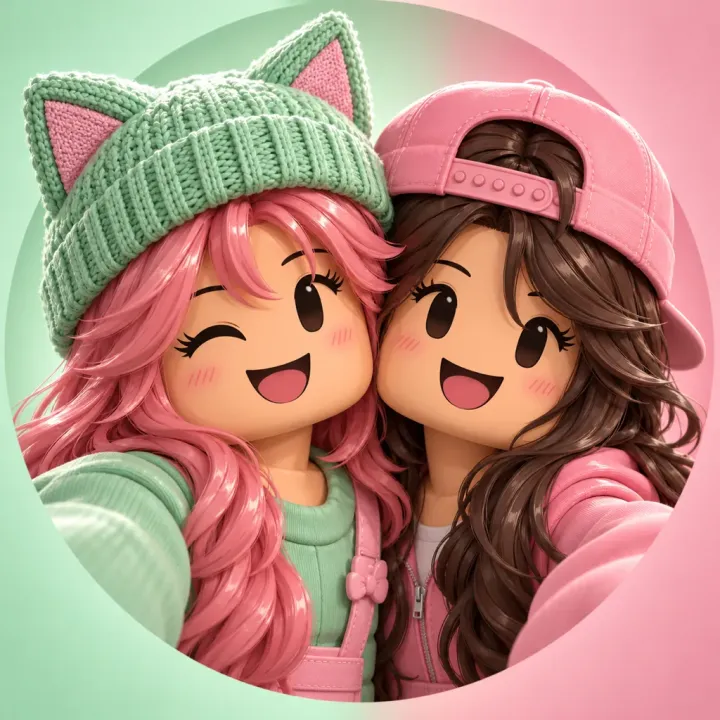
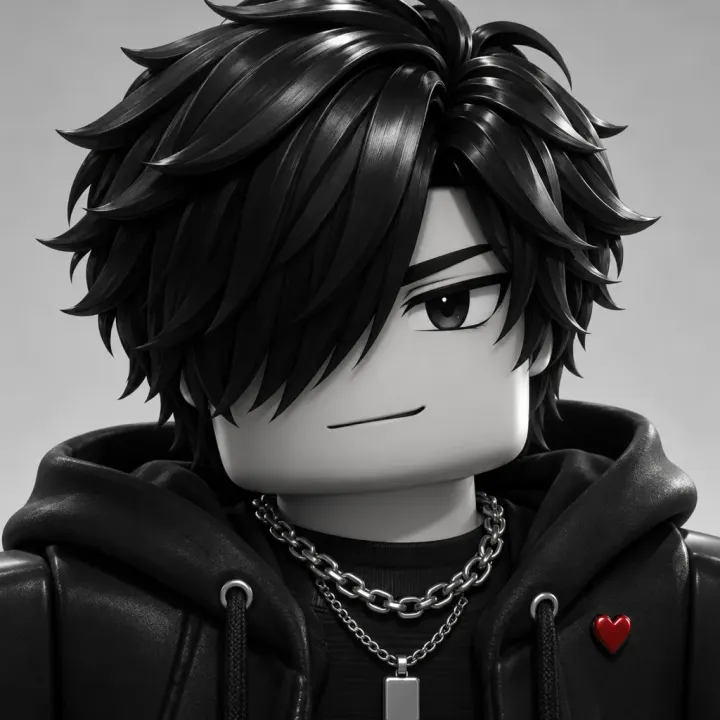

A Roblox shirt maker turns text descriptions or style ideas into fully mapped 2D clothing textures for your avatar. Instead of manually painting seams across complex torso and arm UV maps in photo editors, this AI Roblox shirt maker handles pattern continuity, sleeve alignment, and folds automatically so anyone can make a Roblox shirt with our online Roblox shirt maker.
Roblox classic shirts require an exact 585 × 559 pixel transparent PNG layout. Every output from our Roblox shirt maker matches the official Roblox shirt template, mapping the front, back, sides, and bottom of torso and arm blocks to standard R6 and R15 avatar rigs without texture distortion in this Roblox shirt maker.
Before paying the 10 Robux fee on the Roblox Creator Hub, creators can wrap their generated texture around an interactive 3D avatar model. Using the Roblox shirt maker with live 3D preview prevents misaligned collars and cut-off logos before publishing your Roblox shirt template or using our Roblox clothing maker.
Describe whatever aesthetic fits your game or group—from retro racing jackets to kawaii pastels. The Roblox shirt maker builds high-detail textures with realistic fabric folds, stitching, and shading in seconds, serving as your personal Roblox clothing maker and versatile Roblox t shirt maker.
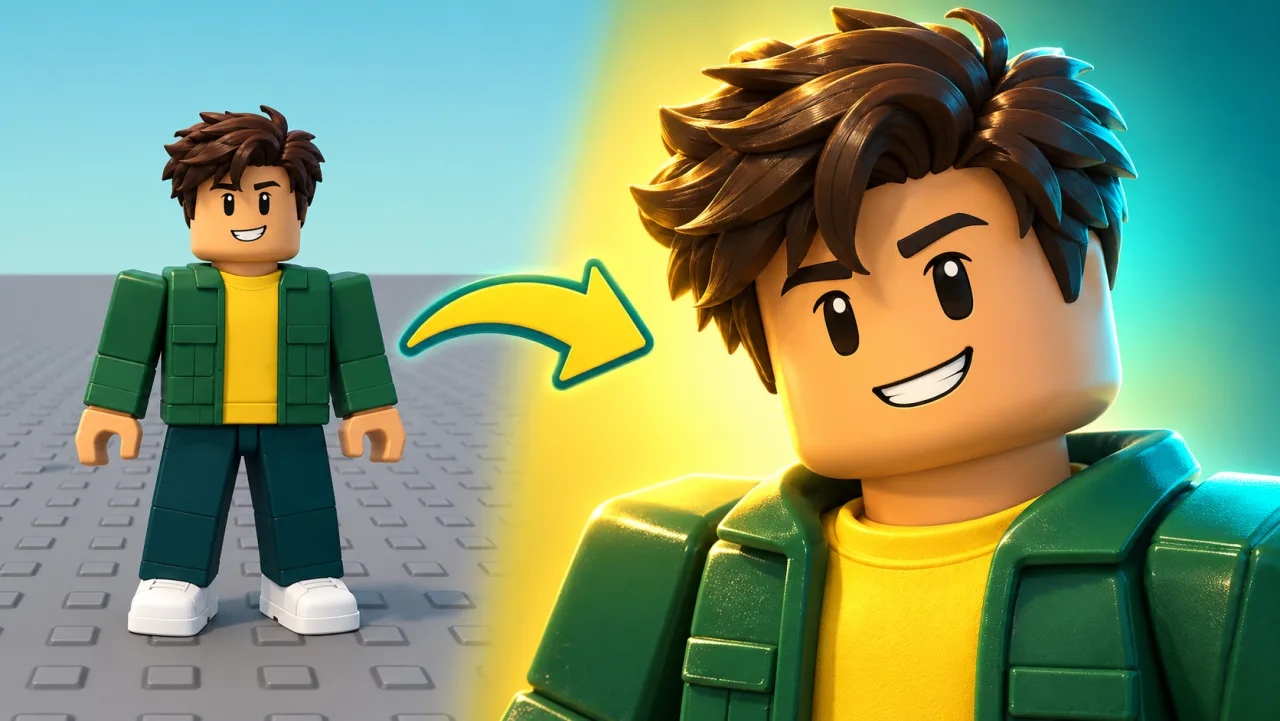
Roblox avatar UV mapping can be notoriously tricky around shoulders and torso borders. Each design from this Roblox shirt maker aligns with the official Roblox shirt template so patterns line up neatly when folded onto the 3D character in the Roblox shirt maker.
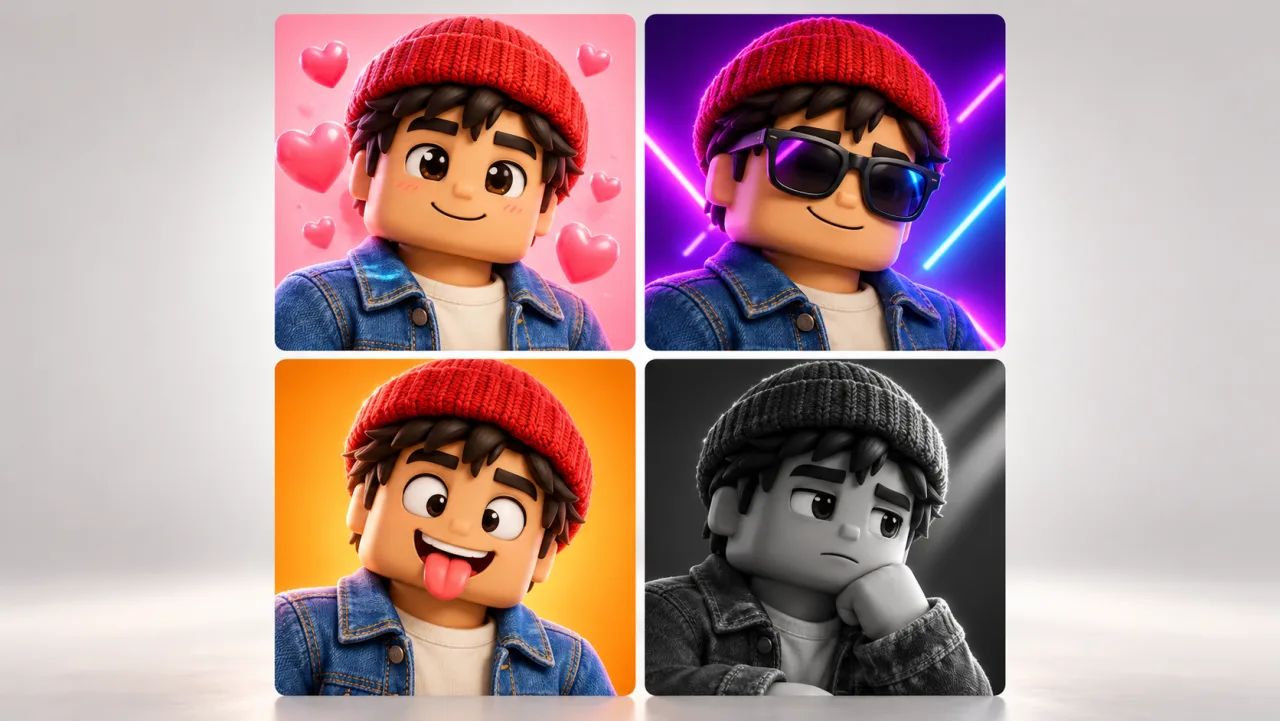
Avoid wasting Robux on broken uploads. The Roblox shirt maker lets creators inspect their shirt on an interactive 3D model, checking collar depth, sleeve length, and torso alignment from every angle before you make a Roblox shirt live on the Roblox marketplace.
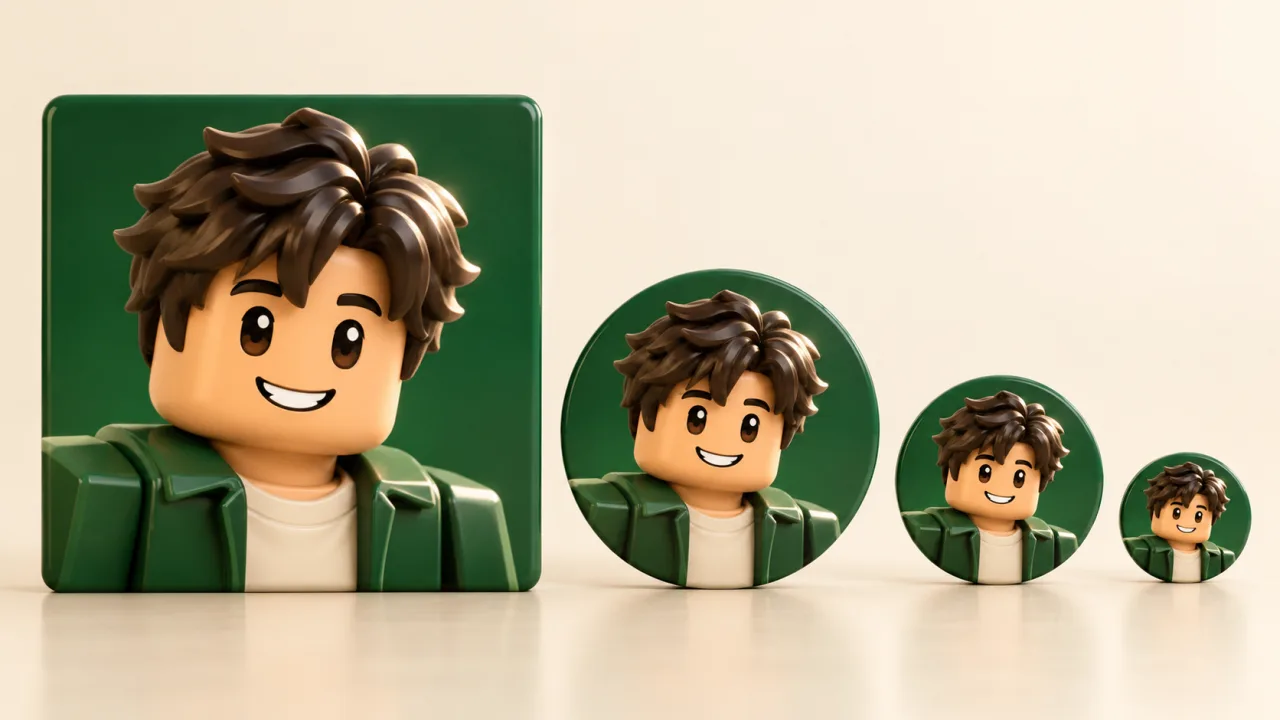
“Branded clothing that unites your faction or developer community”
“Iconic anime-inspired character outfits tailored for blocky rigs”
“High-fashion cyber grunge silhouettes with distressed details”
“Authentic utility uniforms for police, military, and RP worlds”
“Soft pastel textures with delicate knitwear embroidery”
“Playful ironic tees that stand out in crowded experience lobbies”
Type the style, colors, fabric type, and details you want into the Roblox shirt maker prompt bar. You can specify anything from leather biker jackets to formal tuxedo shirts with this Roblox shirt maker, or use it as a Roblox t shirt maker.
Click Generate shirt in the Roblox shirt maker to produce your custom texture. Use the interactive 3D avatar viewer to rotate, inspect folds, and verify seam alignment across the torso and arms before you make a Roblox shirt and publish it.
Export your transparent 585 × 559 Roblox shirt template PNG file. Head to create.roblox.com, select Avatar Items > Classic Shirts, upload your Roblox shirt template, and publish it for your avatar or group store.
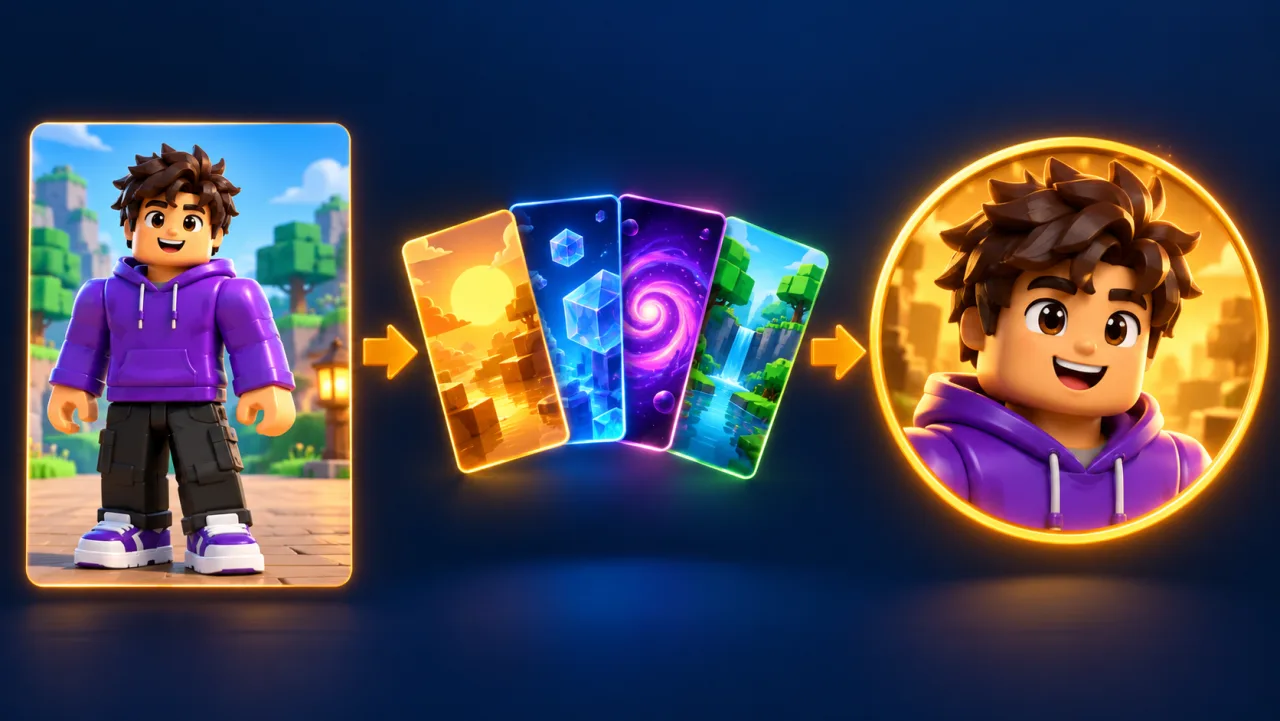
Roblox enforces strict dimension requirements for avatar 2D clothing. Using the correct Roblox shirt template dimensions prevents Creator Hub upload errors when you make a Roblox shirt.
Traditional Roblox clothing design requires complex UV template guides and manual fold calculations in GIMP or Photoshop. Game Thumb acts as an automated Roblox clothing maker that handles seam alignment and fabric shading so anyone can make a Roblox shirt in seconds.
Every classic shirt upload to the Roblox Marketplace costs 10 Robux. By using this Roblox shirt maker to preview your Roblox shirt template on our 3D avatar canvas before exporting, you never waste Robux on misaligned collars or stretched graphics.
Whether you need a group uniform, an RP costume, or viral creator merch, this Roblox shirt maker and Roblox clothing maker lets you make a Roblox shirt and test a complete Roblox shirt template directly inside your web browser.
A Roblox shirt maker is a web-based design tool that turns text descriptions into ready-to-upload 2D clothing textures. Game Thumb functions as an intelligent Roblox clothing maker that maps designs across the official 585 × 559 Roblox shirt template, wrapping each asset around an interactive 3D avatar so creators can verify the fit before exporting.
To make a Roblox shirt with AI, enter a detailed prompt describing your desired style, color palette, and fabric type into the Roblox shirt maker. The generator paints the torso, arms, and collars across the standard UV layout. Once generated, inspect the shirt on the 3D avatar preview, download the 585 × 559 Roblox shirt template PNG, and upload it to the Roblox Creator Hub.
Yes! Under current Roblox Creator Hub rules, you do not need an active Roblox Premium membership to make a Roblox shirt. Any registered Roblox account can upload classic shirts or pants using a Roblox shirt template for a standard 10 Robux publication fee per asset.
The official dimension for a classic Roblox shirt template is exactly 585 pixels wide by 559 pixels high in transparent PNG format. This Roblox shirt maker automatically formats every export to 585 × 559 px so your upload is accepted without errors.
A Roblox Classic Shirt wraps around the character’s torso and both arms with complex folding and seams, requiring a 585 × 559 pixel Roblox shirt template. A Classic T-Shirt is simply a square image (typically 512 × 512 pixels) stamped directly onto the front surface of the avatar’s torso like a sticker, which you can craft using our Roblox t shirt maker.
Yes. This Roblox shirt maker runs entirely in mobile and tablet browsers, including Safari on iPad and Chrome on Android. You can make a Roblox shirt on mobile, preview it on your avatar, and save the transparent Roblox shirt template directly to your device files.
Download your PNG from the Roblox shirt maker, log in to create.roblox.com, go to Creations > Avatar Items > Classic Shirts, click Upload Asset, select your saved 585 × 559 Roblox shirt template from our Roblox clothing maker, enter a name and description, and confirm the 10 Robux upload fee to make a Roblox shirt live in your inventory.
Describe your clothing idea in the Roblox shirt maker, generate custom textures with our Roblox clothing maker, preview on your 3D avatar, and download your 585 × 559 Roblox shirt template ready for upload.
Make a Roblox shirt