
Hardcore
100 days survival challenges
“I survived 100 days in a hostile ice wasteland”
No 3D modeling skills? Describe your video or upload a skin, and this Minecraft thumbnail maker gives you a 16:9 thumbnail with room for your title.
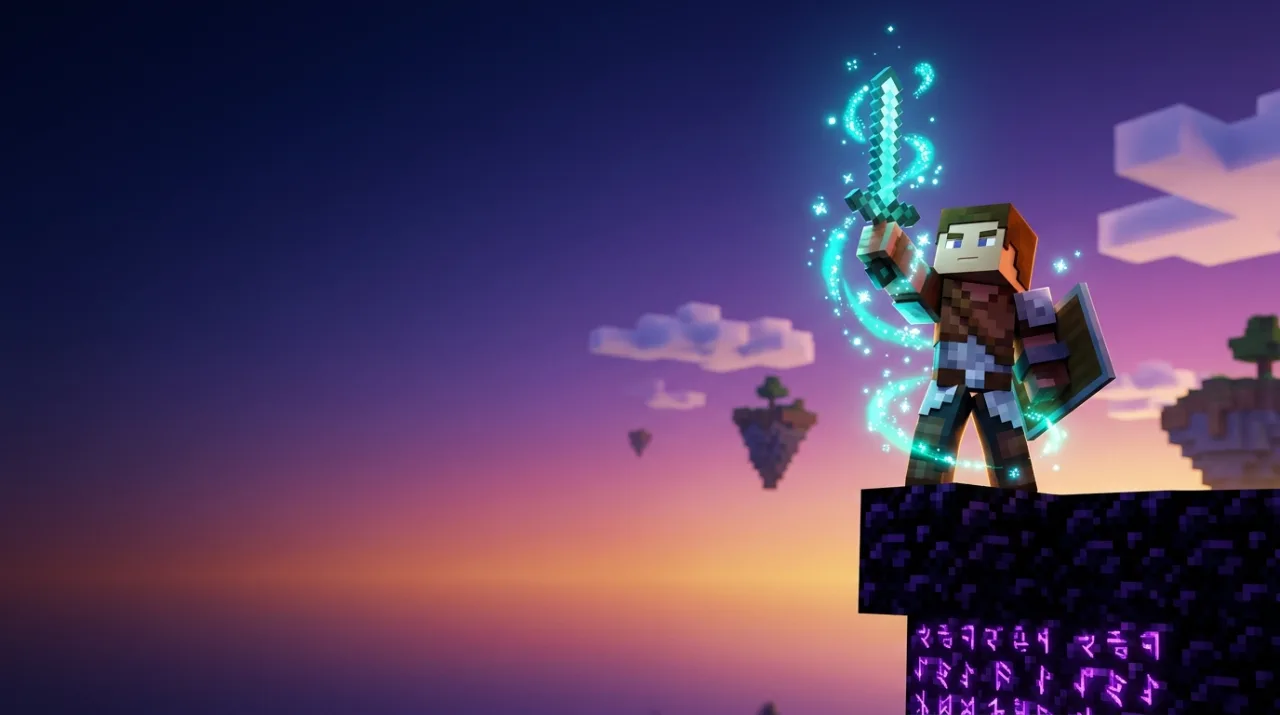
Prompt
Hardcore survival, Bedwars PvP, Nether raids, SMP roleplay or build timelapses: each one came from a single prompt in the Minecraft thumbnail maker. Pick one and swap in your own skin or topic.
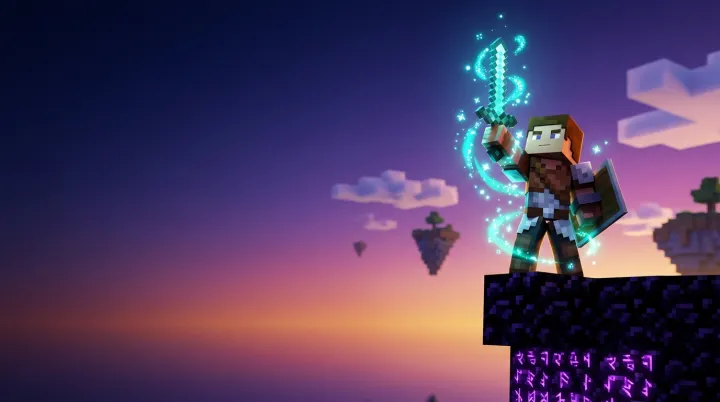
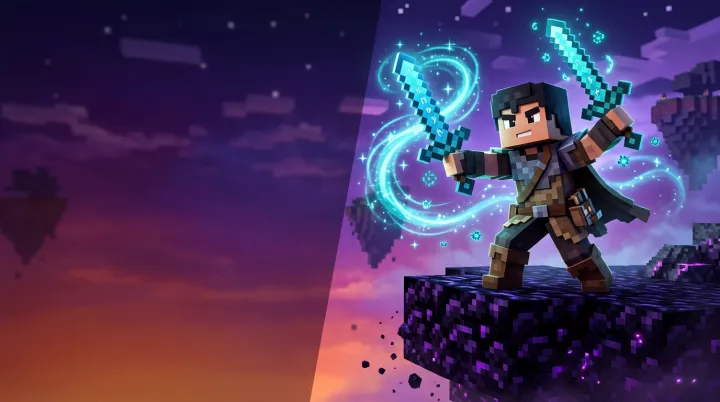
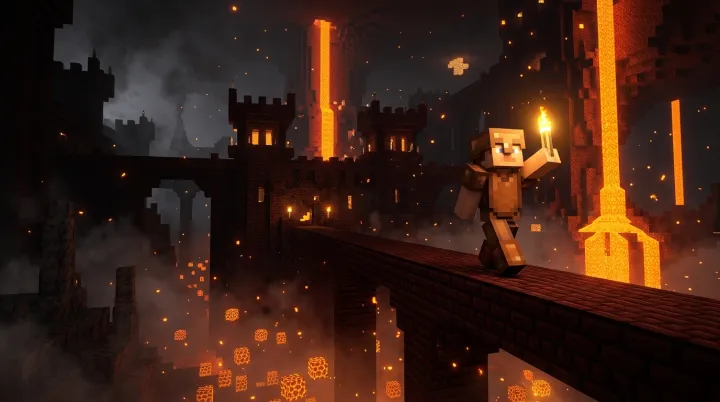
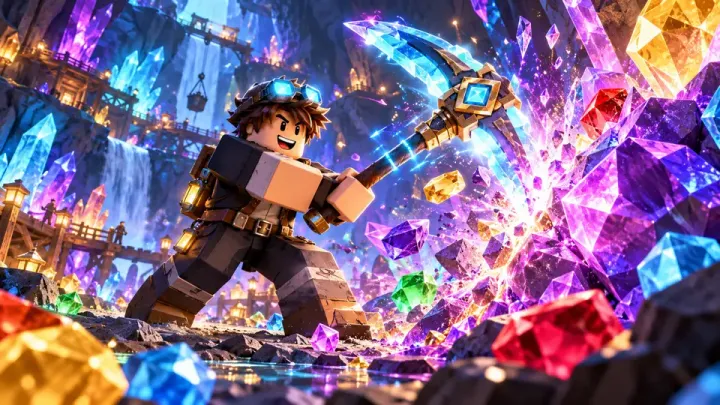
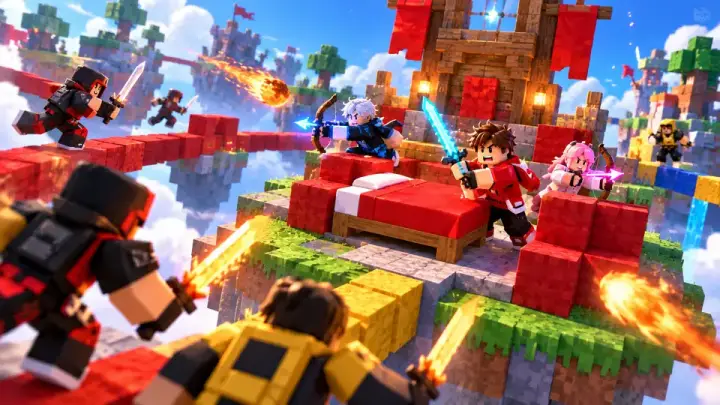
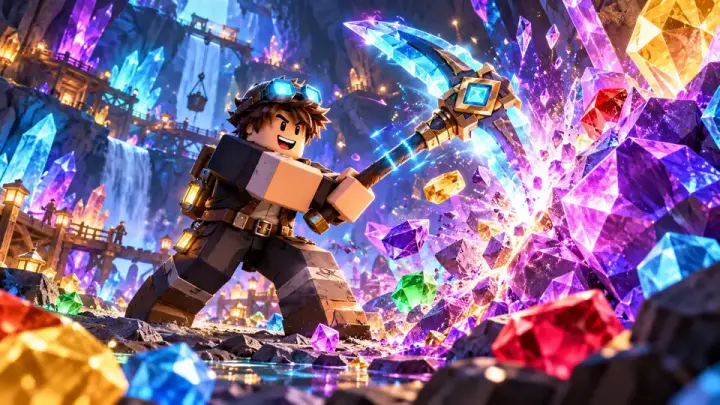
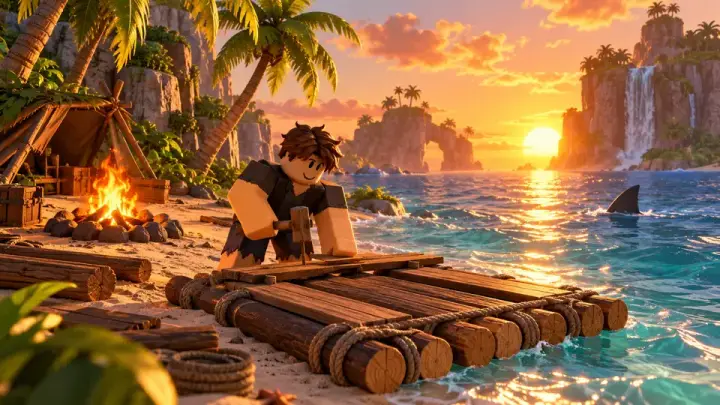
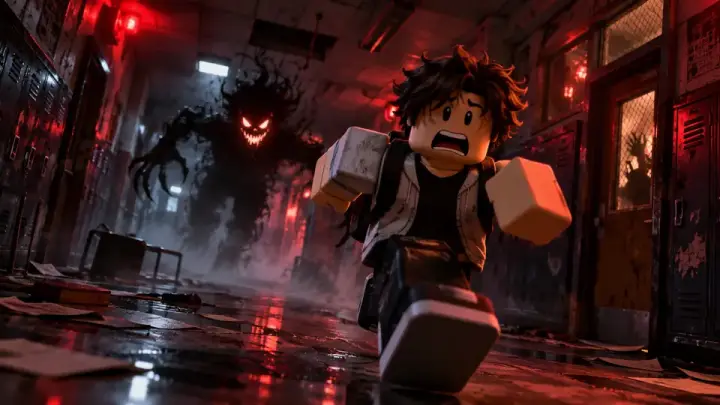
A Minecraft thumbnail is the visual hook that decides whether viewers click on your video. On mobile feeds it displays small, so expressive blocky faces, saturated colors and strong contrast matter far more than crowded detail.
A traditional Minecraft thumbnail template or Blender 3D rig requires hours of posing, lighting and rendering. An AI Minecraft thumbnail generator paints a completely new scene from a simple text prompt in seconds, without requiring 3D software.
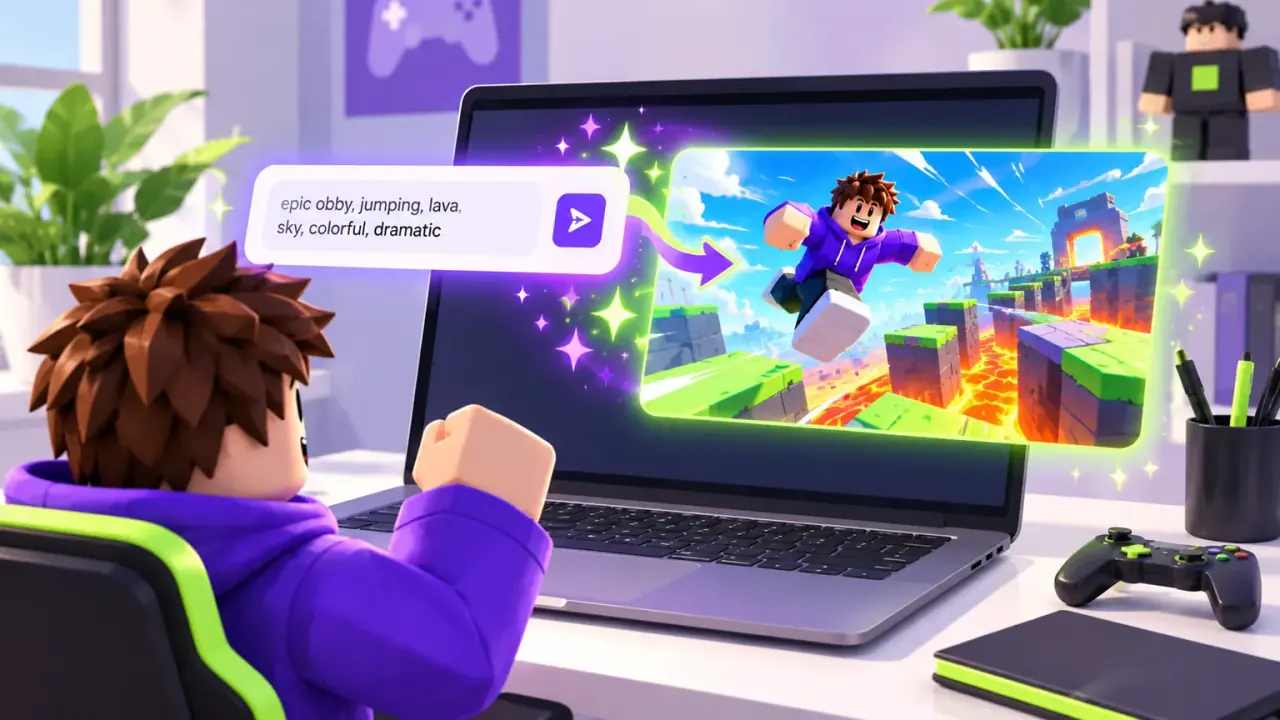
This Minecraft thumbnail maker is an AI generation tool built specifically for gaming creators. Describe your scenario or upload your character reference, and the Minecraft thumbnail maker produces a clean 16:9 image with open space tailored for your video title.
Viewers recognize recurring creator skins instantly. Upload a screenshot or skin image, a JPEG, PNG or WebP under 30 MB, and the Minecraft thumbnail maker preserves your character style, outfit colors and distinctive hair.
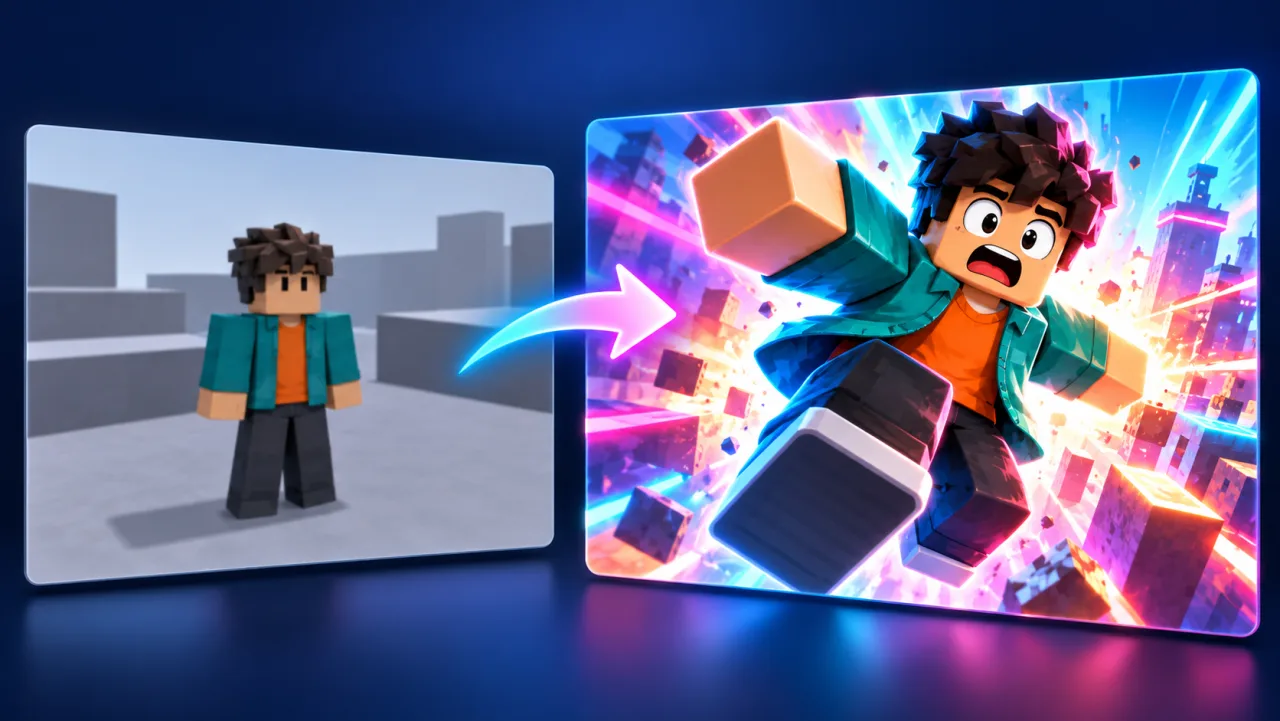
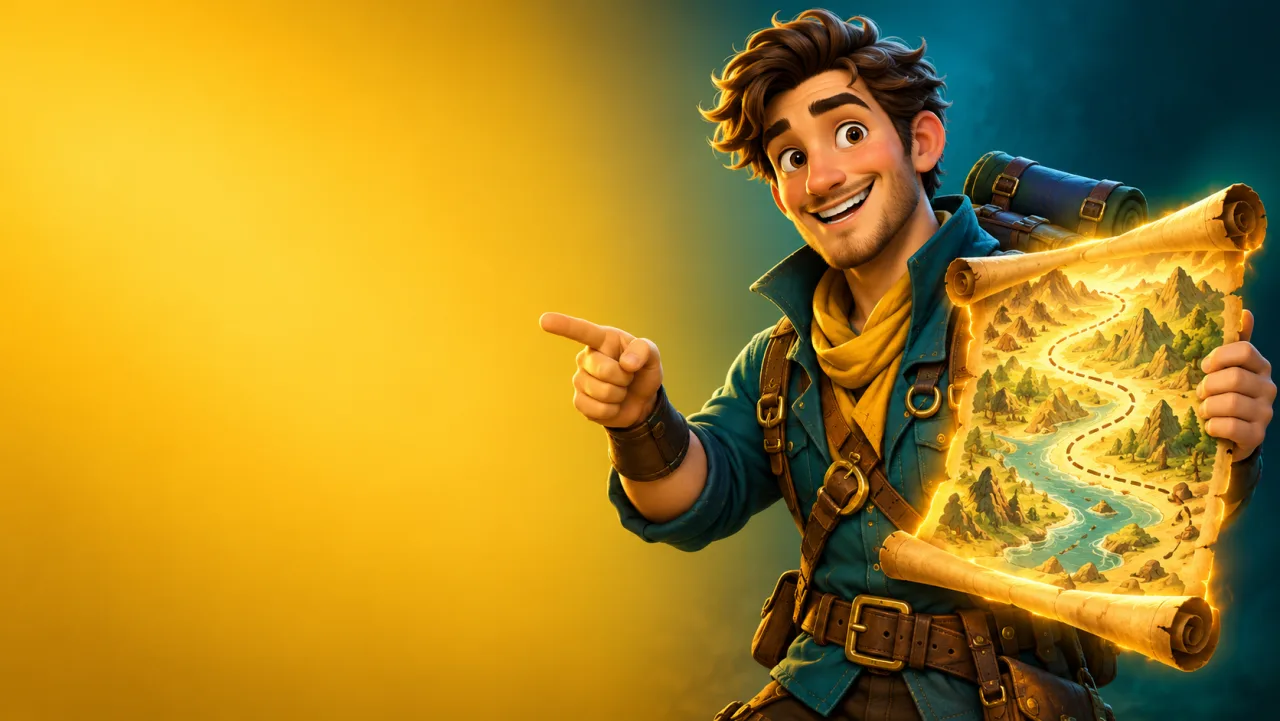
AI image tools frequently scramble typed letters. Ask the Minecraft thumbnail maker to place the subject on one side with clean open space on the other, then add sharp custom title text in any graphic editor.
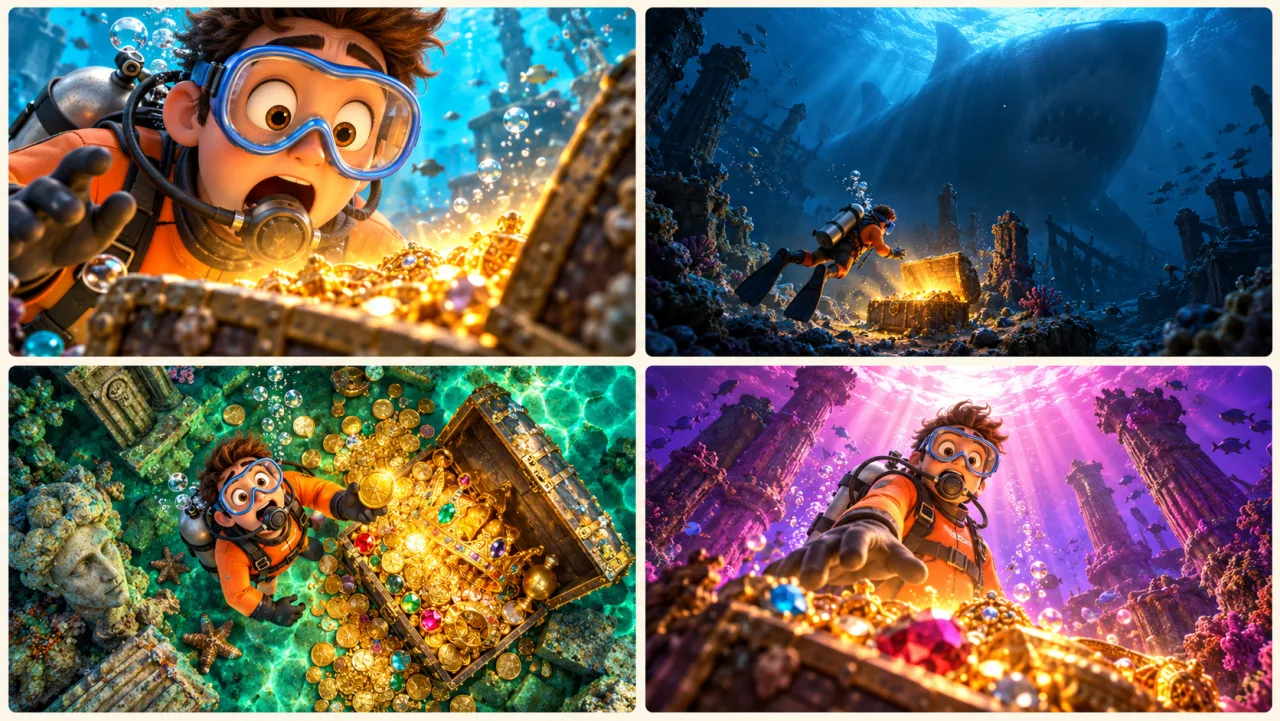
One prompt returns up to four images on Creator and Master plans. Use this Minecraft thumbnail generator to compare different lighting angles or camera distances, and upload your favorites to YouTube Test & Compare to see which thumbnail captures longer watch time.
Choose the category closest to your video: each card loads a prompt into the Minecraft thumbnail maker so you can quickly customize your world and character.
“I survived 100 days in a hostile ice wasteland”
“The insane 1v4 bed defense clutch”
“We conquered the ancient city without dying”
“He secretly replaced my entire base with obsidian”
“Building a massive medieval castle in 24 hours”
“Starting on 1 lucky block in the void”
Open the Minecraft thumbnail maker above and enter a short description like “100 days hardcore survival in an ancient city” or “Bedwars bridge clutch”. Attach a skin or gameplay frame if you want your character in the render.
Keep the 16:9 shape in the Minecraft thumbnail generator and choose 1K, 2K or 4K. Higher resolutions on Starter, Creator and Master produce razor-sharp thumbnails that stand out on 4K monitors and mobile screens alike.
Download your high-resolution PNG or WebP image from the Minecraft thumbnail maker, overlay two to four bold words in your favorite thumbnail editor, and upload the finished file in YouTube Studio.
Render your art at 16:9; this Minecraft thumbnail maker matches the recommended video thumbnail dimensions.
Every thumbnail in the Minecraft thumbnail maker is composed natively at 16:9, eliminating unexpected crops or black letterbox borders when uploaded to YouTube.
The AI model in this Minecraft thumbnail generator understands voxel structures, block textures and cube avatar proportions, creating authentic game art without deformed anatomy.
Starter, Creator and Master tiers unlock 2K and 4K outputs in the Minecraft thumbnail maker, giving you crisp textures and clean edges even when viewers zoom in.
Generate a finished Minecraft thumbnail from just 5 credits on the default model, keeping creative iteration fast and cost-effective in the Minecraft thumbnail maker.
If a generation run encounters an error or network timeout, your account credits in the Minecraft thumbnail maker are automatically refunded to your balance.
Paid subscriptions include full commercial usage rights, allowing you to monetize every Minecraft thumbnail produced by this Minecraft thumbnail maker.
To make a Minecraft thumbnail with AI, open the Minecraft thumbnail maker above, describe your video scenario (such as a 100 days hardcore survival base or a Bedwars PvP clash), select the 16:9 ratio, and hit Generate. The Minecraft thumbnail maker produces a high-res image ready for your title text.
YouTube recommends a Minecraft thumbnail size of 1280 × 720 pixels with a minimum width of 640 pixels, formatted at a 16:9 aspect ratio under 2 MB. The Minecraft thumbnail maker outputs native 16:9 images that fit these specifications precisely.
Yes. You can upload an image of your character or a flat Minecraft skin PNG as a reference in the Minecraft thumbnail maker. The Minecraft thumbnail creator interprets your color scheme, hair and armor details into the generated 3D render.
The Minecraft thumbnail maker operates on a credit system. Generating an image on the default model in the Minecraft thumbnail generator costs 5 credits at 1K. Starter plans begin at $9.90 per month for 200 credits, and one-time credit packs start at $19.99.
Yes. Specify scenic world details in your prompt—such as “peaceful sunset over a blocky spruce forest mountain with river” or “empty nether fortress bridge over lava”—and the Minecraft thumbnail generator will produce clean Minecraft thumbnail backgrounds without people. These Minecraft thumbnail background assets give you clean backdrops for your custom renders.
Setting up Minecraft thumbnail rigs in Blender requires downloading character models, setting keyframes, configuring volumetric lighting, and waiting for render cycles. The AI Minecraft thumbnail generator produces dynamic 3D scenes in seconds from a single sentence, serving as a rapid Minecraft thumbnail creator.
Yes. Paid subscriptions on Game Thumb include commercial usage rights, allowing you to use every generated Minecraft thumbnail from this Minecraft thumbnail maker on monetized YouTube videos, Twitch channels, and promotional media.
Skip hours of 3D modeling and complex rendering. Describe your world, choose 16:9, and generate your custom Minecraft thumbnail in seconds with the Minecraft thumbnail maker.
Make a Minecraft thumbnail