Roblox UI Maker

Describe a shop, HUD or inventory screen. Get an editable Roblox GUI layout, tweak it, then export it to Studio as real objects.
0 / 1200
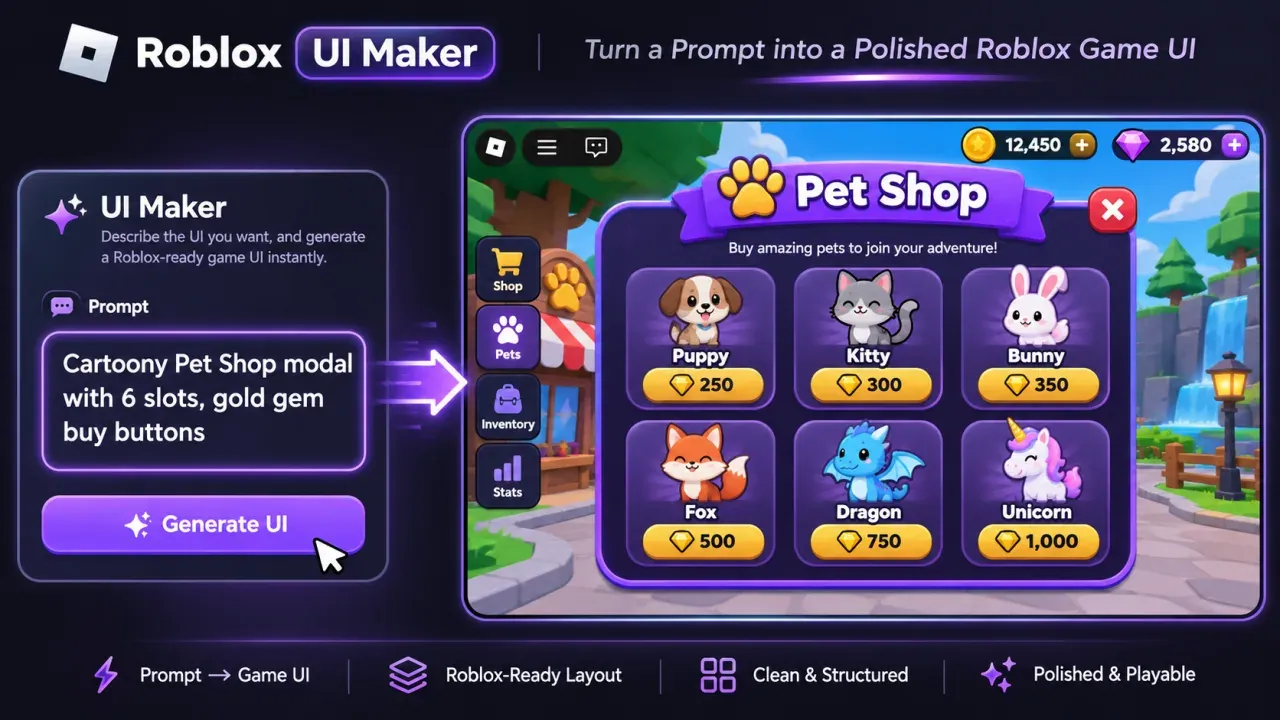
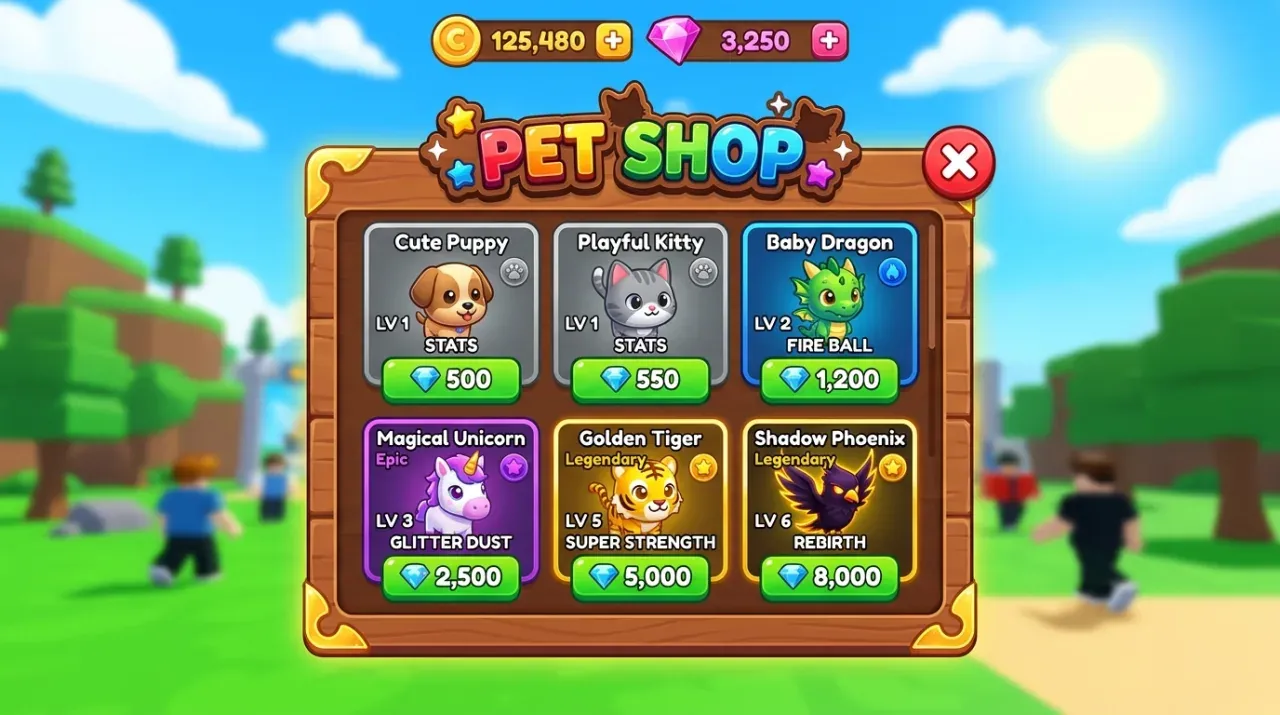
Roblox UI layout: Colorful cartoony Roblox pet shop UI with wooden frame, rarity badges, slots and gem buttons
Made with Game Thumb

Prompt

See more
Ideas

Screens to start from in the Roblox UI maker

Design directions for shop windows, inventories and HUDs. Pick one to load its brief; the Roblox UI maker builds it as editable frames, labels and buttons.
Roblox UI layout: Colorful cartoony Roblox pet shop UI with wooden frame, rarity badges, slots and gem buttons
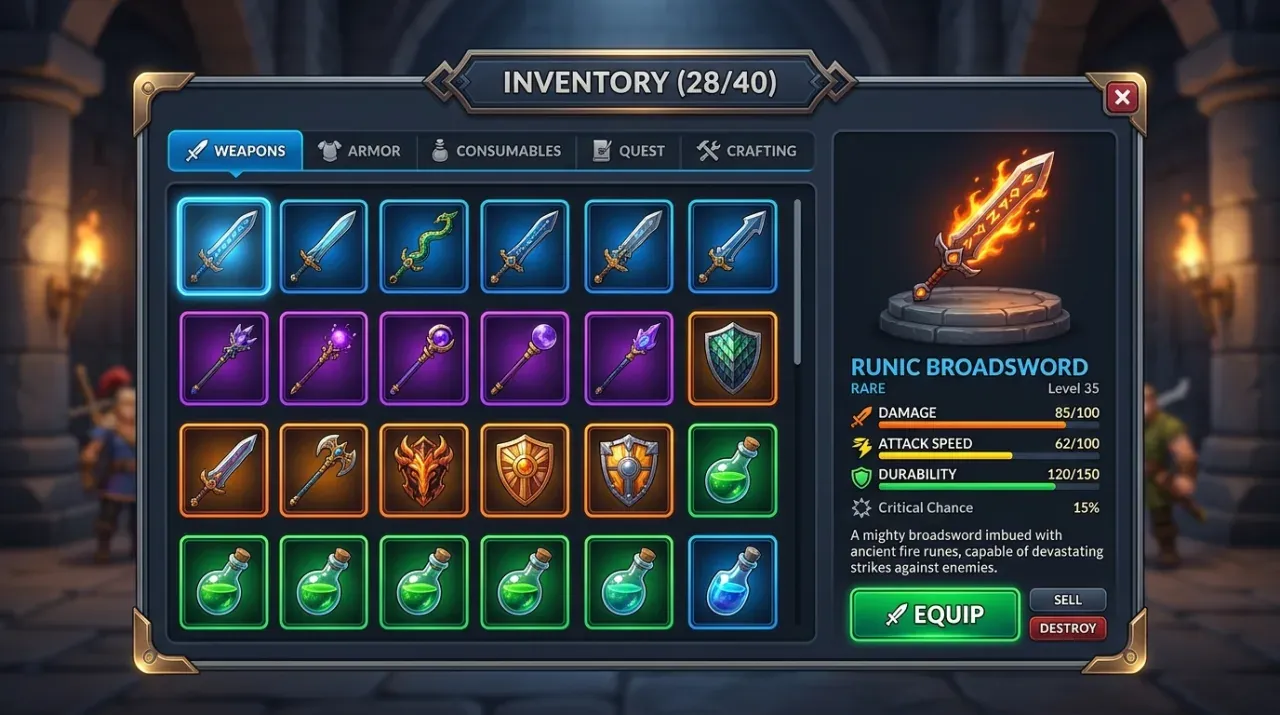
Roblox UI layout: Dark slate and brass RPG inventory UI with slot grid, weapon inspection panel and equip button
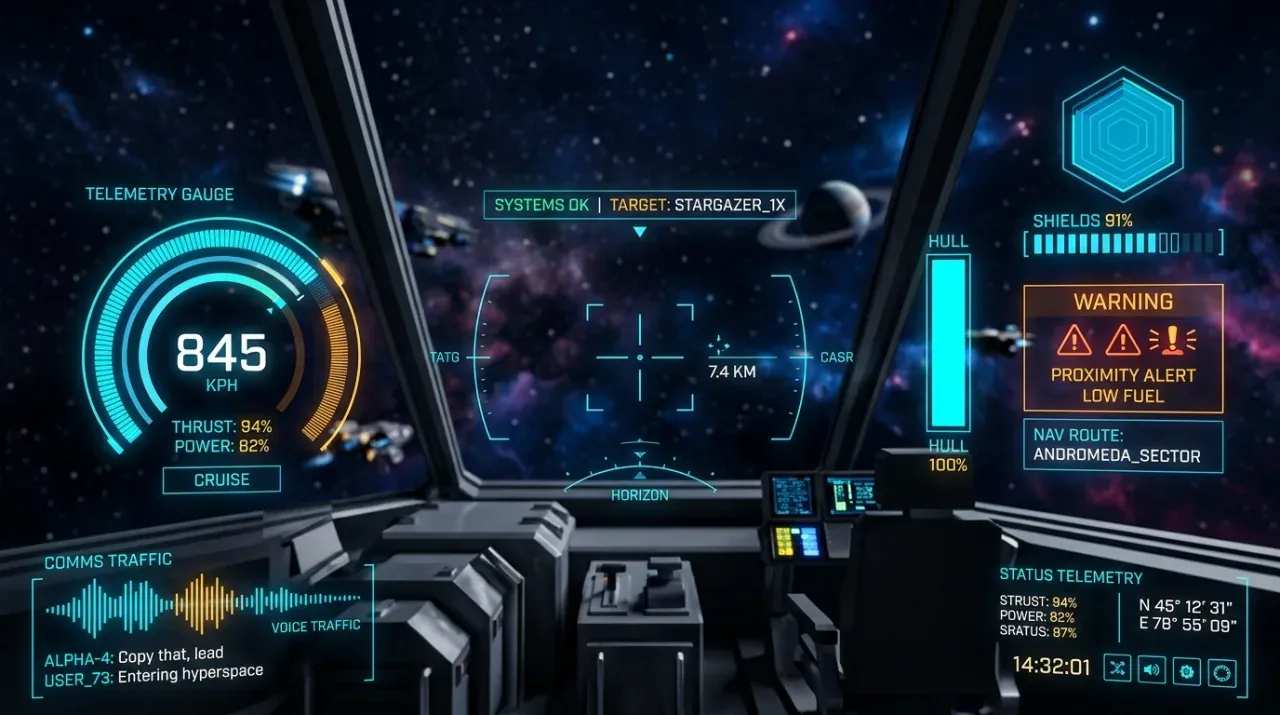
Roblox UI layout: Futuristic sci-fi spaceship cockpit HUD visor with cyan telemetry, shield gauge and radar
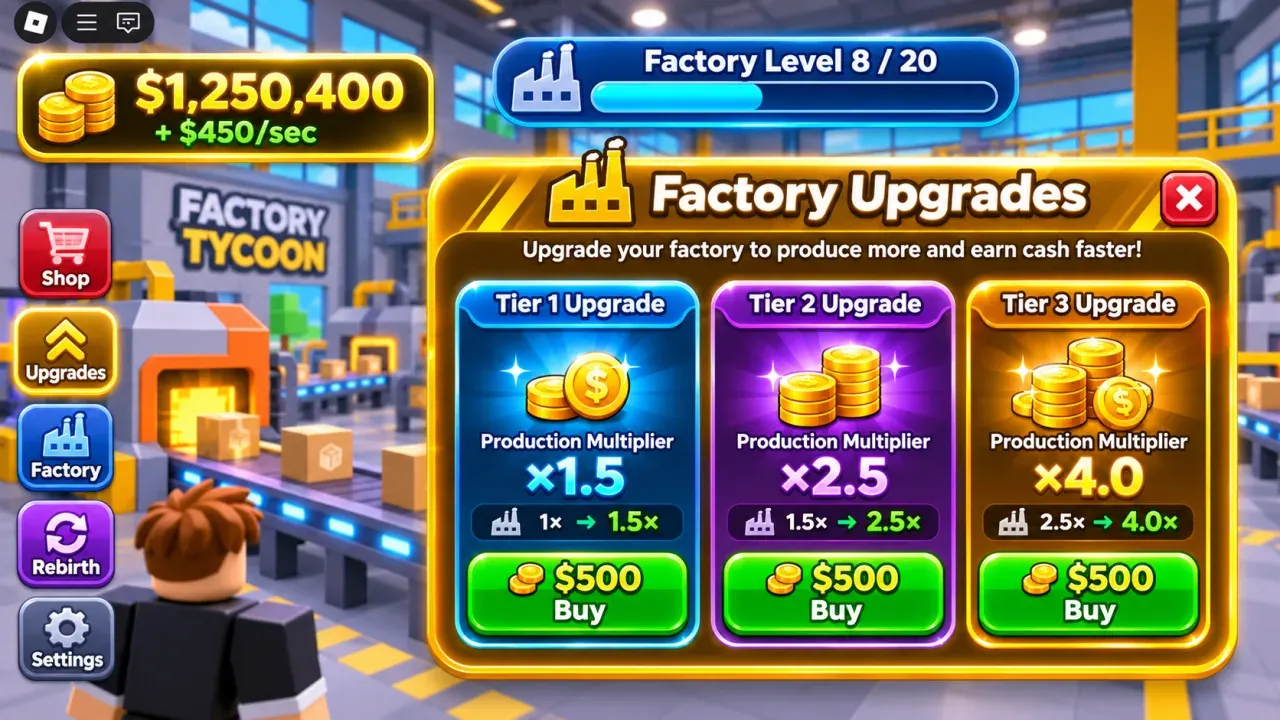
Roblox UI layout: Tycoon factory cash counter and upgrade interface with vibrant coin icons
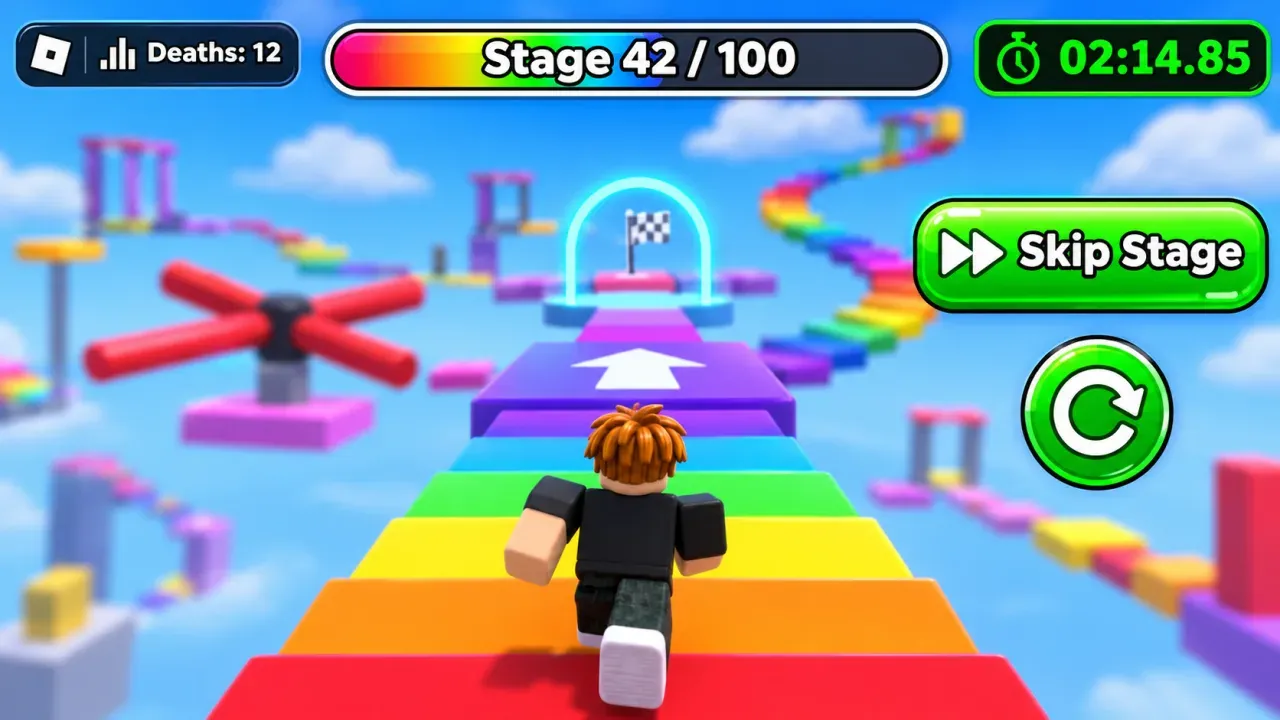
Roblox UI layout: Clean cartoon obby stage tracker HUD with timer, checkpoint indicator and restart button
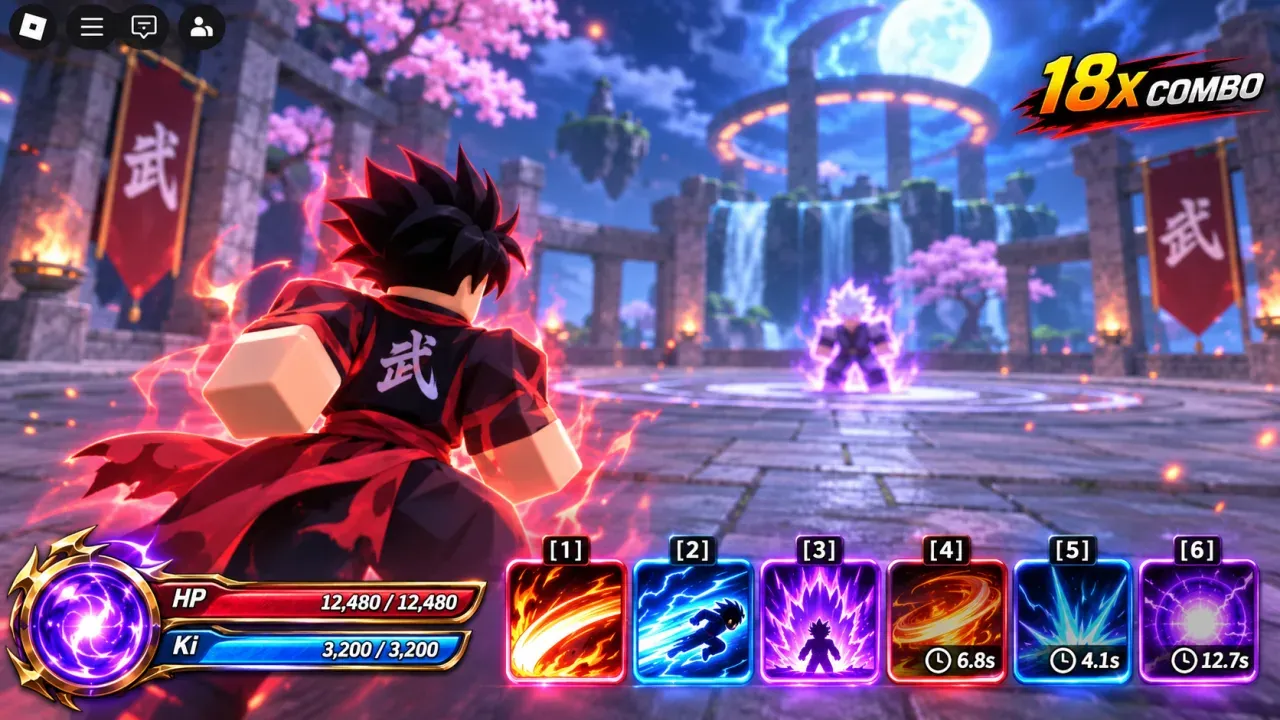
Roblox UI layout: Anime combat action hotbar with ability cooldown slots and mana gauge
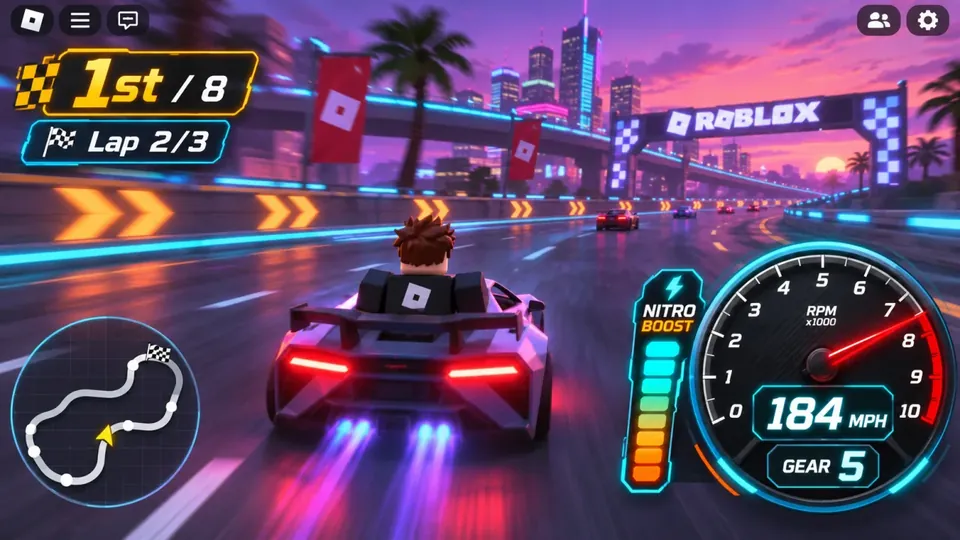
Roblox UI layout: Arcade racing speedometer HUD with tachometer dial, position tracker and nitro boost gauge
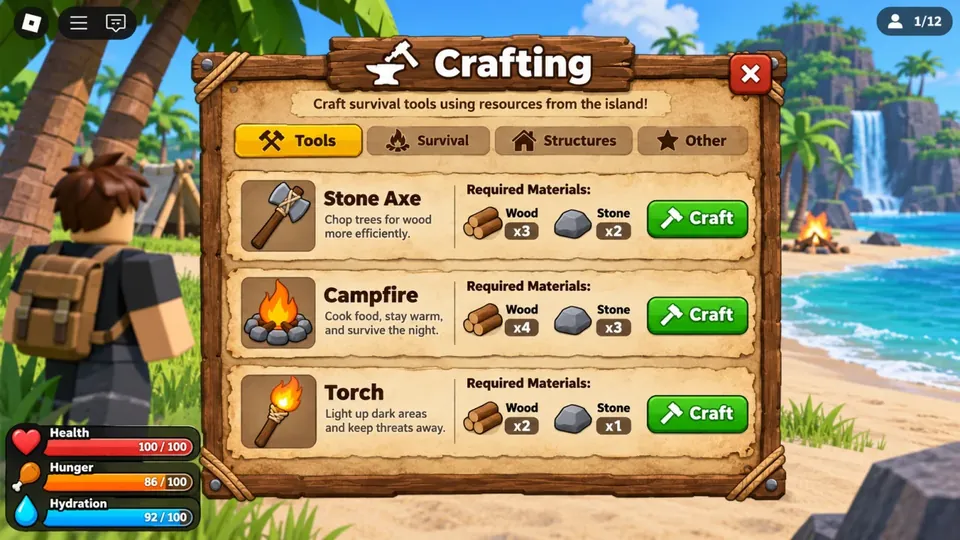
Roblox UI layout: Survival game crafting menu with material recipes and hunger health status bars
Overview

What is a Roblox UI maker?

What it does

  • The Roblox UI maker turns a short brief into a Roblox GUI layout.
  • You get Frames, TextLabels and TextButtons, not a flat picture.
  • Every object stays editable: position, size, text, colour and corners.

How it fits your Studio workflow

  • Block out a screen in the browser before opening Studio.
  • Export Luau and run it in the Studio Command Bar.
  • The same ScreenGui appears in Studio, ready for your scripts and art.

Who uses a Roblox UI maker

  • Solo developers who would rather script than place frames.
  • Teams agreeing on a shop or HUD layout before polishing it.
  • Creators reworking menus for a new update or event.
Features

How to make a Roblox GUI that players understand instantly

01

A brief becomes a clear screen hierarchy

  • Name the screen and what it needs: slots, prices, timers, buttons.
  • The Roblox UI maker lays out 6 to 16 objects with titles, panels and actions.
  • Start from a Reward, Shop, HUD or Inventory template instead if you prefer.
Roblox UI maker showing prompt brief converting into a structured game screen wireframe
02

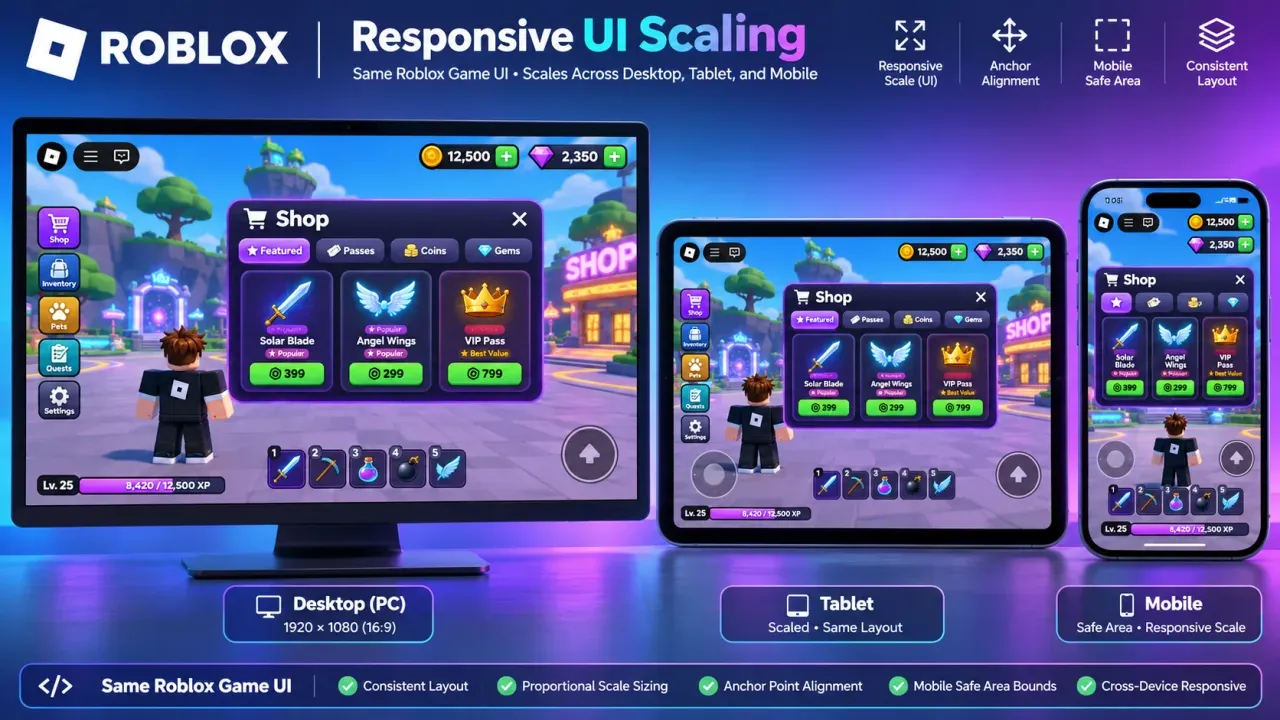
Scale-based layouts for PC, tablet and phone

  • Objects are placed in fractions of the screen, as Roblox Scale works.
  • Preview the layout at Desktop, Tablet and Mobile sizes.
  • The export uses UDim2.fromScale, so it resizes with the player's screen.
Roblox GUI preview demonstrating responsive interface bounds across different screen resolutions
03

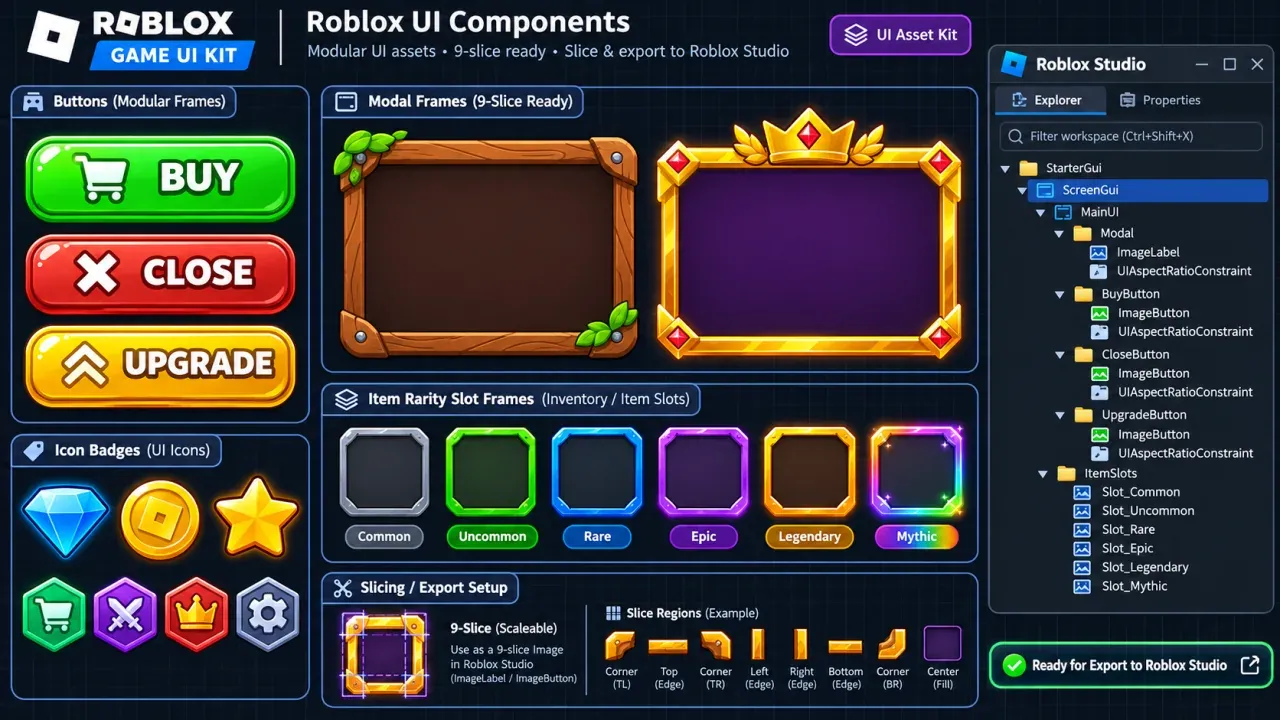
Export real GUI objects to Roblox Studio

  • Export Luau builds a ScreenGui with your Frames, labels and buttons.
  • Rounded corners and outlines come across as UICorner and UIStroke.
  • Add ImageLabels with your own Roblox image asset IDs.
Roblox UI component elements and buttons prepared for direct export into Studio
Use cases

Roblox UI maker ideas for every game genre

Briefs that work well in the Roblox UI maker. Each one becomes an editable layout you can restyle and export.

Pet Simulator

Simulator devs building item shops

Layout brief
“Shop window with rarity labels and gem prices”
RPG Adventure

RPG creators planning backpack grids

Layout brief
“Item grid with a stats panel and Equip button”
Combat Action

Battlegrounds teams laying out hotbars

Layout brief
“Health and stamina bars with a 6-slot hotbar”
Casual Obby

Solo creators making stage HUDs

Layout brief
“Stage tracker, timer and Skip Stage button”
Tycoon Economy

Tycoon builders organising upgrades

Layout brief
“Cash counter with upgrade cards and price buttons”
Game Settings

Developers tidying settings menus

Layout brief
“Settings window with toggles and a Save button”
How it works

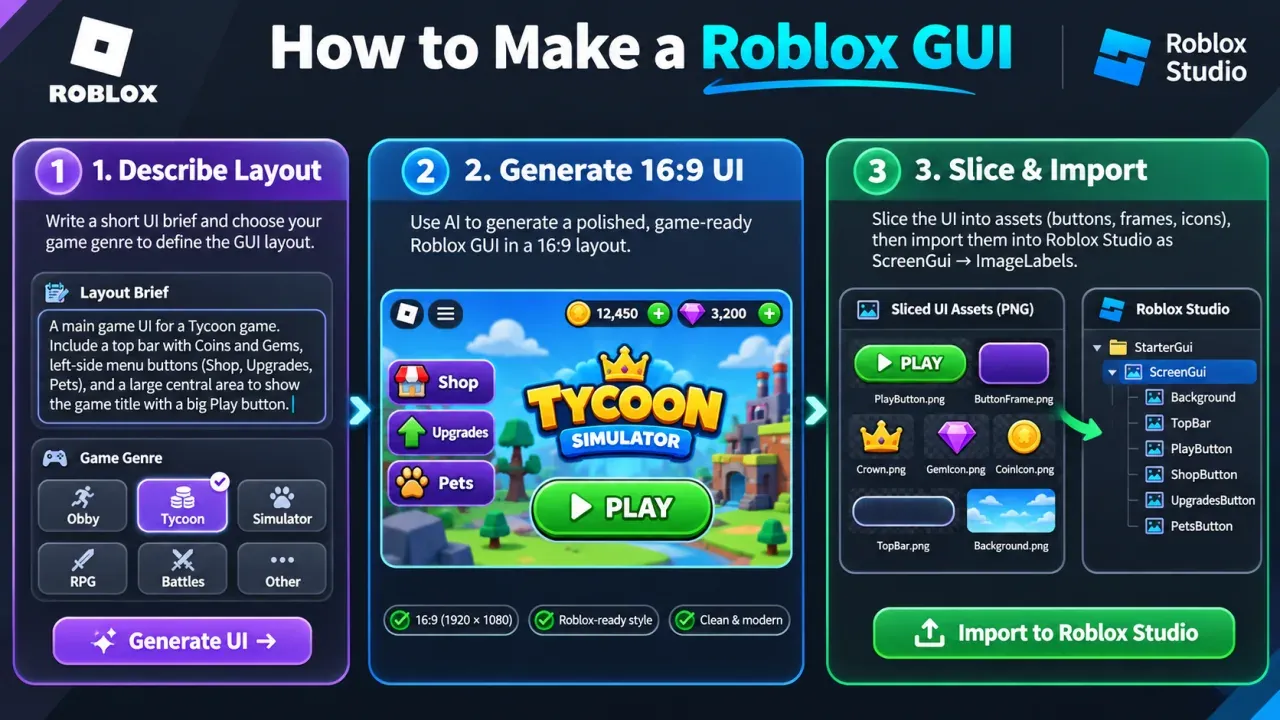
How to make a Roblox GUI in three quick steps

  1. 1

    Describe the screen or pick a template

    • Write what the screen shows: slots, prices, bars, buttons, colours.
    • Or start from the Reward, Shop, HUD or Inventory template.
    • One generation costs 1 credit.
  2. 2

    Edit the layout in the browser

    • Drag and resize objects, change text, fill colour and corner radius.
    • Add Frames, TextLabels, TextButtons or ImageLabels.
    • Check the Desktop, Tablet and Mobile previews.
  3. 3

    Export Luau and run it in Studio

    • Export Luau downloads a script, or copy it from the code view.
    • Paste it into the Roblox Studio Command Bar and run it.
    • The ScreenGui lands in StarterGui; connect your buttons to scripts.
Three step diagram showing how to make a Roblox GUI from prompt brief to finished Roblox Studio interface
Specifications

Roblox GUI dimensions and interface standards

Roblox Creator Hub guidance for screens like the ones the Roblox UI maker exports.

AssetInterface ElementRecommended CanvasKey Roblox Property
Fullscreen ScreenGui1920 × 1080 px (16:9 base)Desktop & Console baselineUse Scale for responsive layout.
Shop & Inventory Modal1200 × 720 px windowCentered modal frameAdd UIAspectRatioConstraint to prevent stretching.
Combat Action Hotbar800 × 120 px toolbarBottom-centered dockSet AnchorPoint (0.5, 1) and Position (0.5, 0, 1, -20).
Minimap & Corner HUD256 × 256 px squareTop-right / Bottom-rightKeep widgets within mobile safe areas.

Sources: Roblox Creator Hub: UI · On-Screen Containers · Position and Size · UI Size Modifiers

Comparison

Roblox UI maker compared with Studio and freelancers

Compared onRoblox UI MakerRoblox Studio (Manual)Freelance UI Designer
First layoutA generated layout to editPlace every frame by handDays of back and forth
OutputFrames, labels and buttonsFrames, labels and buttonsUsually image files
Into StudioRun the exported LuauAlready thereSlice and upload images
Cost1 credit per generation, Starter planYour timeHourly or contract fees
Art and polishFlat colours; add your own imagesWhatever you buildCustom artwork
Why choose

Why creators choose this Roblox UI maker

Real GUI objects, not a picture

  • The Roblox UI maker gives you Frames, TextLabels and TextButtons.
  • No slicing or re-placing a mockup by hand.

Skip the blank ScreenGui

  • Get a first layout from a sentence or a template.
  • Spend Studio time on scripts and art instead.

Scale positions from the start

  • Objects are placed in screen fractions, like Roblox Scale.
  • Preview Desktop, Tablet and Mobile before exporting.

Edit everything before export

  • Move, resize, rename and recolour any object.
  • Add ImageLabels with your own Roblox image asset IDs.

One account for your Roblox assets

  • Use the Roblox UI maker beside the thumbnail, icon and GFX tools.
  • One credit balance covers all of them.

Fair credit policy

  • A layout costs 1 credit.
  • A failed generation refunds its credit.
FAQ

Roblox UI maker FAQ

A Roblox UI maker builds Roblox GUI layouts for you.

  • This one turns a short brief into Frames, TextLabels and TextButtons.
  • You edit the layout in the browser.
  • Export Luau recreates it in Roblox Studio as real objects.

Block out your game screens before the next update.

Describe a shop, inventory or HUD, edit the layout, and run it in Roblox Studio as a real ScreenGui.

Make a Roblox UI